Account Management, Billing & Administration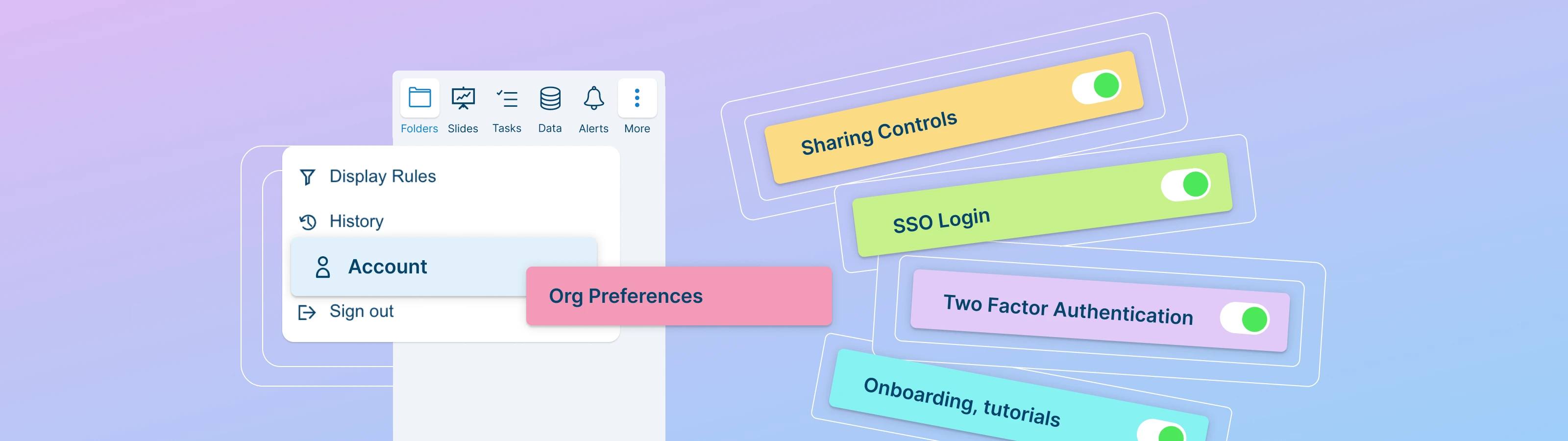
Organization Preferences
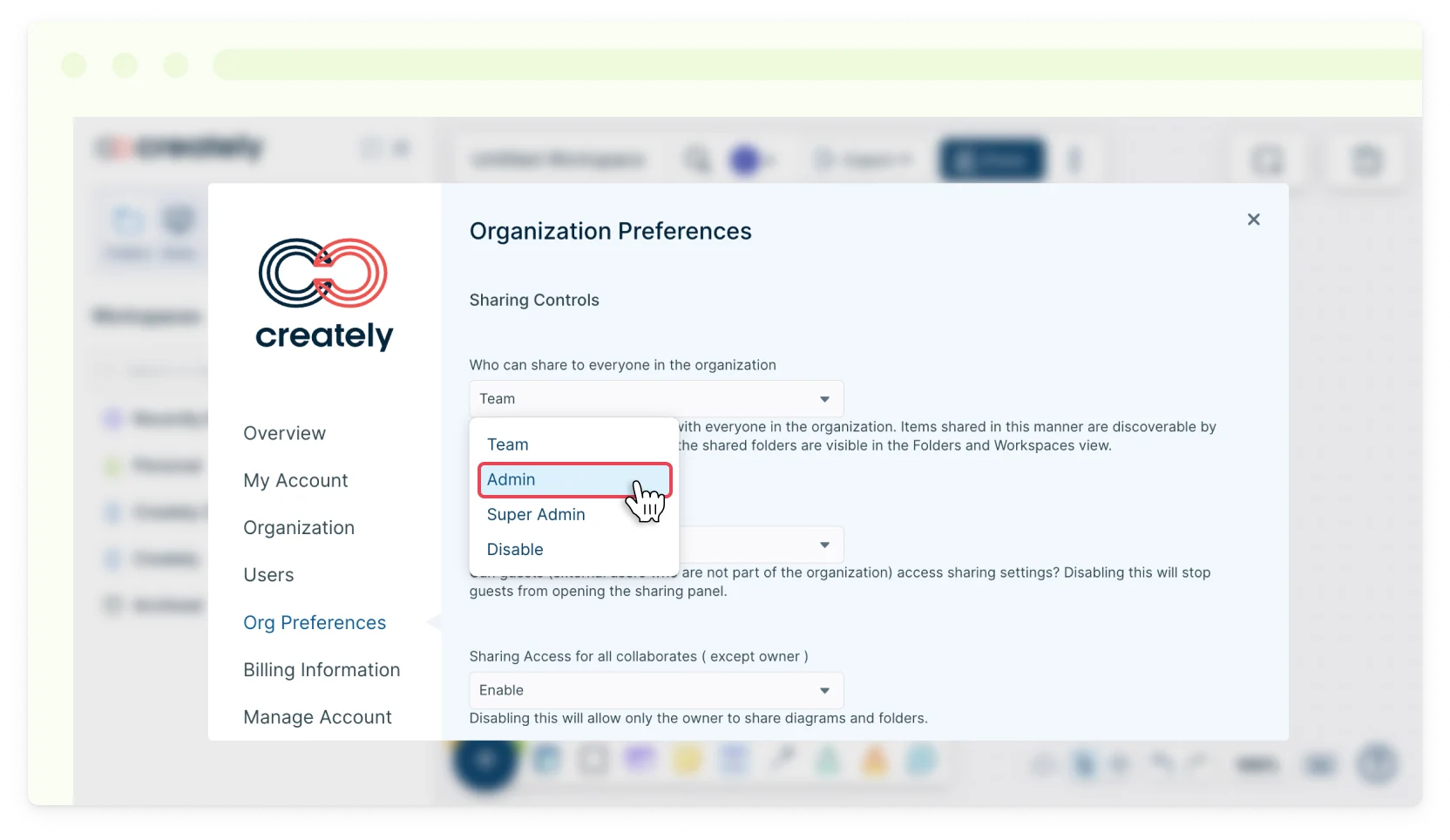
In this section, you will be able to set preferences that apply to all users in your organization.
Organization Preferences include,
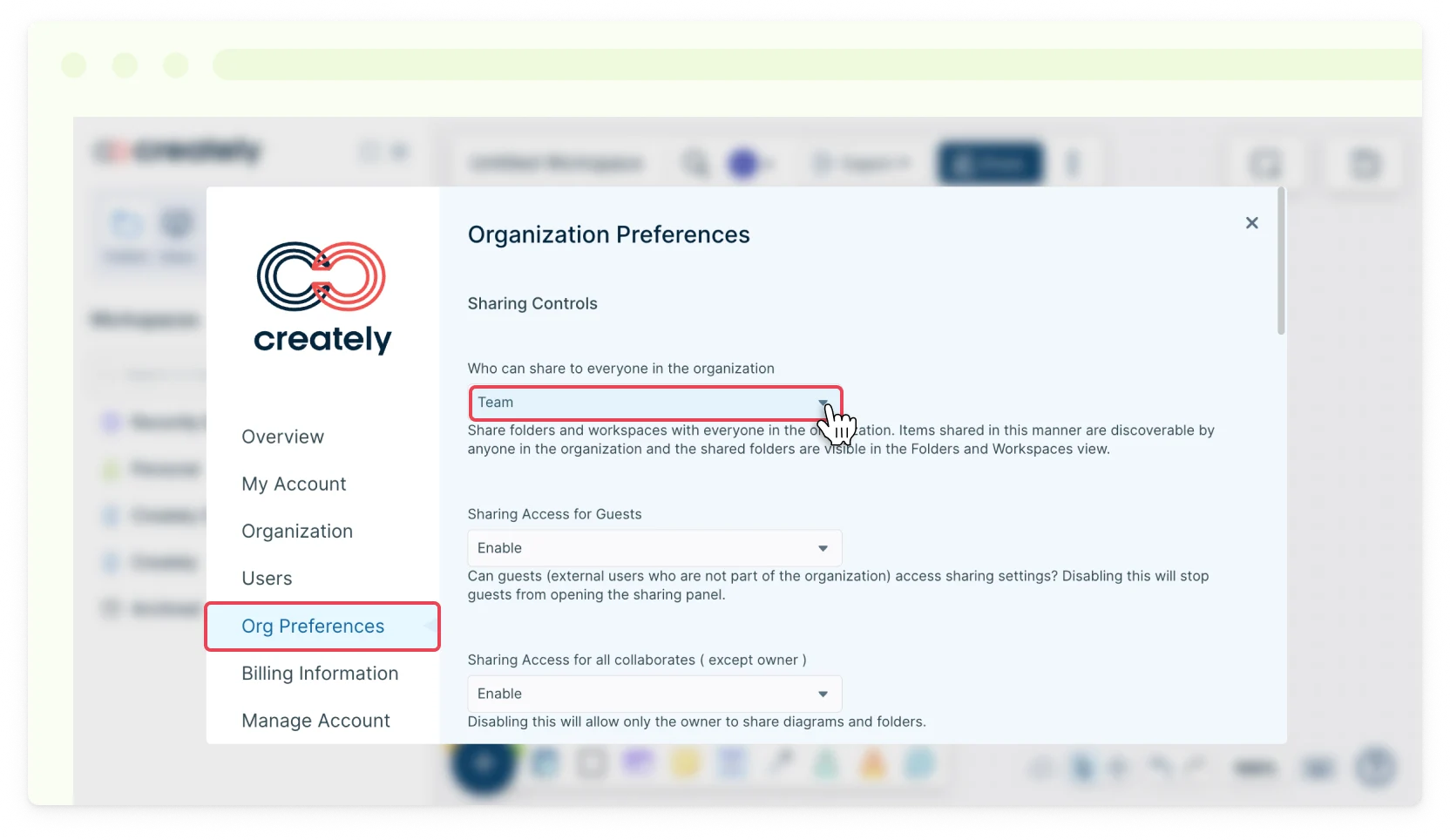
- Sharing Controls for team members, guests, collaboration invites, workspace links, embedding, and password protection for workspace sharing.
- Enable/Disable SSO Login.
- Enable/Disable Mandatory Two Factor Authentication.
- Enable/Disable Promotional, Onboarding and Tutorial Emails at Sign Up.
To set these,
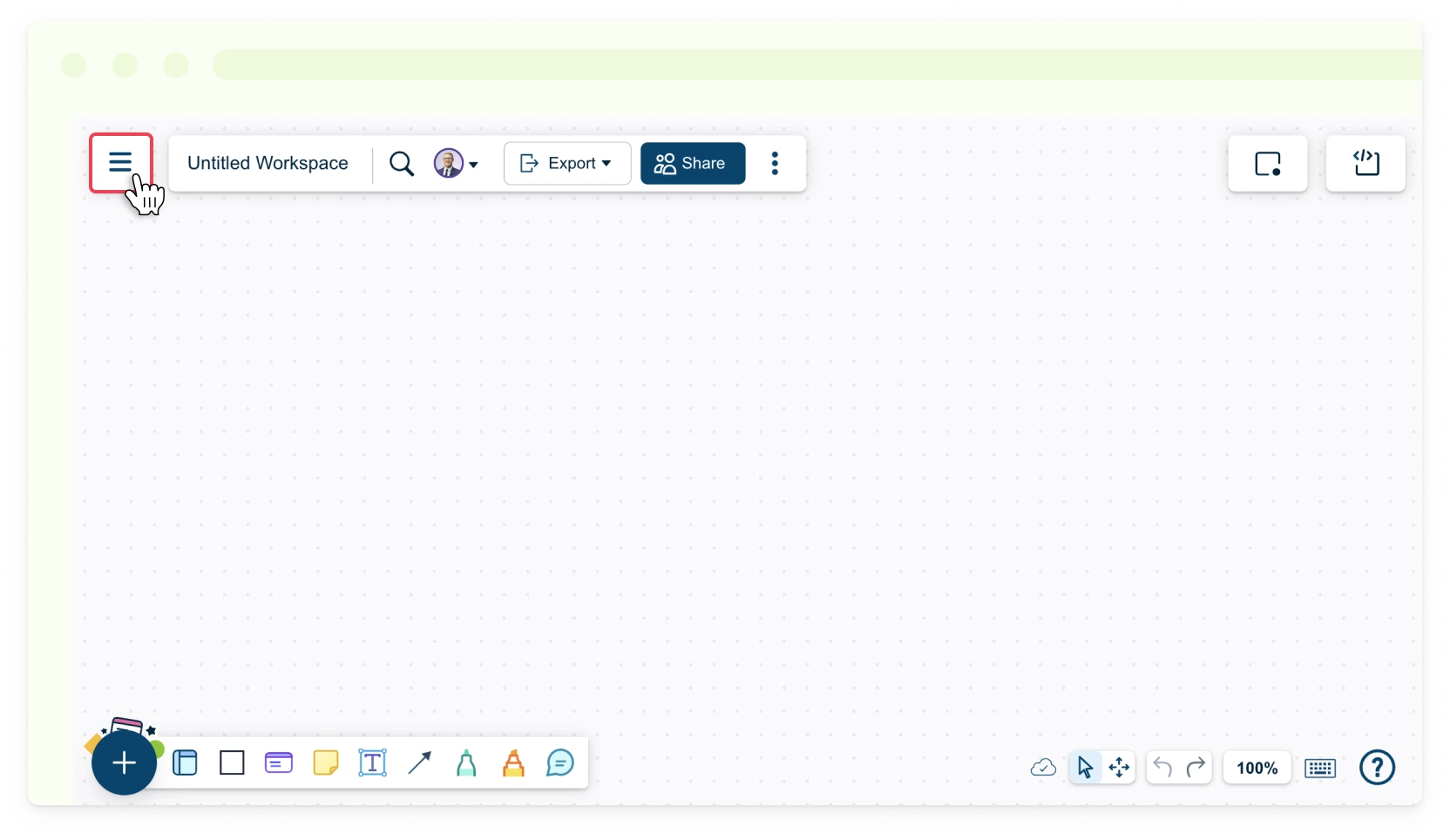
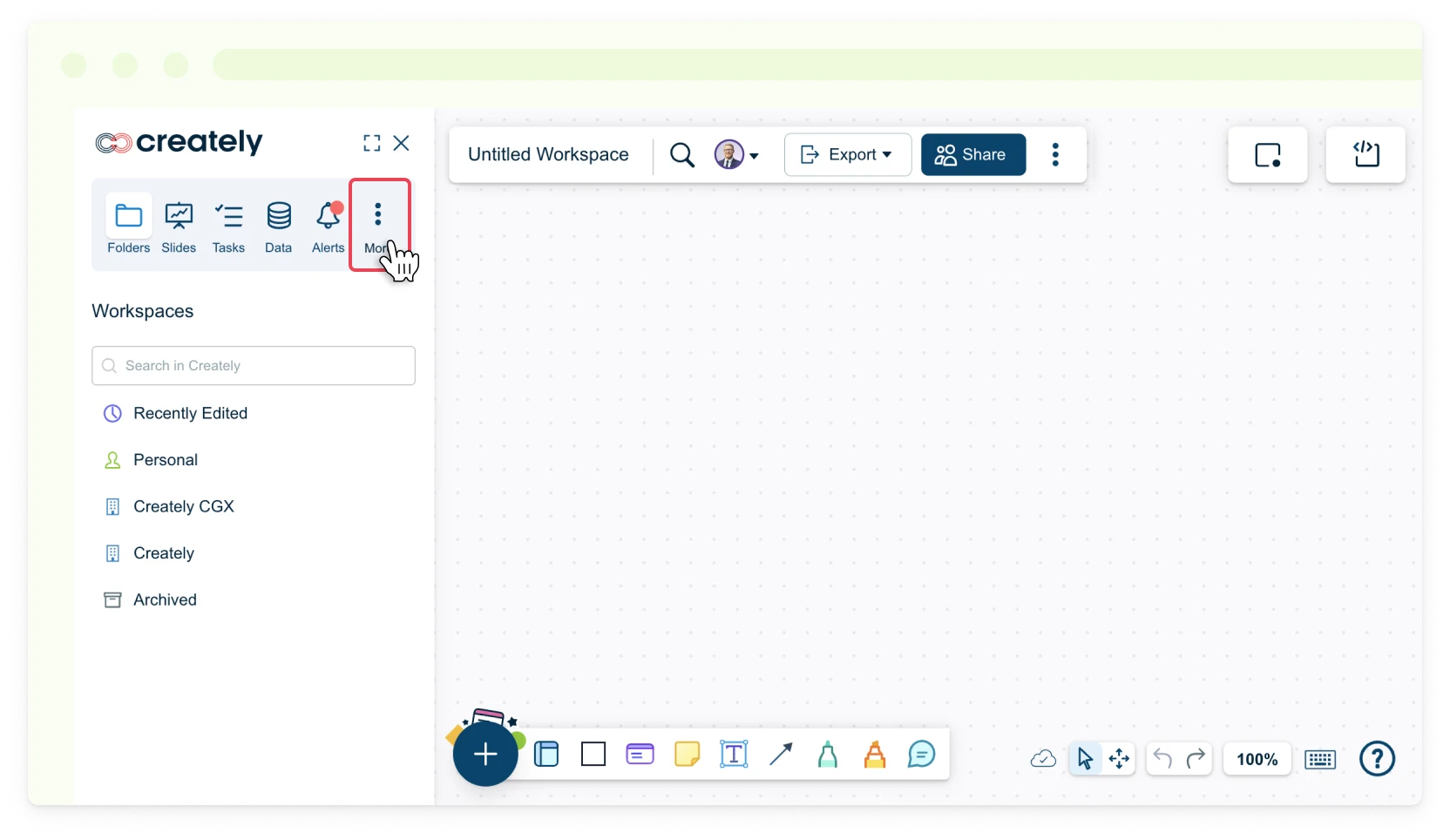
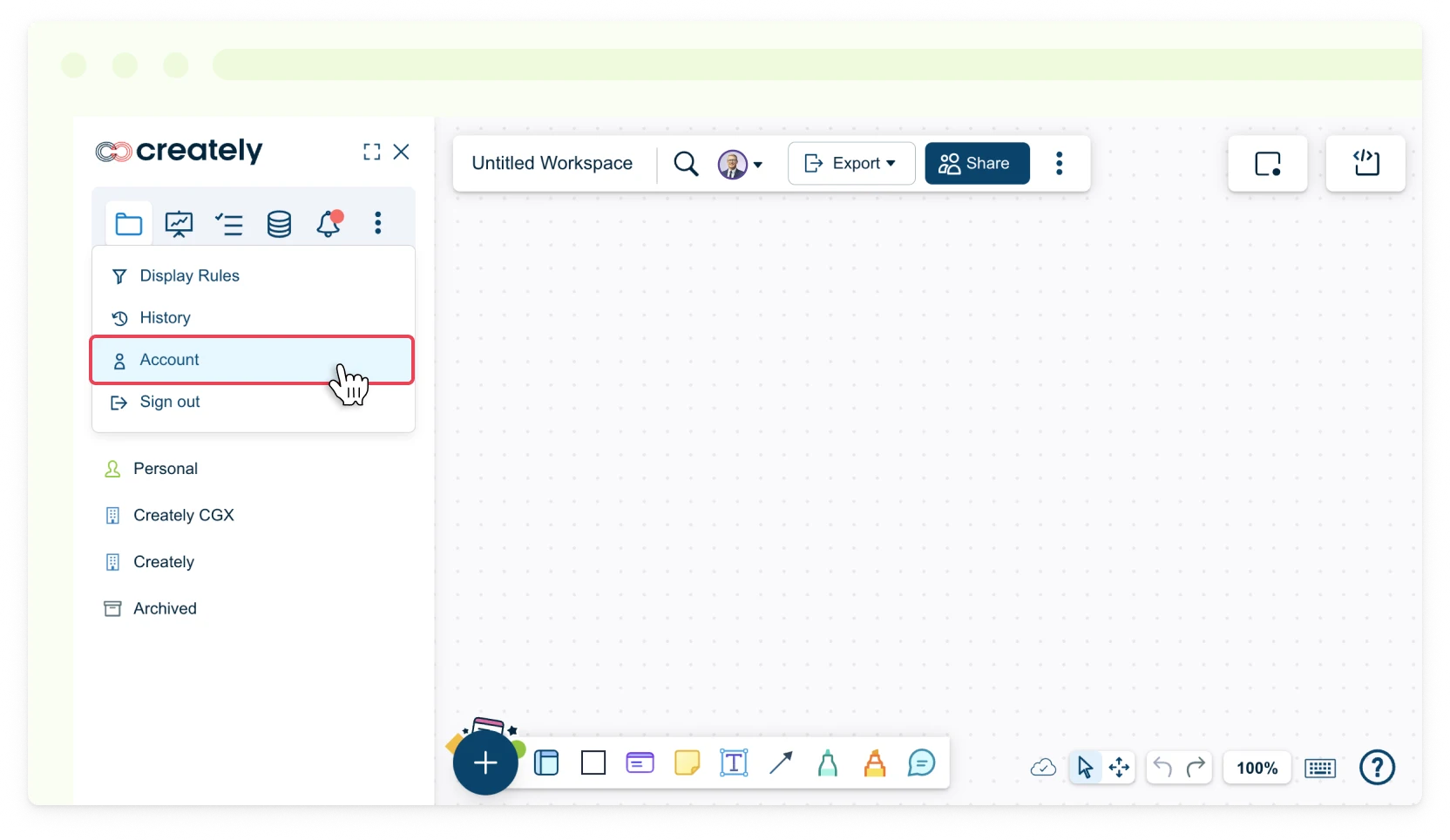
- Toggle the sidebar on the left-hand side of the canvas and select More → Account or in the dashboard view, click Settings → Account next to your username.
- Select the Org Preferences tab.
- Select your preferences from each dropdown list.