Account Management, Billing & Administration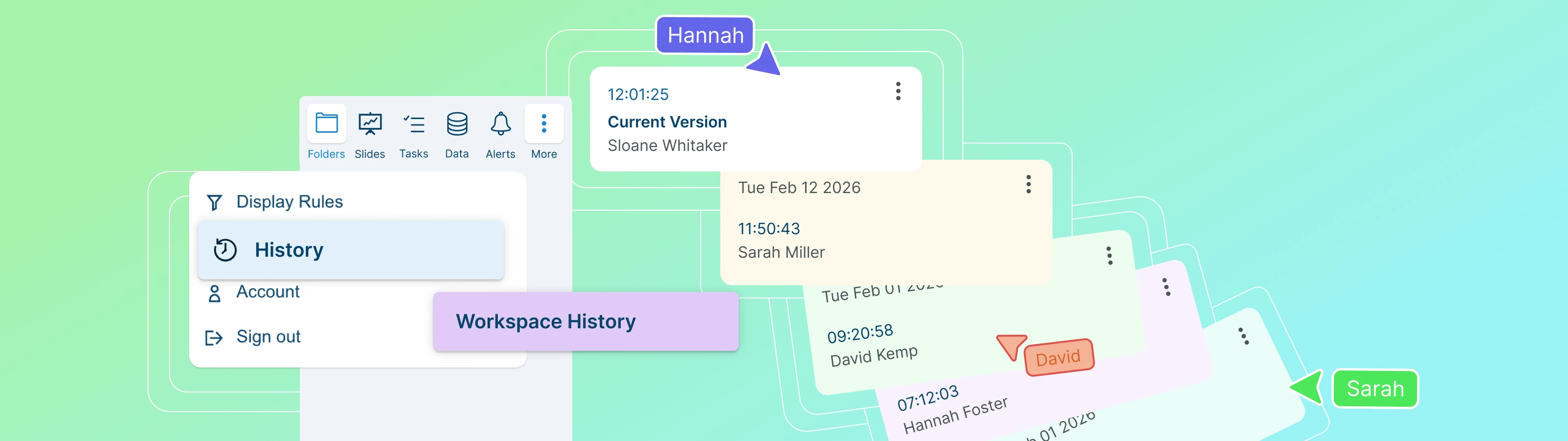
Audit Trails and Data Governance
Accessing Workspace History
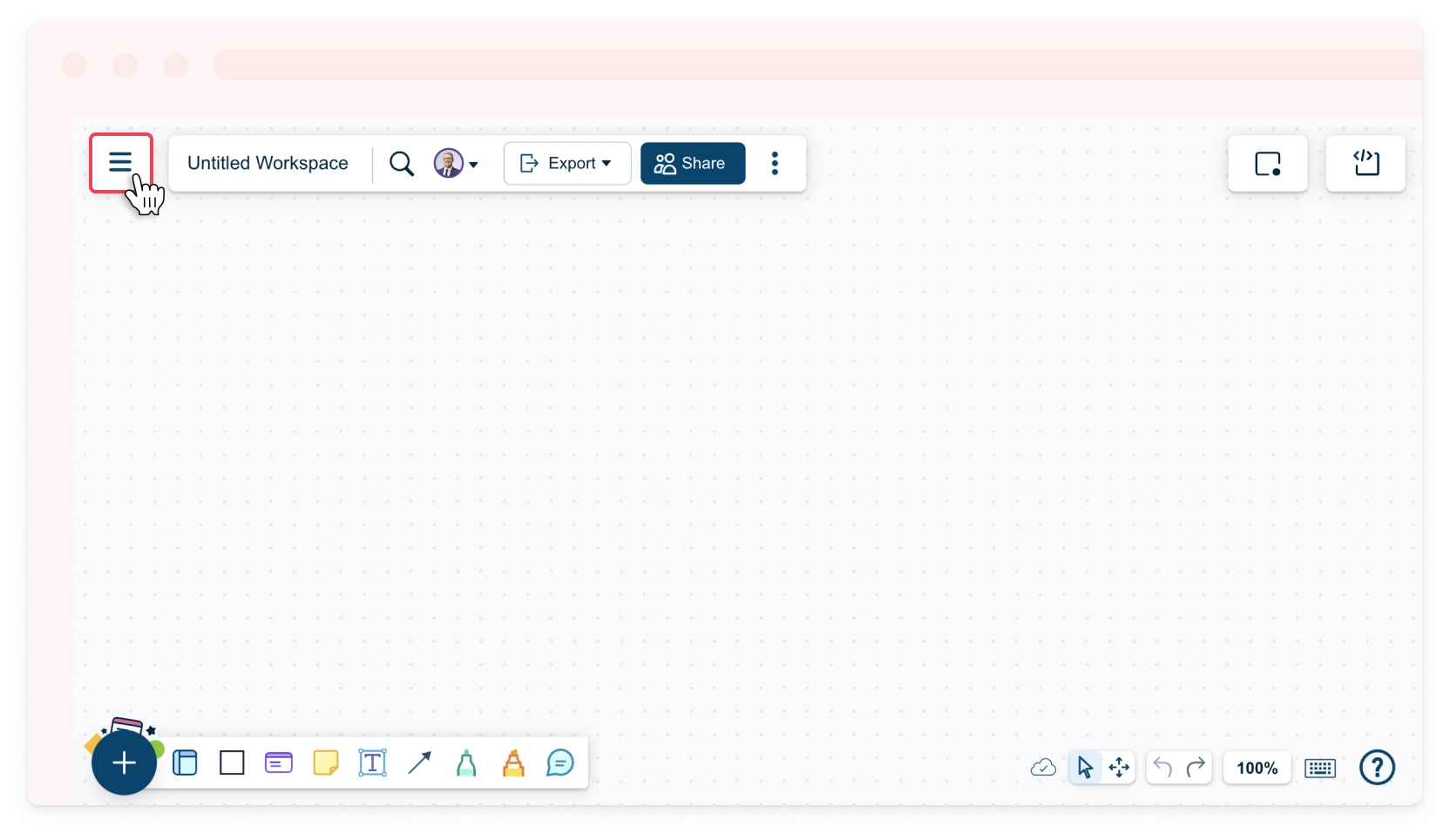
By accessing workspace history, you will be able to track updates made by collaborators and manage diagram versions by renaming, duplicating, or restoring earlier versions. This is especially useful for auditing changes, maintaining data governance, and ensuring continuity in collaborative work. To do this,
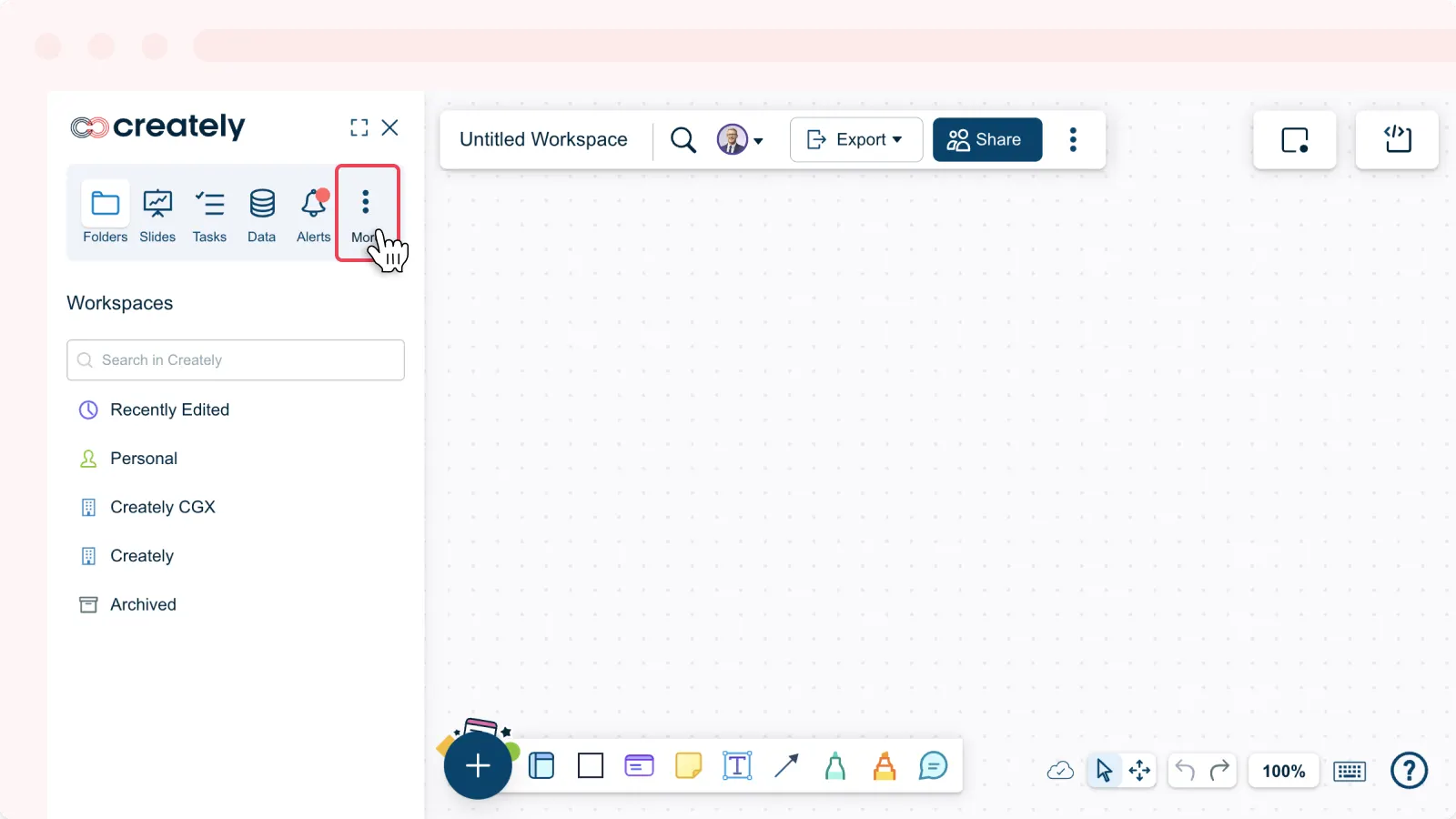
- Toggle the sidebar on the left-hand side of the canvas and click More.
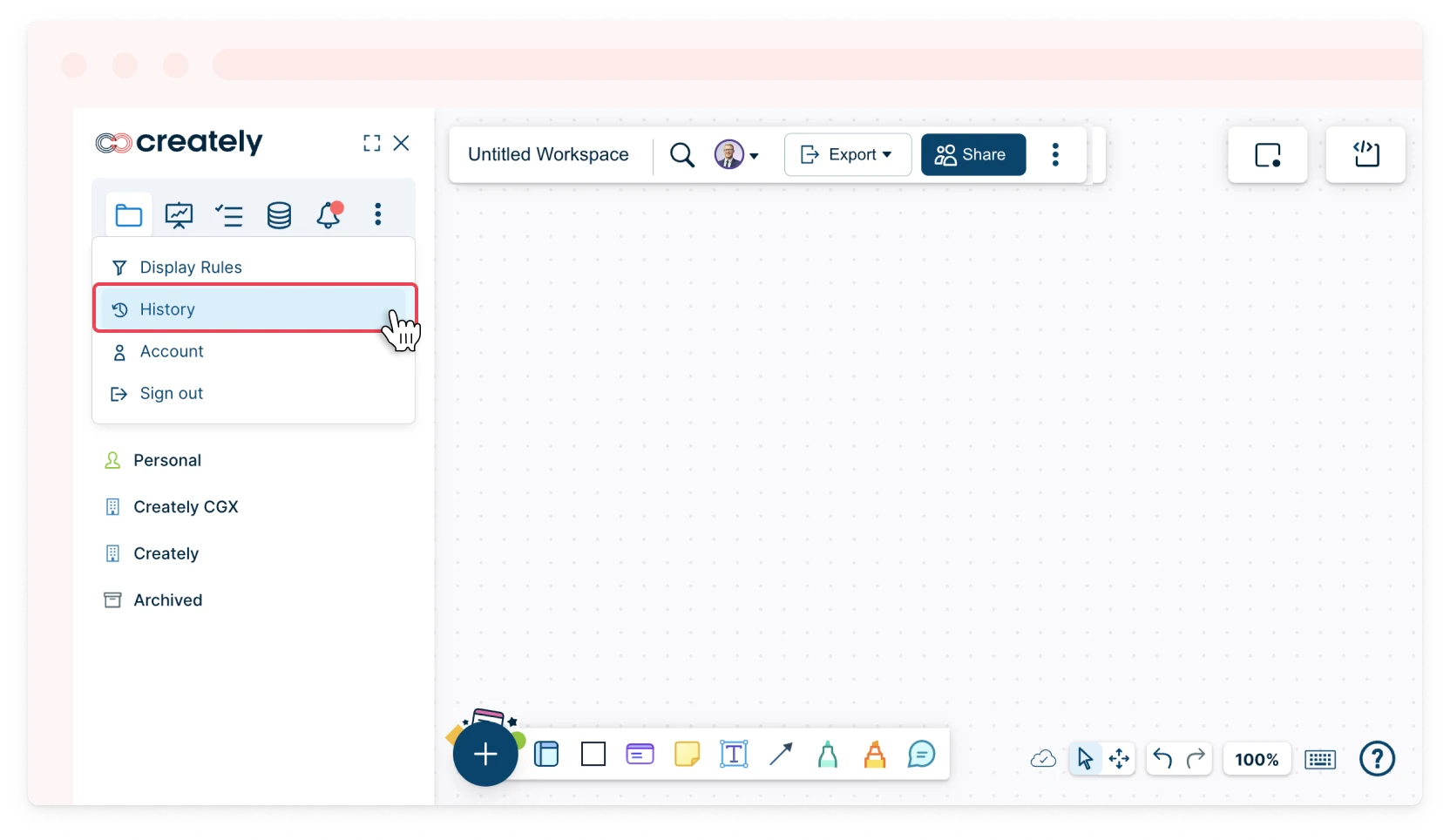
- Select History from the dropdown menu.
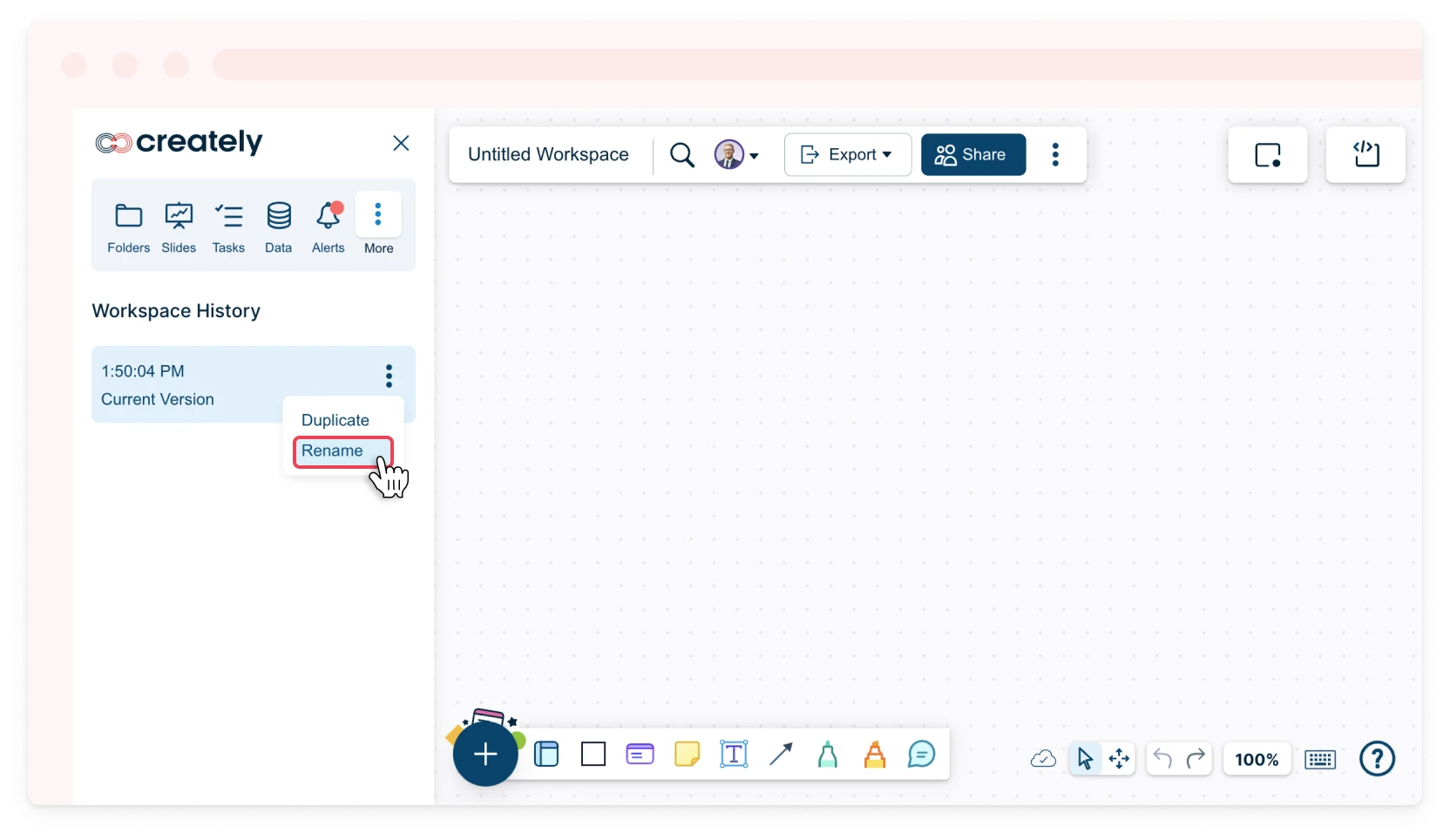
- Click on the ( ⋮ ) next to the version.
- Select Rename, Duplicate or Restore.
Accessing Database Object History
By accessing database object history, you will be able to track changes made to database objects, including different instances of data objects, who made the changes and when they occurred. This is especially useful for auditing modifications, troubleshooting, and supporting data governance in collaborative environments. To do this,
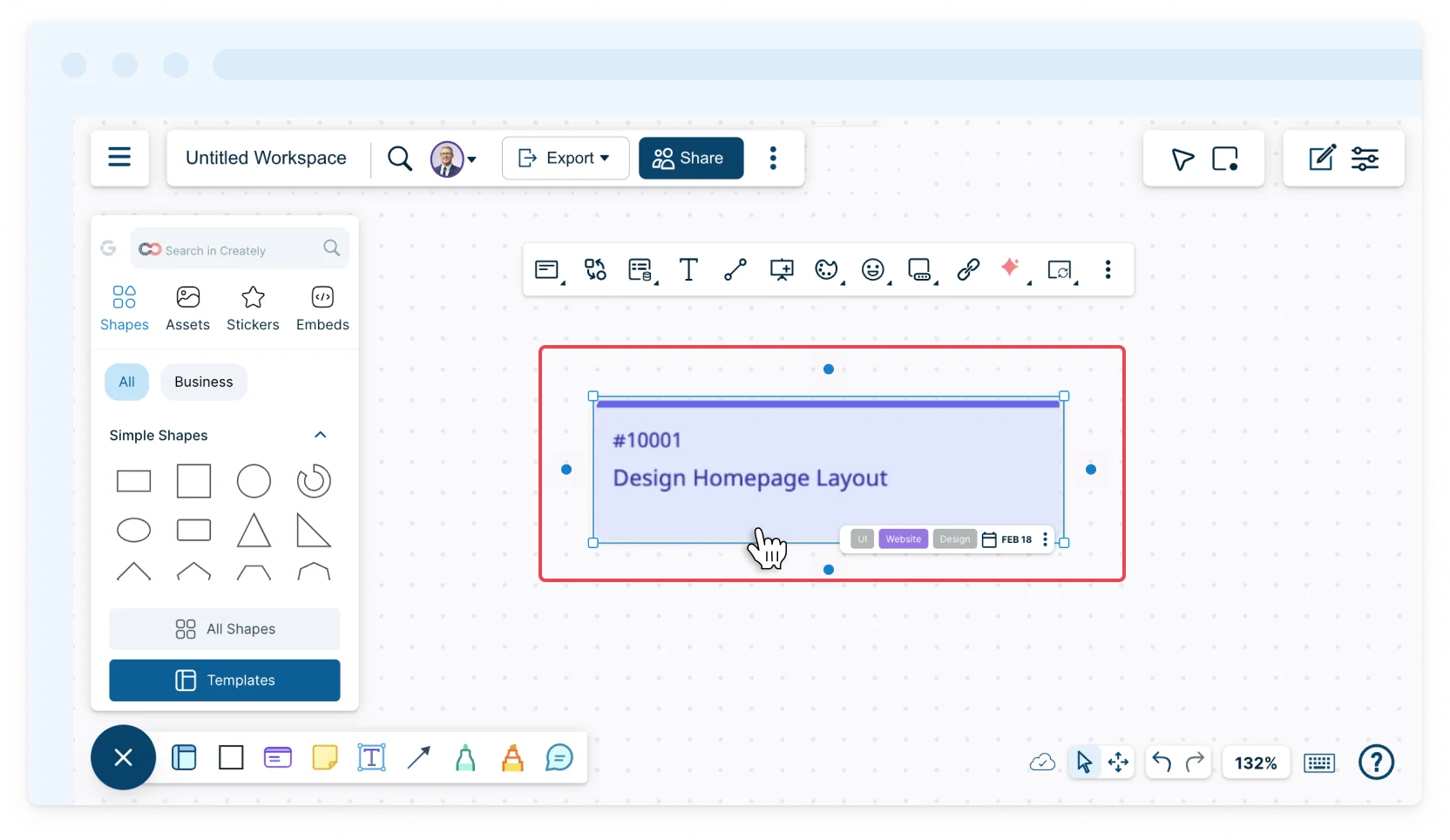
- Select the database object on your workspace.
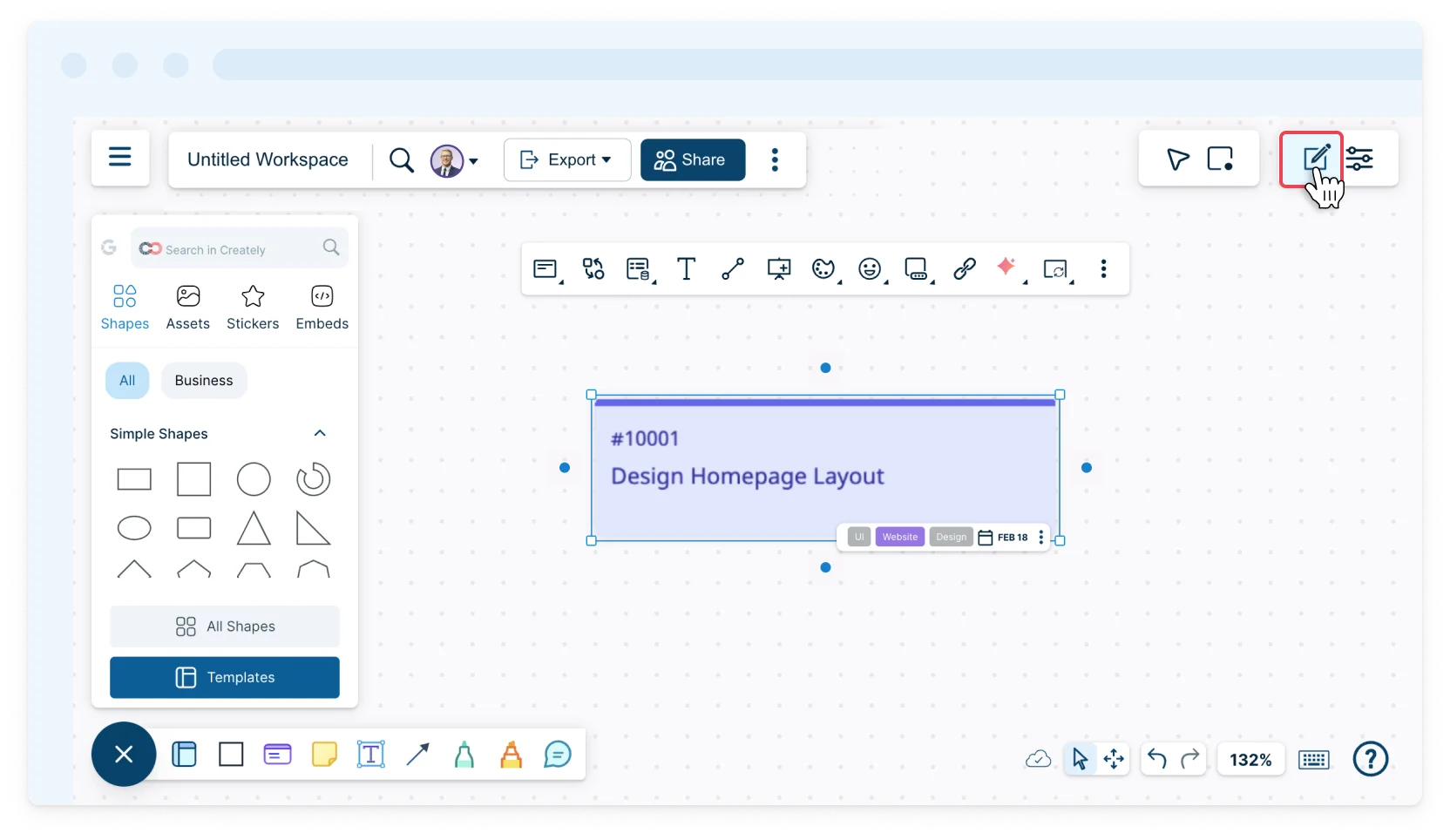
- Click Shape Data on the top right-hand-corner of your workspace.
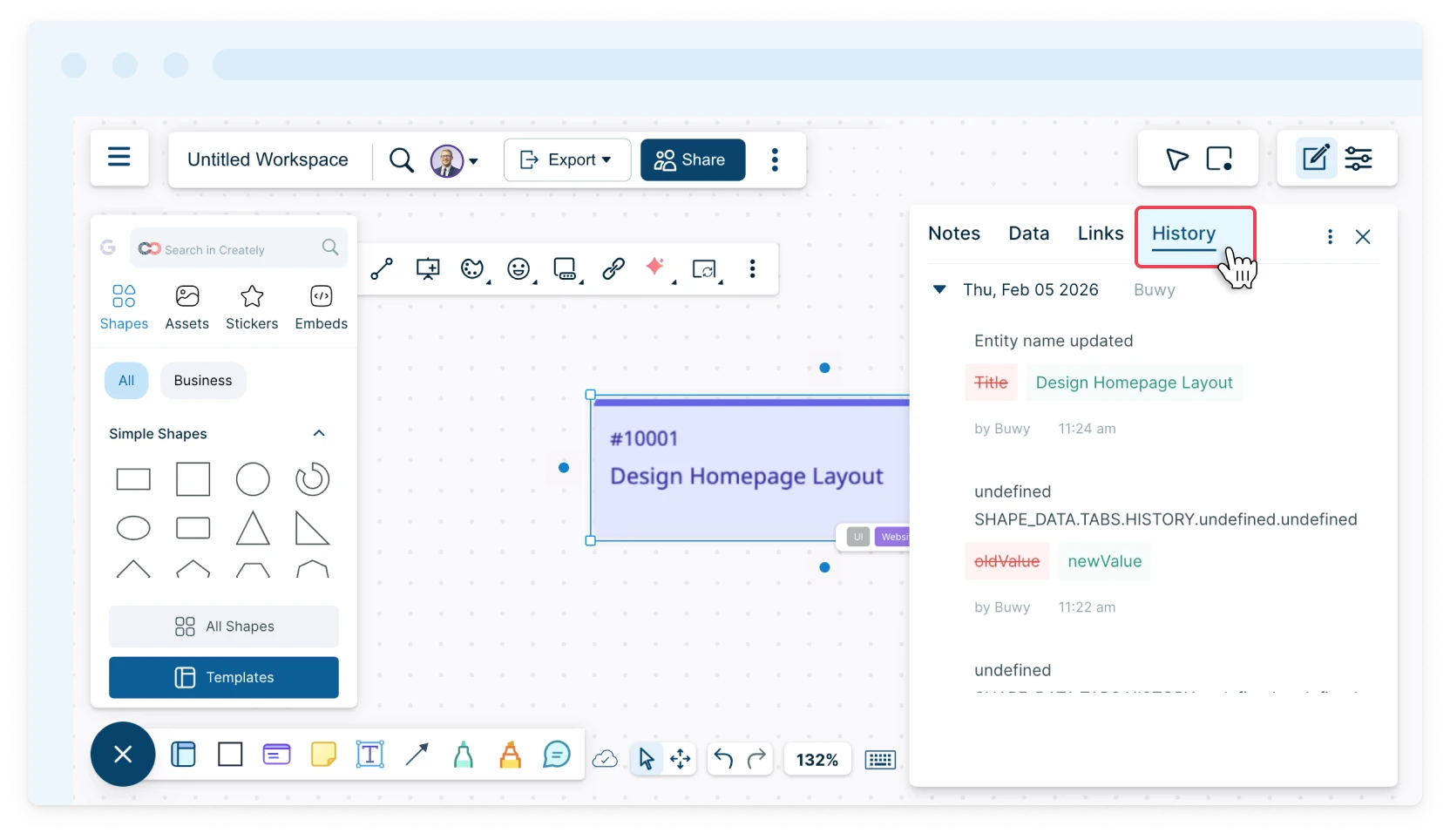
- Select the History tab to view changes and timestamps.
- Select the Links tab to view different instances of objects.