Account Management, Billing & Administration
Profile/Account Management
Updating Your Profile Information
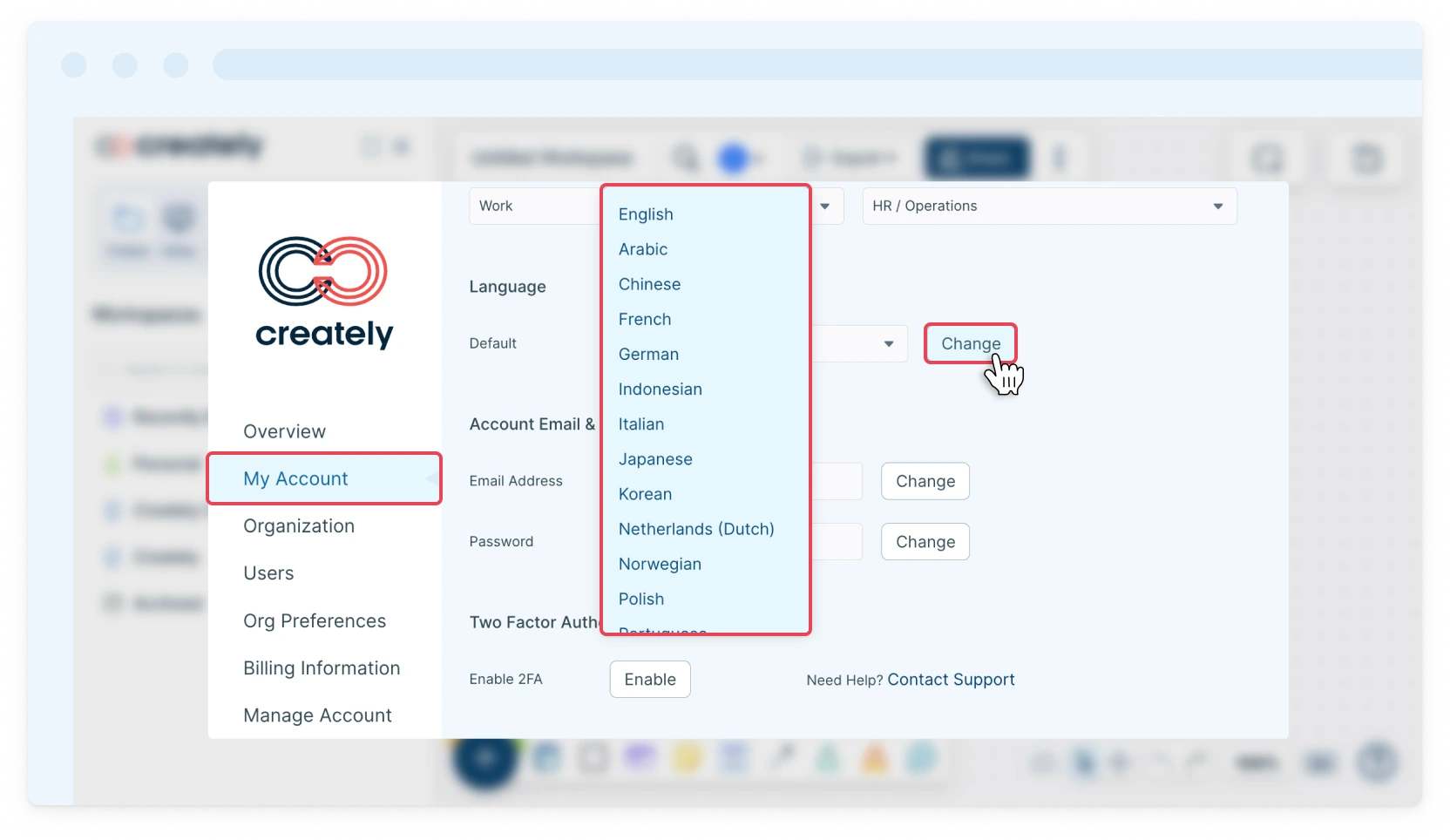
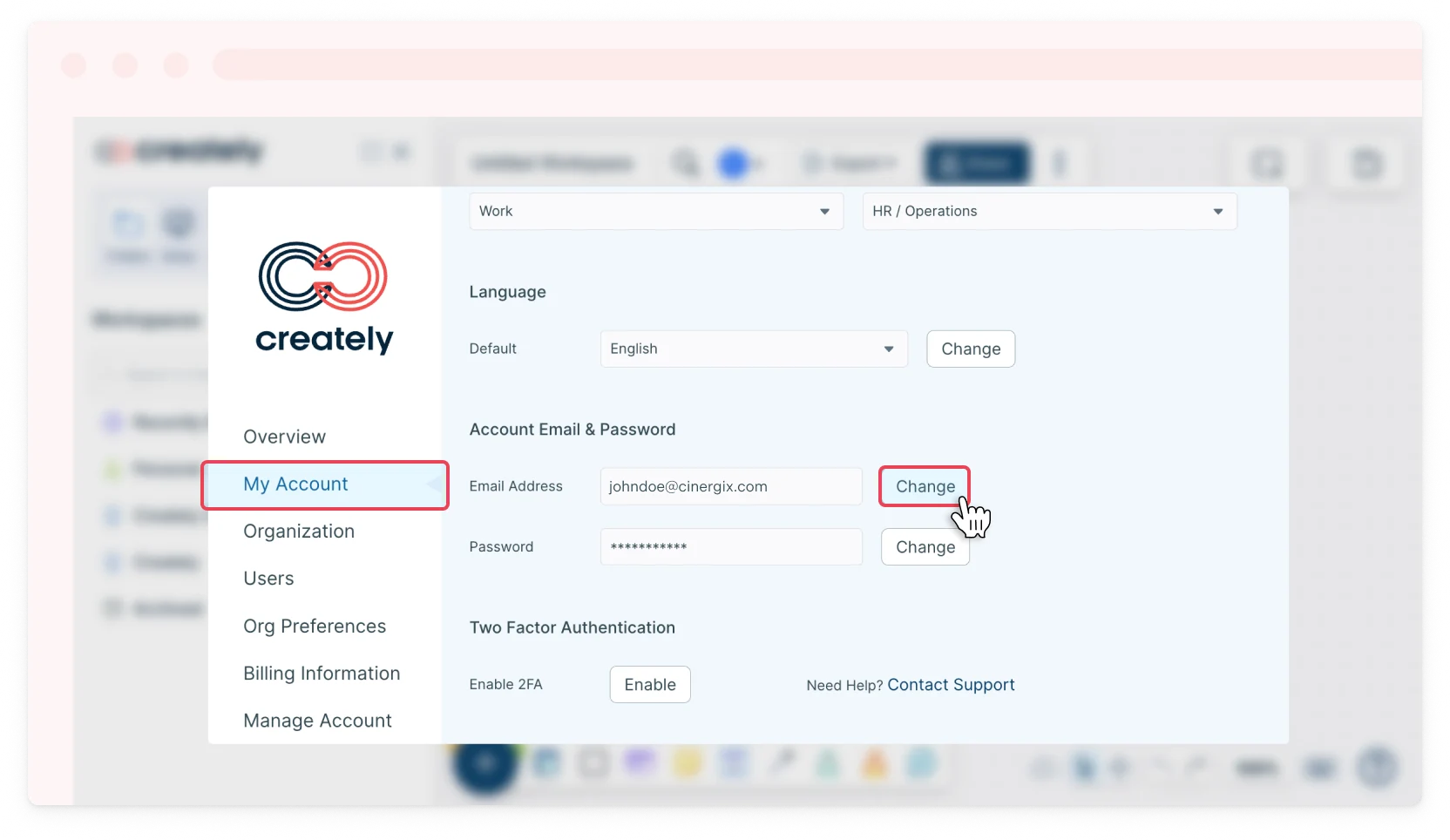
You can manage and update your profile information directly within the Creately app. From the My Account tab, you can edit your name, profile avatar, work details, preferred default language, email address, and password. You can also enable Two-Factor Authentication (2FA) for added account security.
Changing Your Email ID and Password
Follow the steps below to change the registered email address and/or password associated with your Creately account.
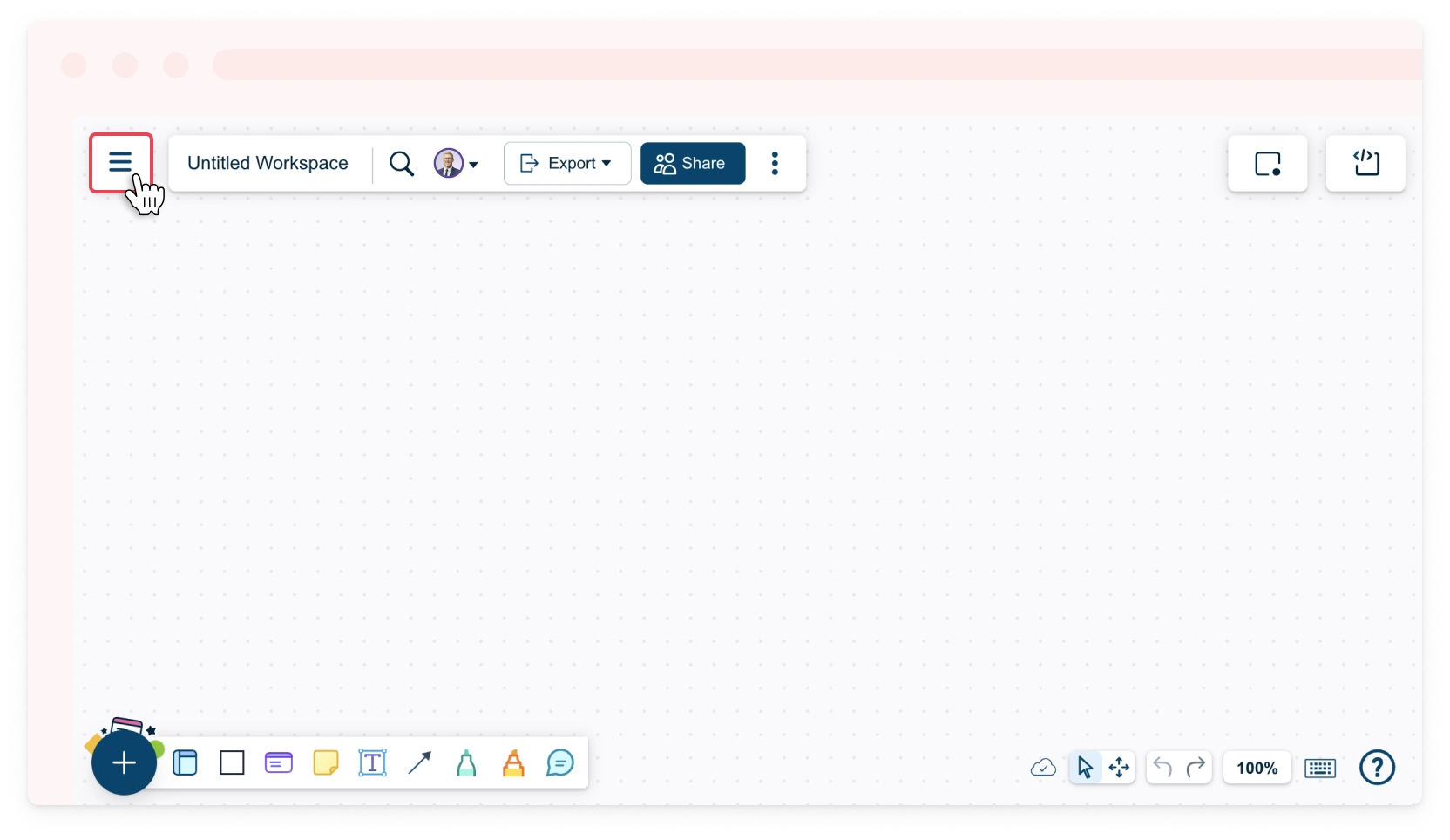
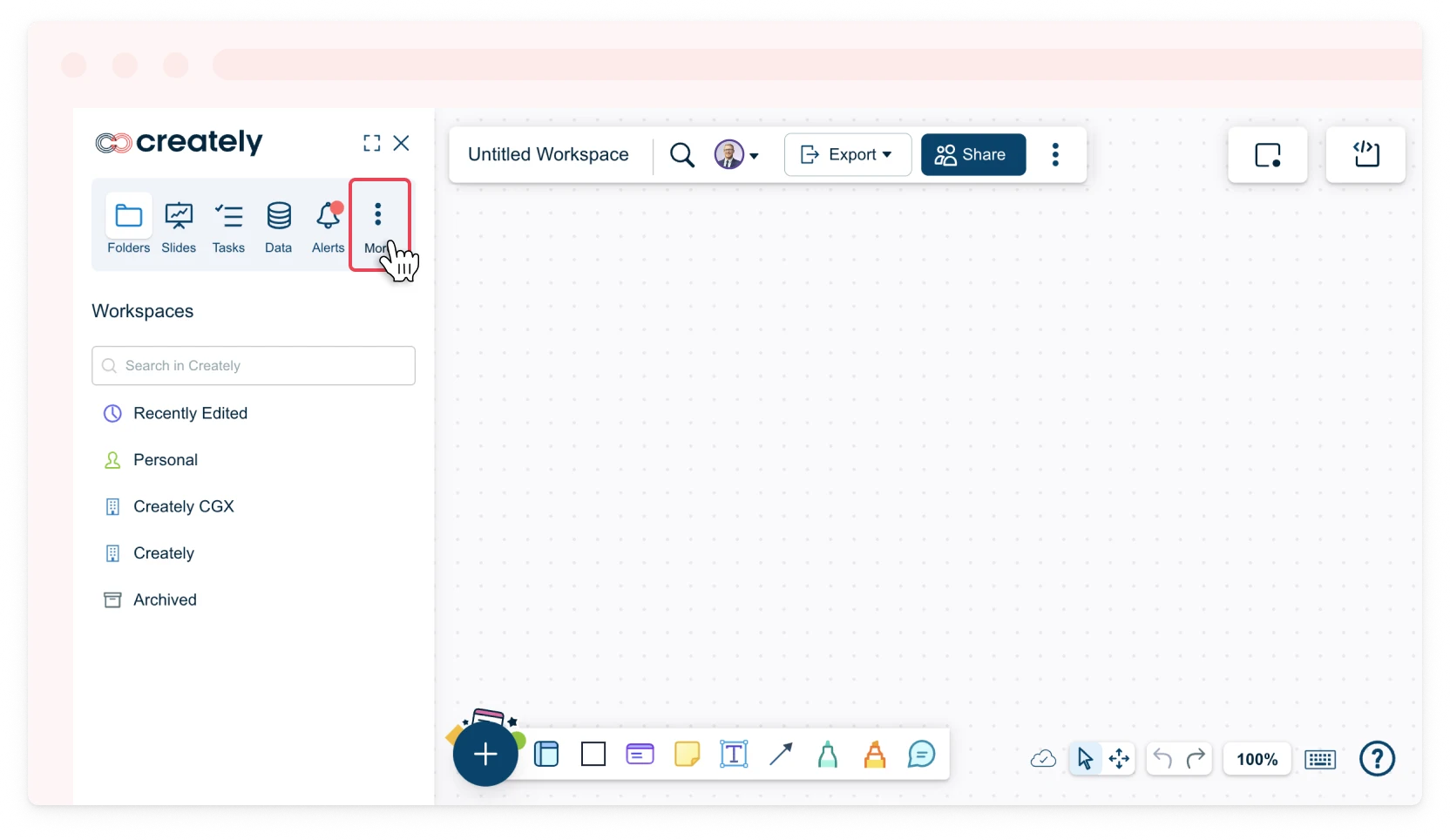
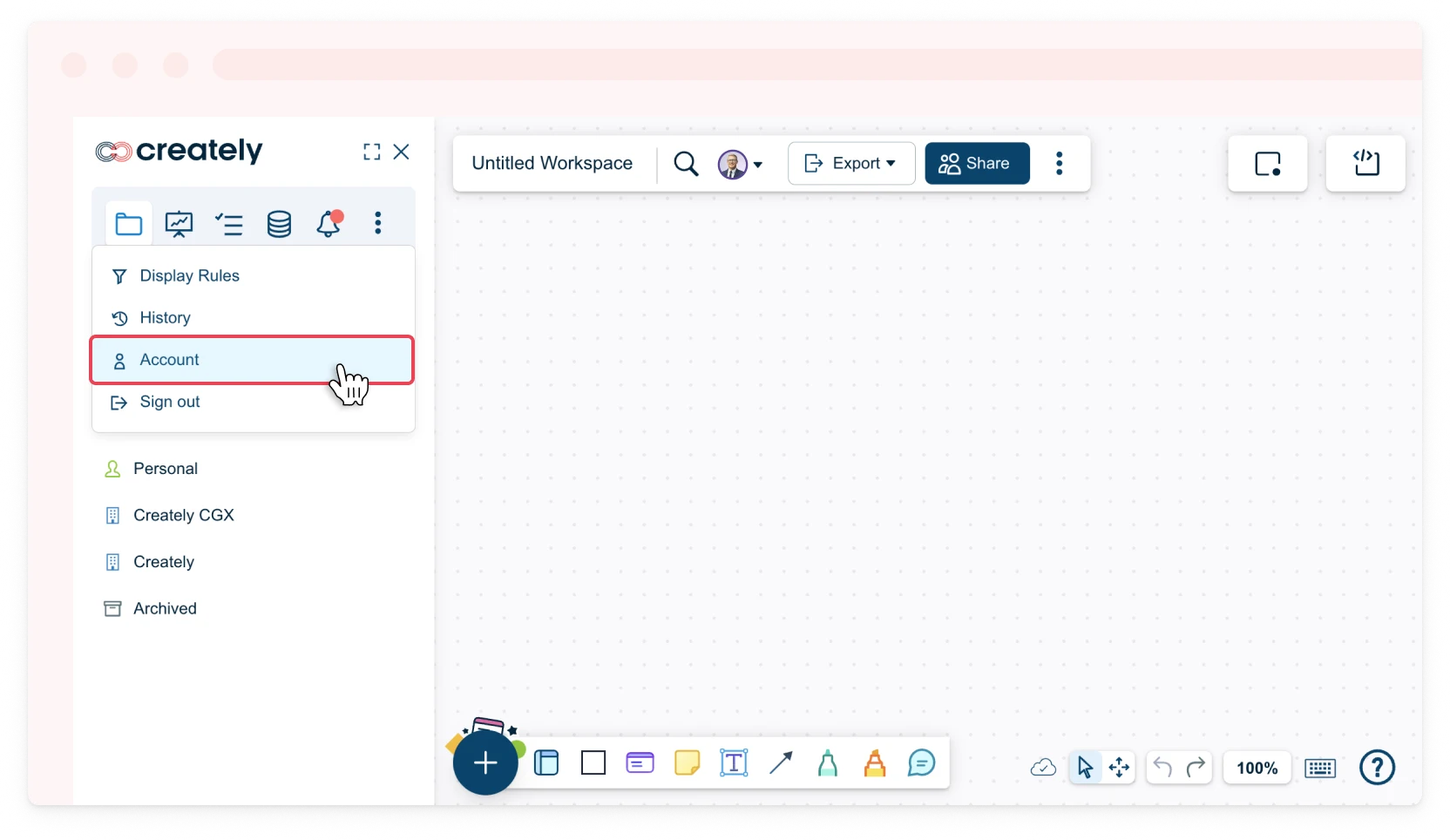
- Toggle the sidebar on the left-hand side of the canvas and select More → Account or in the dashboard view, click Settings → Account next to your username.
- Select the My Account tab.
- Click the Change button next to your email address and/or password under Account Email & Password.
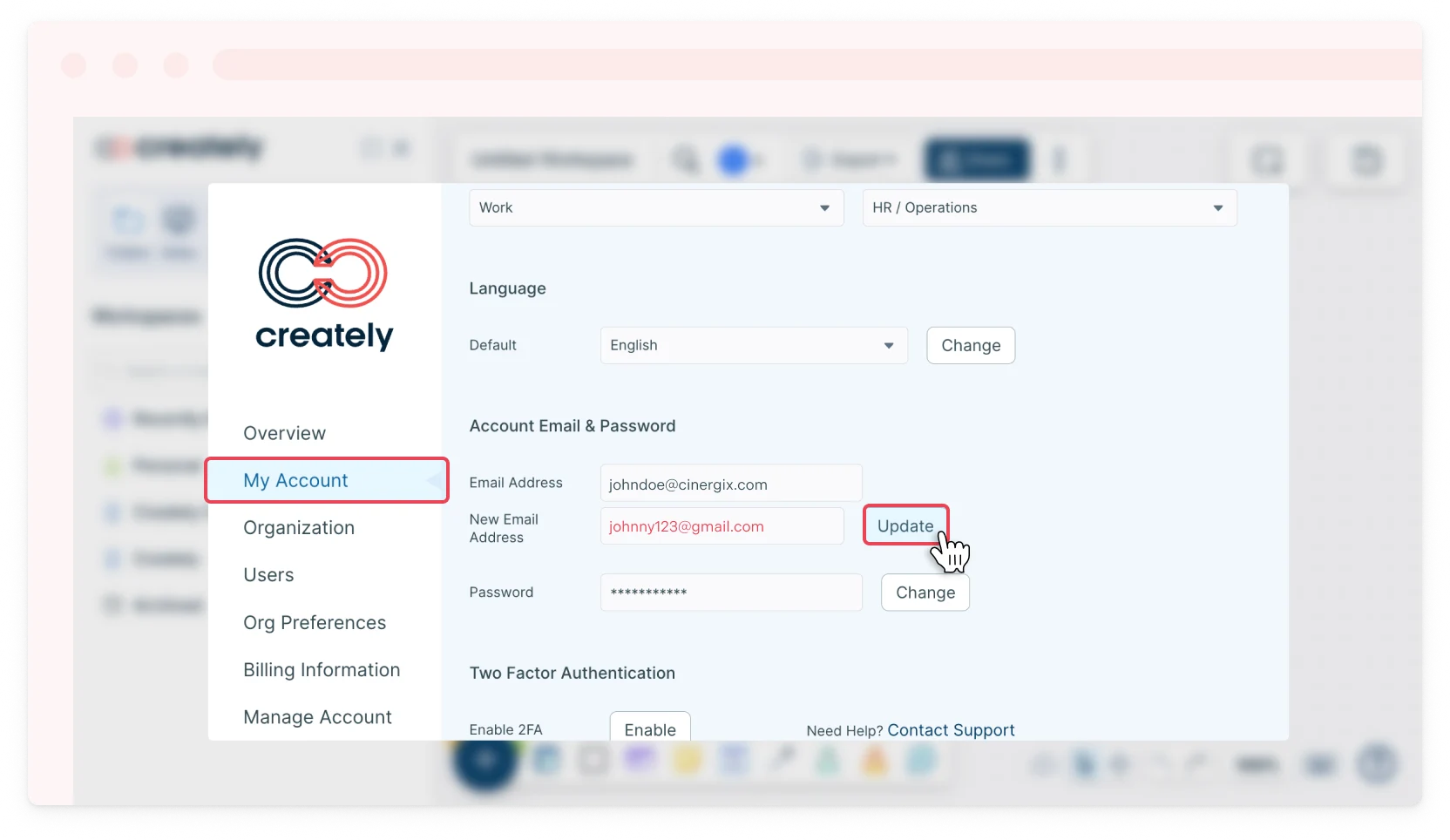
- Add your new email address and/or password.
- Click the Update button to save.
Changing Preferred Language
Creately now supports 18 different languages! To change your language in Creately:
- Toggle the sidebar on the left-hand side of the canvas and select More → Account or in the dashboard view, click Settings → Account next to your username.
- Select the My Account tab.
- Select the preferred language from the drop-down list.
- Click Change.