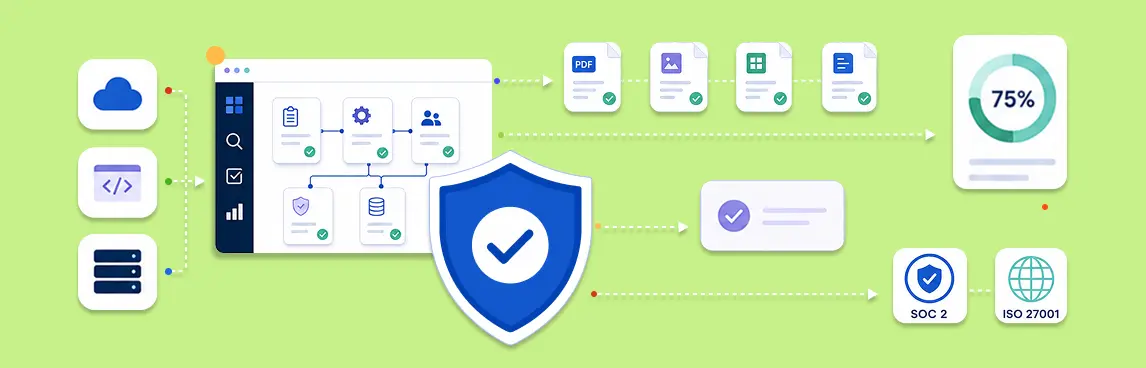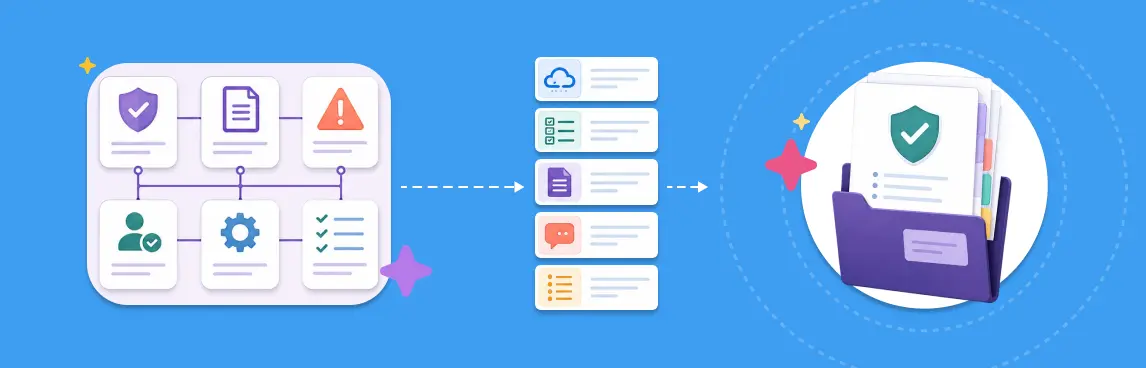
SOC 2 readiness means every applicable criterion can be traced to a defined control, an operating procedure, current evidence, a named owner, and a reviewer conclusion. Build the evidence pack from those relationships. Do not start by collecting screenshots into folders and try to explain them later.
The working sequence is straightforward: define scope, map criteria to controls, document how each control operates, specify the evidence required, collect it from authoritative sources, review gaps, resolve exceptions, and export a controlled pack for the auditor.
What a SOC 2 Readiness Evidence Pack Should Prove
A useful evidence pack proves more than the existence of a document or system setting. It should let a reviewer answer six questions without chasing the control owner:
- What requirement and risk does this control address?
- What is the control supposed to do?
- Which systems, teams, locations, and period are in scope?
- What evidence shows the control operated?
- Who reviewed that evidence, and what did they conclude?
- Which exceptions remain open, and how are they being handled?
The pack is the output of the readiness process, not the process itself. A neat ZIP file can still contain stale, incomplete, or irrelevant evidence.
The Control-to-Evidence Model
A practical way to manage SOC 2 readiness is as a connected data model. Each layer adds context that the next layer needs.
| Layer | Required record | Readiness question |
|---|---|---|
| Scope | System boundary, services, infrastructure, people, locations, period | Is this item inside the examination? |
| Criteria | Applicable Trust Services Criteria | What must the control environment address? |
| Risk | Threat, failure scenario, or business impact | Why does the control exist? |
| Control | Objective, activity, frequency, owner, population | What should operate? |
| Procedure | Steps, tools, inputs, decisions, escalation | How does it operate in practice? |
| Evidence rule | Source, format, frequency, scope, validity | What would prove operation? |
| Evidence | Immutable artifact plus source metadata | What actually happened? |
| Review | Tester, sample, conclusion, exception | Is the evidence sufficient? |
| Finding | Impact, owner, due date, remediation, closure | What must change? |
This model supports reuse. One identity-provider configuration may support several logical-access controls. One quarterly access review may produce a population export, reviewer decisions, removal tickets, and a final attestation. Preserve those relationships instead of uploading the same files to multiple folders.
Step 1: Define the SOC 2 System and Audit Scope
Write down the system boundary before mapping evidence. Include the products and services covered, infrastructure and data stores, supporting teams, third parties, physical locations, and the intended review period.
Record exclusions and dependencies explicitly. If a control applies only to production AWS accounts, evidence from a development account does not prove it. If an outsourced provider performs part of a process, document the boundary between your controls and theirs.
Scope drift is one of the fastest ways to invalidate an otherwise strong evidence set. Any material change to services, accounts, ownership, or architecture should trigger a scope review.
Step 2: Map Criteria, Risks, and Controls
Start with the criteria applicable to the engagement, then map the risks and controls that address them. Avoid creating a separate copy of the same control for every criterion.
Each control record should include:
- A clear control objective and activity.
- The responsible owner and independent reviewer.
- The population or assets covered.
- The trigger or operating frequency.
- The systems and procedures used.
- Expected evidence and retention.
- Failure conditions and escalation path.
The SOC 2 user access review process is a useful example. It identifies the owner, frequency, criteria, workflow, and evidence expectations for a quarterly access-control activity. A broader process mapping guide can help teams document controls whose handoffs still live in informal knowledge.
Step 3: Document How the Control Operates
An auditor needs the operating story behind the evidence. Document the procedure with enough detail that another qualified person could perform it consistently.
For a quarterly user access review, the procedure might cover:
- Export the complete user and privilege population from each in-scope system.
- Reconcile identities with the authoritative employee and contractor records.
- Route access decisions to the appropriate manager or application owner.
- Record approvals, removals, changes, exceptions, and justification.
- Complete remediation tickets and verify the changes in the source system.
- Preserve the reviewed population, decisions, tickets, and final sign-off.
The procedure should name the source system and decision points. “Review access quarterly” is a control statement, not an executable procedure.
Step 4: Define Evidence Before Collecting It
Create an evidence rule for every control. Specify what qualifies, where it comes from, who owns it, how often it is collected, how long it remains valid, and what event invalidates it.
| Evidence field | Example for quarterly access review |
|---|---|
| Authoritative source | Identity provider, application directory, HRIS |
| Population | All active accounts and privileged roles in scope |
| Collection date | Within the defined quarterly review window |
| Required metadata | Account, role, manager, employment status, decision |
| Review proof | Named reviewer, timestamp, comments, sign-off |
| Remediation proof | Ticket plus post-change system record |
| Invalidation event | Acquisition, major application migration, identity-provider change |
This step prevents evidence dumping. A screenshot may show a setting, but without its account, timestamp, scope, and source, the reviewer cannot determine what it proves.
Step 5: Collect Evidence From Authoritative Sources
Use automated collection where the source and mapping are reliable. Use referenced or manual evidence for procedural controls, judgment-based reviews, and systems without connectors.
AWS Audit Manager describes three technical evidence patterns: configuration snapshots, compliance-check results, and user activity. It converts the captured result and metadata into evidence and attaches it to a related control. Collection frequency varies by source; CloudTrail user activity can be collected continually, while API-based configuration data can run daily, weekly, or monthly.
That source-backed pattern establishes two important requirements:
- Evidence needs metadata that explains which control and resource it supports.
- Collection frequency must match the evidence type and control frequency.
Keep procedural evidence alongside technical evidence. A change-management control may need repository settings, pull-request samples, ticket approvals, deployment records, the written procedure, and documented exceptions.
Step 6: Validate Evidence Quality and Coverage
Run an evidence-quality check before asking a reviewer to approve anything.
Use Federated Control Evidence: Proving Coverage Across Process and Cloud when the proof spans SOPs, approvals, ticketing, repositories, identity systems, and live cloud resources. The federated model preserves each source while joining it to the same control and review record.
For each artifact, verify:
- Relevance: it supports the stated control activity.
- Scope: it covers the correct systems, accounts, population, and period.
- Provenance: the source, collector, and capture time are known.
- Integrity: the artifact has not been silently altered.
- Completeness: required fields, samples, and attachments are present.
- Freshness: it falls inside the control’s validity window.
- Traceability: it links to the control, procedure, owner, and review.
Do not turn missing evidence into a passing status because the control description looks plausible. Use distinct states for missing, stale, out-of-scope, awaiting review, rejected, excepted, and accepted evidence.
Step 7: Review Controls and Manage Exceptions
Assign an independent reviewer where the control requires separation of duties. The reviewer should inspect the control design, the complete population or selected sample, the evidence metadata, and any deviations.
Record the conclusion, not only an approval timestamp. A useful review states what was tested, which period and population were covered, whether the evidence was sufficient, and why any exception does or does not affect the control conclusion.
Every exception needs an affected scope, risk or impact, compensating measure, owner, due date, approval, remediation evidence, and closure decision. Keep the exception connected to the original control and evidence set.
Step 8: Assemble the Auditor-Ready Evidence Pack
Export only reviewed, relevant evidence. AWS notes that newly collected evidence does not automatically appear in an assessment report; the user selects what to include. Its report structure groups evidence by control, data source, and collection date. See AWS assessment reports.
A practical readiness pack contains:
- Scope statement and system description reference.
- Criteria-to-control mapping.
- Control register with owners and frequencies.
- Policy and procedure references.
- Evidence index with source, scope, period, and integrity metadata.
- Reviewed evidence organized by control.
- Sample selections and testing notes.
- Exceptions, compensating measures, and remediation status.
- Reviewer conclusions and sign-offs.
- Export manifest and generation timestamp.
The export should remain understandable outside the product. Avoid opaque filenames, broken application links, and status labels that require proprietary context.
Example: Turning a Quarterly Access Review Into Evidence
Suppose the control requires application owners to review all privileged and standard access every quarter.
The evidence chain should include the approved procedure, complete source-system populations, reconciliation to worker status, reviewer decisions, removal and change tickets, proof that changes were completed, the final owner attestation, and any open exception. Each artifact should identify the quarter and in-scope application.
A dashboard that says “access review complete” is not the evidence pack. The pack preserves the population, decisions, actions, and independent conclusion behind that status.
How Creately Compass Supports the Workflow
Creately Compass is an enterprise compliance assurance layer for CISOs, GRC leaders, compliance managers, and consultants. It complements Vanta and Drata rather than replacing them.
Compass turns control and SOP documentation into structured relationships, then graph-joins those records to federated evidence from live cloud systems. A reviewer can follow the criterion to the control, procedure step, evidence source, artifact, owner, exception, and conclusion. The readiness-pack export preserves that context for the audit handoff.
This is useful when technical evidence collection works but the process evidence remains scattered across documents, tickets, spreadsheets, and interviews. Compass exposes disagreements between the written procedure and the operating environment instead of hiding them behind a single readiness percentage.
For software evaluation criteria covering control mapping, evidence freshness, scoring, reviews, and exports, use the continuous audit-readiness software buyer’s guide.
SOC 2 Readiness Checklist
Before exporting the pack, confirm that:
- The system boundary and review period are approved.
- Applicable criteria map to defined controls.
- Every control has an owner, frequency, scope, and procedure.
- Evidence rules name the source, validity window, and required metadata.
- Collected evidence is complete, current, and traceable.
- Reviewers recorded conclusions and exceptions.
- Remediation evidence supports closed findings.
- The export includes a control and evidence index.
- Files remain intelligible outside the compliance platform.
- The team can reproduce the pack without a last-minute collection project.