Workforce Planning Software
Workforce Planning Software for Smarter Hiring & Resource Planning
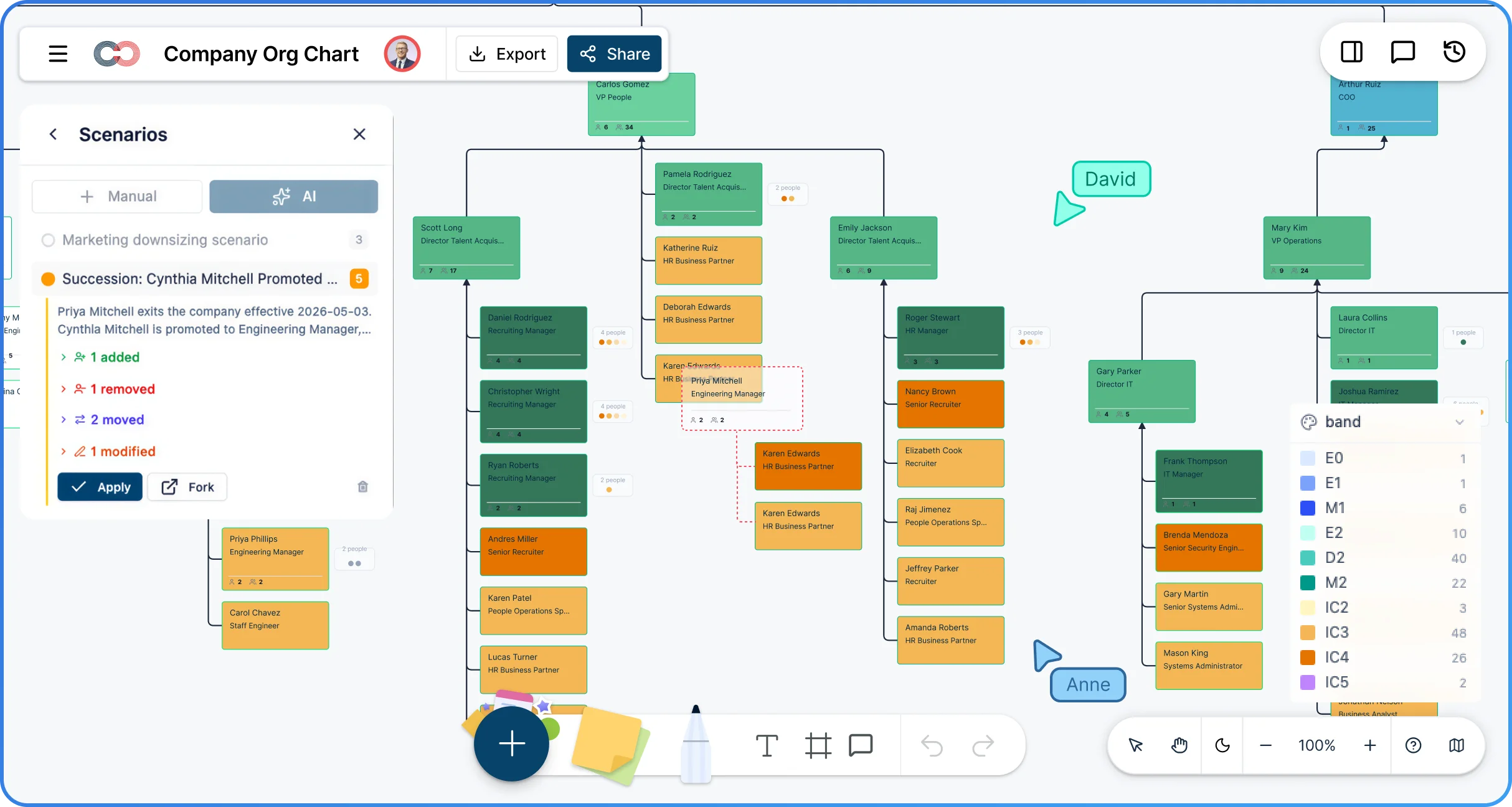
Build future‑ready workforce plans collaboratively. Model hiring, attrition, and reorganizing scenarios visually with aligned decisions. Creately’s workforce planning platform turns your org chart into a live planning workspace built for real HR workflows.
 Create a dynamic workforce plan
See how headcount, roles, and teams fit together as the organization changes, without losing context.

 Make future org structures
Help leaders instantly see how roles, teams, and reporting lines will evolve in future workforce structures.
 Test decisions before you commit to them
Model scenarios for hiring, attrition, and restructuring safely before making real‑world commitments to compare outcomes.






 Diagramming Visual Collaboration Org Chart


Why Choose Creately for Workforce Planning
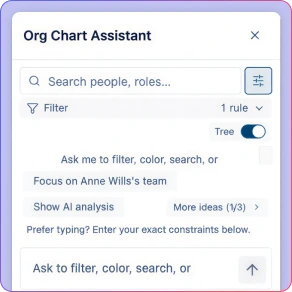
AI‑Powered Org Intelligence
Ask natural‑language questions like “Who has the widest span of control?” and get instant visual answers directly on the org chart.
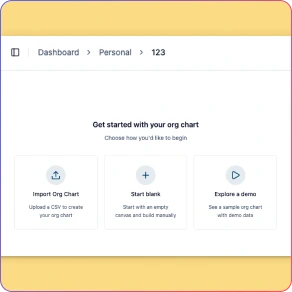
Smart Import & HRIS Sync
Import from CSV, Google Sheets, or Excel, or sync directly with Azure Entra and HRIS platforms. AI maps columns automatically and validates data before it goes live.
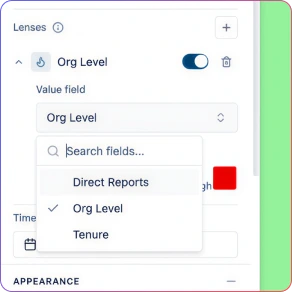
One‑Click Org Analytics Presets
Instantly apply visual presets for Span of Control, Tenure Distribution, Compensation Bands, Performance, Flight Risk, and Succession Readiness.
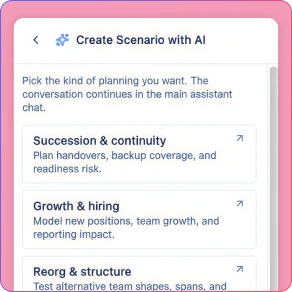
Scenario Planning for Reorgs
Create named “what‑if” scenarios to model restructures, growth plans, and role changes without touching the live org. Compare options before committing.
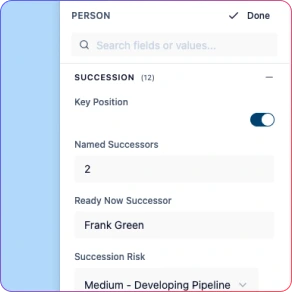
Vacant & Planned Positions
Represent unstaffed and future roles directly in the org chart to support workforce planning, hiring roadmaps, and capacity modeling.
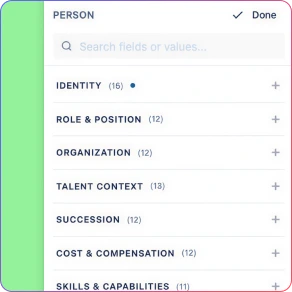
Role‑Based Data Sensitivity Controls
Protect compensation, performance, and succession data with a 6‑tier sensitivity model, giving leaders insight without over‑exposing sensitive HR information.
Build and Maintain a Living Org Chart, Not Static Diagrams
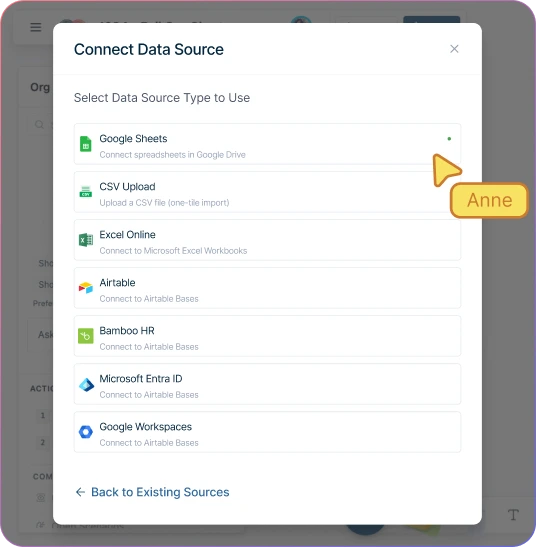
Import your org from CSV, Google Sheets, or Excel — or sync directly with Azure Entra ID and popular HRIS platforms. AI maps columns, validates reporting lines, and catches errors before they go live.
Add open positions and planned roles directly on the chart to model future‑state headcount alongside your current org.
Set headcount targets per department and track actuals vs plan as hiring progresses in your workforce planning system.
Update in seconds as hiring, transfers, and restructures happen — no manual redraws.
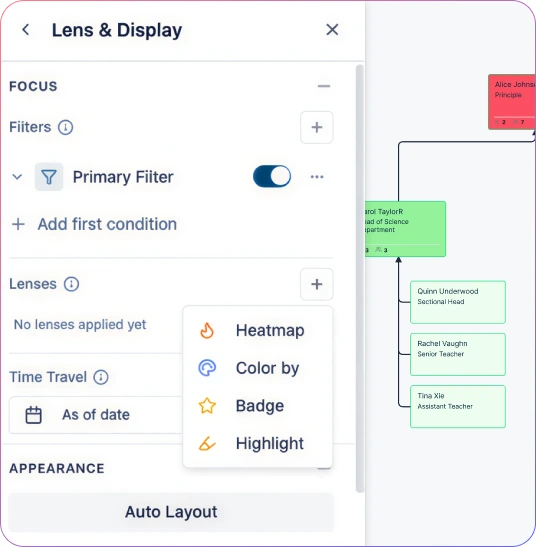
Turn Org Data Into Visual Insights Leaders Understand
Apply one‑click analytics presets to instantly see span of control, tenure distribution, compensation bands, and flight risk across the org.
Ask the AI assistant questions like “What’s the average span in Engineering vs Sales?” and get visual answers directly on the chart.
Heatmap by compa‑ratio to spot pay‑equity gaps or by tenure to identify retention‑risk clusters.
Compare current‑state vs future‑state headcount side‑by‑side using scenario branches.
Share Org Insights Without Exposing Sensitive Data
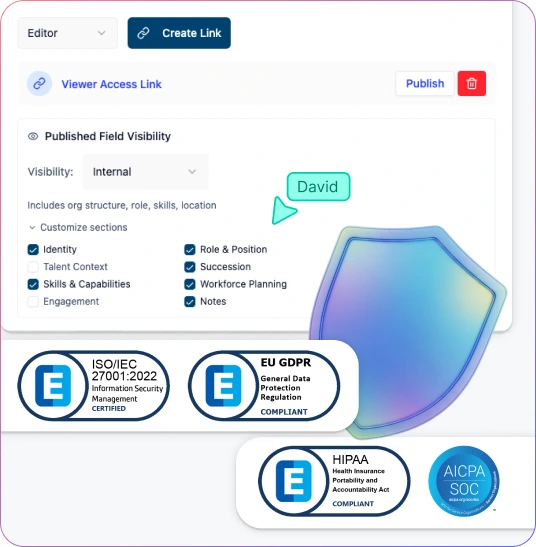
Protect compensation, succession, and performance data with a 6‑tier sensitivity model — unauthorized users never see locked fields.
Share workforce plans with department heads showing structure and headcount, while HR leadership sees cost and risk data.
Maintain one workforce plan as a single source of truth — no separate “sanitized” org charts.
Secure all workforce data with enterprise‑grade encryption and controlled access.
Align HR and Leaders Around One Source of Truth
Collaborate in real time with HRBPs and leadership — everyone works from the same live org model.
Share focused department views instead of the full org to keep conversations relevant and clear.
Let each collaborator explore insights independently using filters and views without altering the base org.
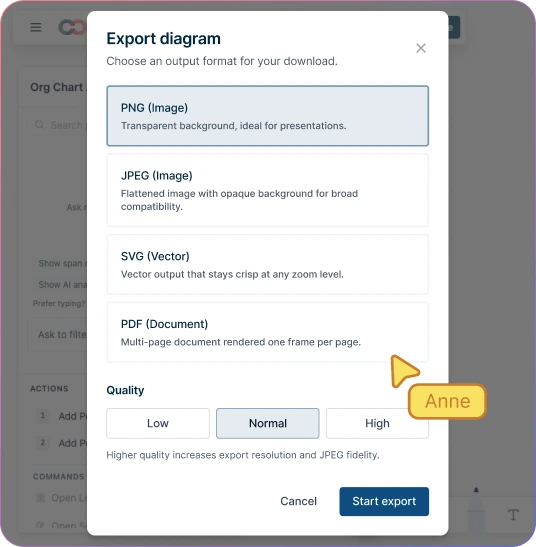
Export org charts and workforce plans as PNG, SVG, PDF, or CSV for presentations, reviews, and downstream systems.
How to Build a Workforce Plan with Creately
Import your current org structure from HRIS via CSV with AI-assisted field mapping
Define headcount targets and open positions for each department
Create what-if scenarios to model hiring plans, attrition, and restructures
Analyze span of control, succession gaps, and cost impact across scenarios
Share the workforce plan with leadership using role-based views that protect sensitive data
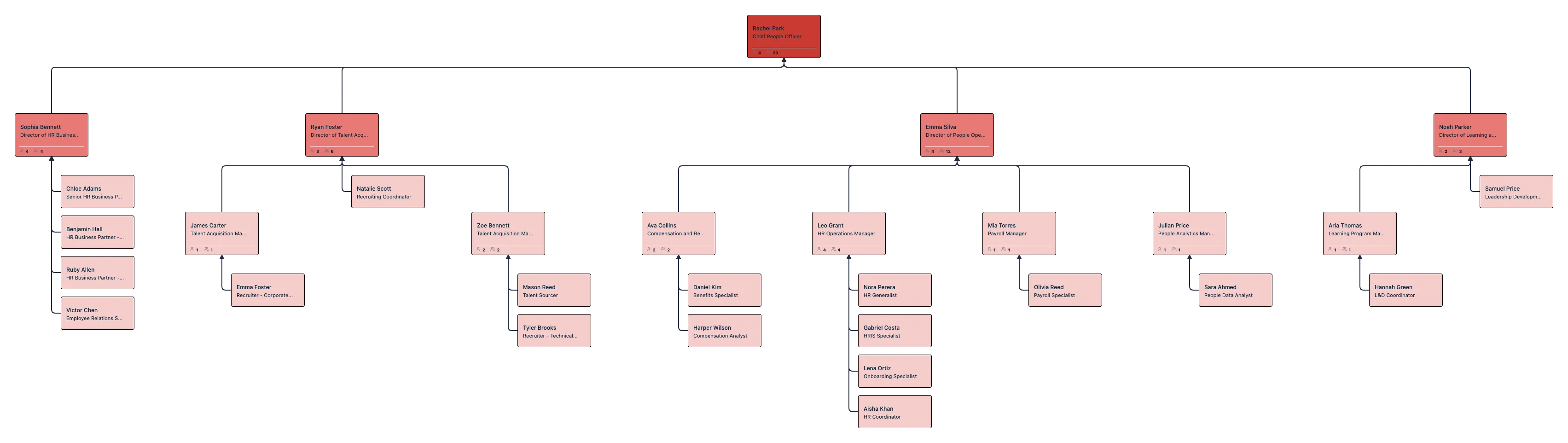
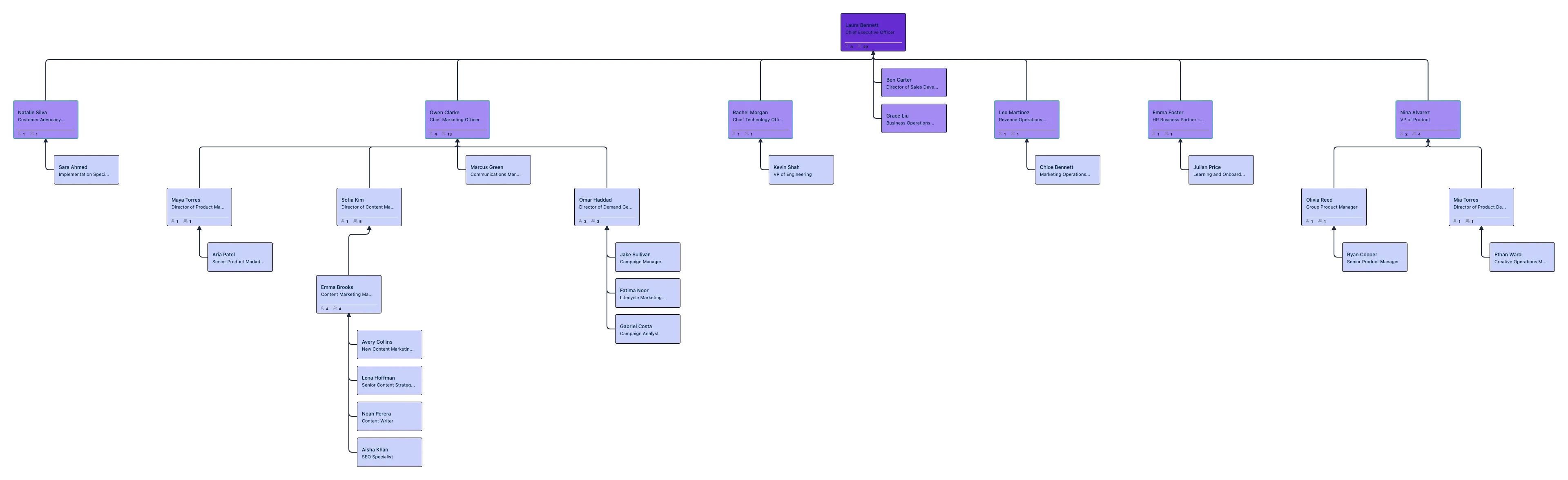
Get Started Quickly with Org Chart Templates


Use Cases
Org Chart Management & Maintenance
Keep your org chart accurate as hiring, transfers, and restructures happen — without manual redraws or broken spreadsheets.
Workforce Planning & Future‑State Modeling
Model hiring plans, attrition, and reorg scenarios visually and align leaders on the right workforce decisions before committing.
Leadership & Executive Reviews
Bring clear, visual org insights into leadership and board conversations — from spans of control to succession risk.
HR Business Partnering
Answer “who, where, and why” questions instantly during stakeholder discussions using visual analytics instead of reports.
Succession & Talent Risk Analysis
Identify critical roles, succession gaps, and flight‑risk clusters early with org‑wide visibility.
Department‑Level Org Sharing
Share focused org views with managers and partners without exposing the full organization or sensitive data.
FAQs About Online Workforce Planning Tool
Can I import org data from my HR system?
Can I safely model reorgs without affecting the live org chart?
Who can see sensitive data like compensation or performance?
Does Creately support complex reporting structures?
Is this suitable for large and distributed organizations?















Model hiring and reorg scenarios with confidence — and keep your workforce plans aligned as business needs change.
 Instant replies
 Org chart guidance
 Real human support