Organizational Chart Maker
Make Organizational Charts Using Free Organizational Chart Generator
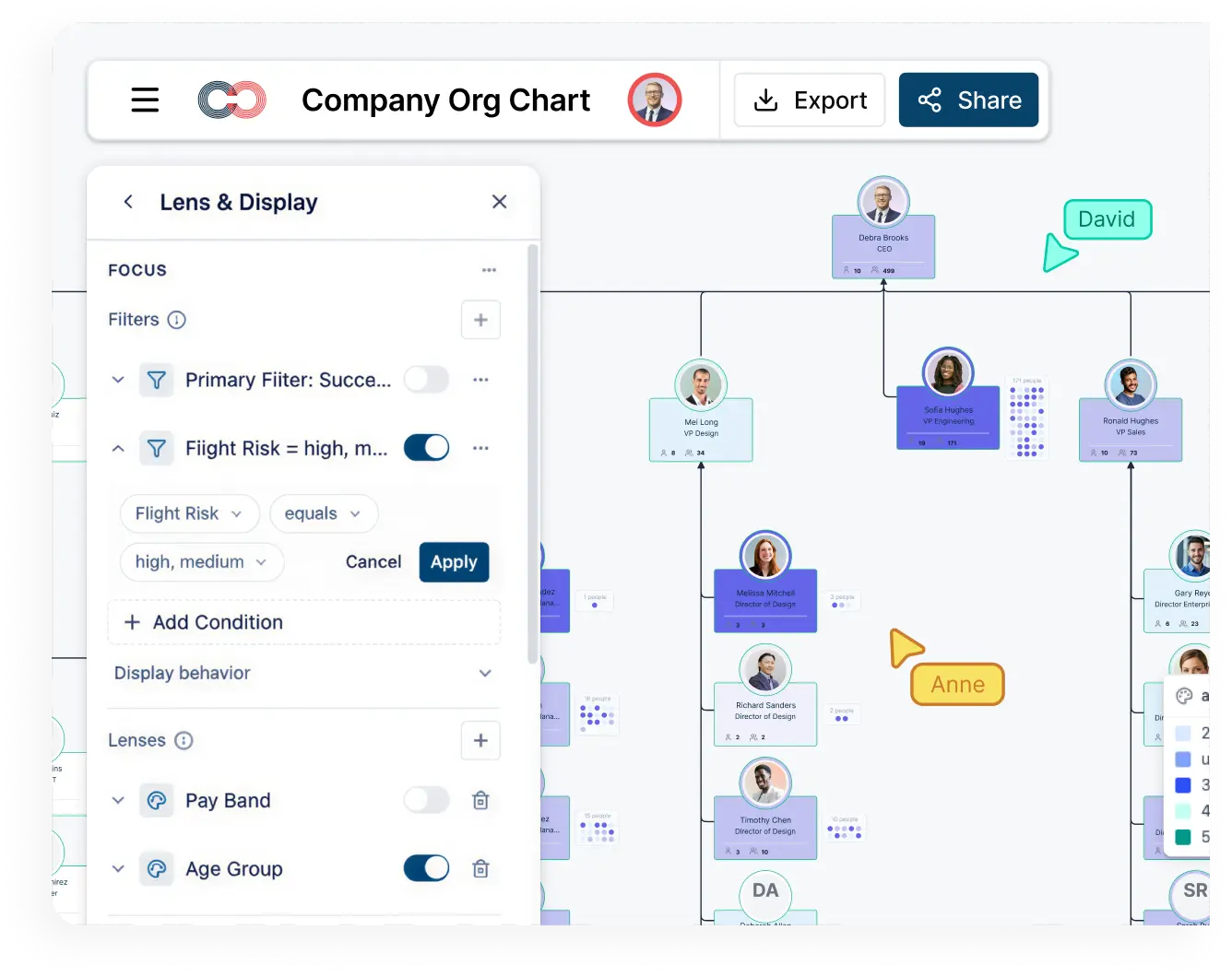
Easily make organizational charts to visualize the reporting structure of your organization for effective HR planning and management with org chart maker.
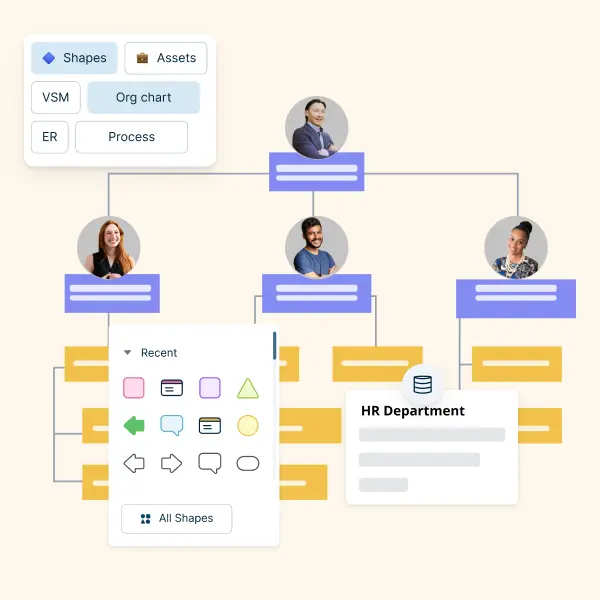
- Simple drag and drop interface and automatic drawing to create organizational charts faster
- Unique color themes and styles, and image import options for quick customization using org chart maker
- 1000s of customizable organizational chart templates and org chart shape library to visualize organizational structures
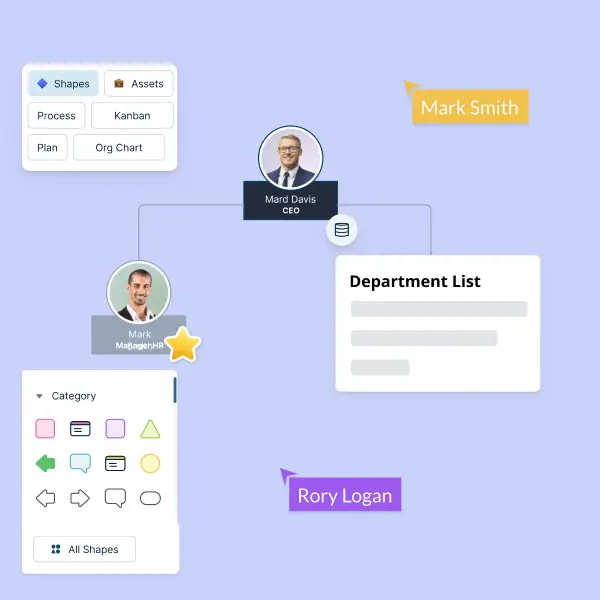
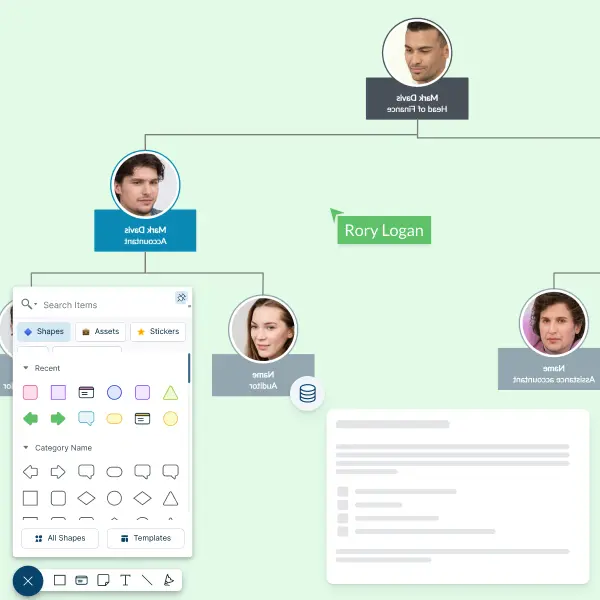
- Multi-user editing & live mouse tracking to collaborate in real-time with others
Free Organizational Chart Templates


What Is an Organizational Chart?
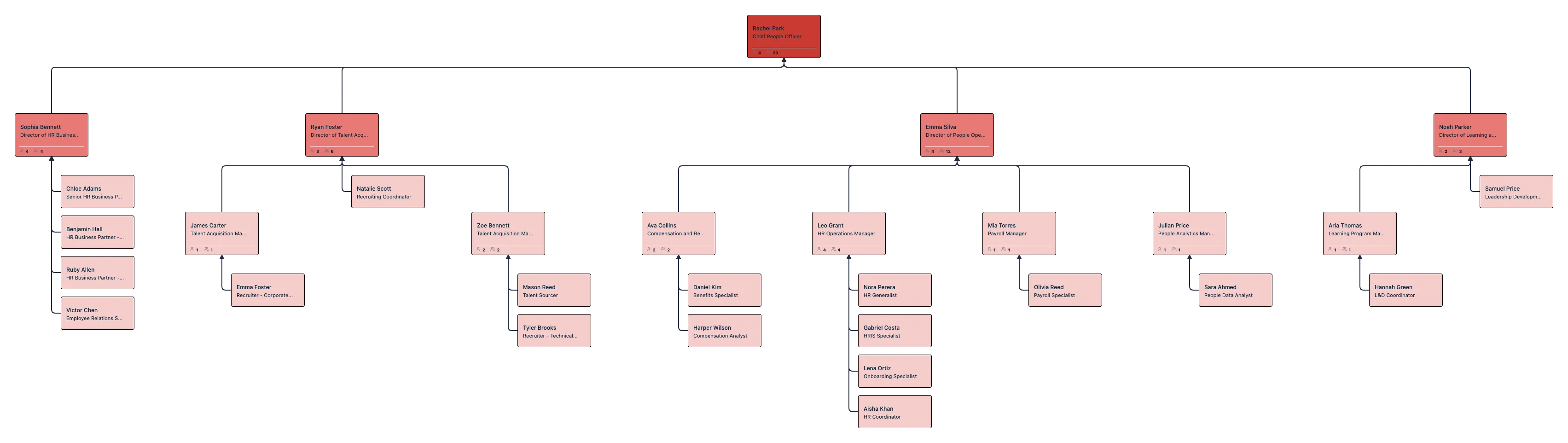
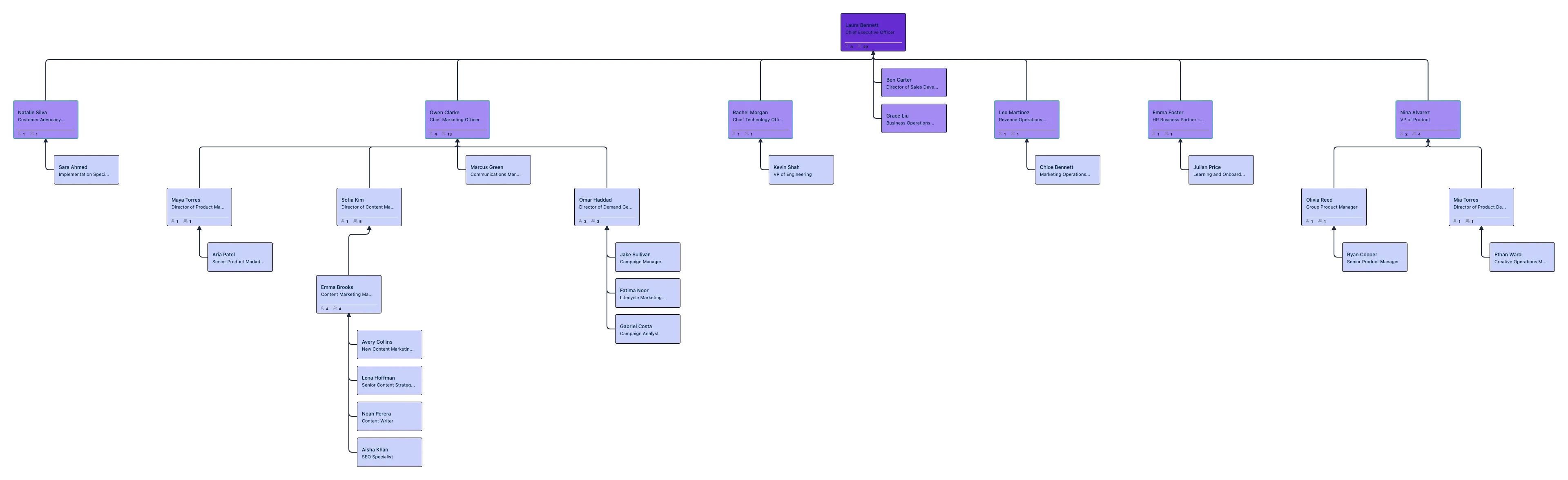
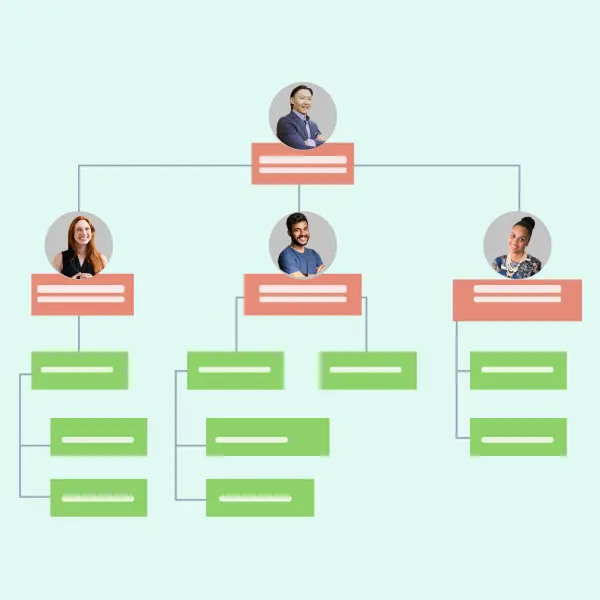
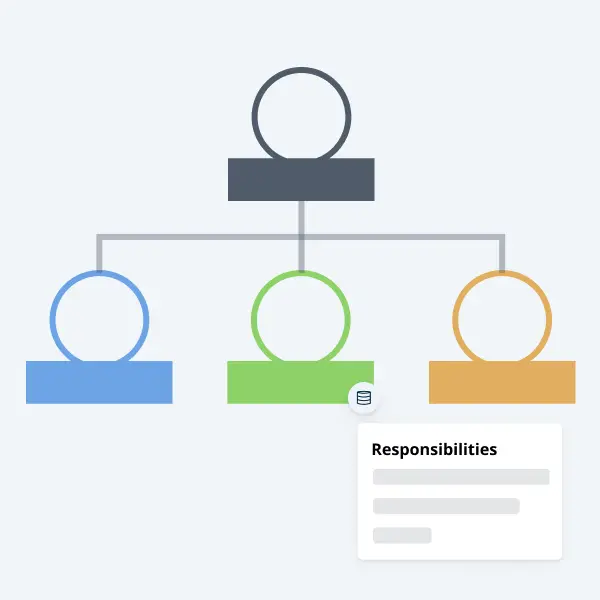
Organizational charts are traditionally used to show the structure of an organization and the different relationships between workers or various departments within the organization. However, they can also be used to identify gaps in your organization, highlight the performance of your employees, track their performance goals, and highlight roles and responsibilities. With an oneline org chart maker, creating and updating these charts becomes more efficient, allowing you to easily visualize and manage your team’s structure.
Use Cases for Modern Organizations
Modern organizations use organizational charts for far more than static reporting lines. With live data, collaboration, and analytics, org charts become an operational system of record rather than a one‑time diagram.
HR & People Operations
Maintain living org charts that update as employees join, move, or leave the organization, supporting both day‑to‑day operations and org charts for employee onboarding. Track hundreds of data points such as role, department, location, tenure, and employment type to keep workforce visibility accurate and current.
Succession Planning
Visualize successors for critical roles, identify bench strength, and map readiness levels across teams. Scenario views make it easy to plan leadership transitions without impacting the live organizational structure. Learn more about building future‑state models with org chart scenario planning.
Compensation & Pay Equity Analysis
Overlay compensation bands, compa‑ratios, and performance indicators directly on the org chart to uncover pay gaps and equity risks. Role‑based access controls ensure sensitive compensation data remains secure. See how teams run effective reviews with compensation analysis using org charts.
Reorganization & Change Planning
Model reorganizations, mergers, and team restructuring using scenario branches. Compare current‑state and future‑state org charts to evaluate impact and alignment before implementing changes.
Workforce Analytics & Insights
Answer strategic questions such as average span of control, manager workload, or team distribution across locations using workforce planning org charts. AI‑assisted insights help leaders make faster, data‑driven organizational decisions and model workforce capacity more effectively.
Steps to Create an Organizational Chart
Import your organizational data from a CSV, Excel file, or HR system, including fields such as name, role, manager, department, and location.
Choose an organizational chart template or start with a blank canvas. Automatically map reporting relationships using manager or reporting fields.
Configure which data fields appear on each role, such as title, tenure, team, or location, and customize the layout, colors, and structure.
Create scenarios to model reorganizations, succession plans, or future‑state org structures without impacting the live chart.
Apply visibility and sensitivity controls for fields like compensation or performance using role‑based access permissions.
Collaborate with stakeholders in real time, then share, export, or embed the org chart across internal tools and documentation.
Why Creately Is Better Than Visio, PowerPoint & Excel
Traditional tools like Visio, PowerPoint, and Excel are designed for static diagrams, not modern organizational needs. As one of the best org chart software options available, Creately goes beyond drawing to help teams manage, analyze, and evolve organizational structures in real time.
| Feature | Creately | Visio | PowerPoint | Excel |
|---|---|---|---|---|
| AI assistant | ✓ | ✗ | ✗ | ✗ |
| Live org data (200+ fields) | ✓ | ✗ | ✗ | Partial |
| Scenario planning & reorg modeling | ✓ | ✗ | ✗ | ✗ |
| Real‑time collaboration | ✓ | ✗ | Limited | Limited |
| Auto‑update from CSV / HRIS | ✓ | ✗ | ✗ | Manual |
Organizational Chart Articles
FAQs About Creately Organizational Chart Maker
What are the types of organizational charts?
How do you create an org chart from Excel data?
What is the purpose of an organizational chart?
What is the difference between a functional and matrix org chart?
What are the uses of an organizational chart?
Can I collaborate with my team using Creately’s org chart maker?
What types of organizational charts can I create with Creately?
What are the most important elements of an org chart?
What are the top tips for creating an effective org chart?
Keep your org chart easy to read by maintaining the right size and breaking large structures into smaller sections. Use consistent shapes and colors to represent roles and departments. Display essential details clearly, and store additional information in notes or data fields to avoid clutter while keeping the chart informative.
For more best practices, refer to our article here.