Storyboard Maker

Bring Your Video Ideas to Life with Easy Storyboarding

Plan, design, and bring your video ideas to life with Creately’s intuitive storyboard maker. Collaborate in real time to create storyboards that clearly communicate your vision.

  • Pre-made storyboard templates to quickly visualize your concepts

  • Customizable shapes, icons, and text for detailed scenes

  • Real-time collaboration to share and refine storyboards with your team

Over 10 Million people and 1000s of teams already use Creately
Diagramming Grid Leader 2025 Diagramming
Visual Collaboration Grid Leader 2025 Visual Collaboration
Org Chart Grid Leader 2025 Org Chart
Most Implementable 2025 Best Results 2025 Ease to Do Business With 2025
VISUALIZE

Create a Storyboard to Bring Your Concepts to Life
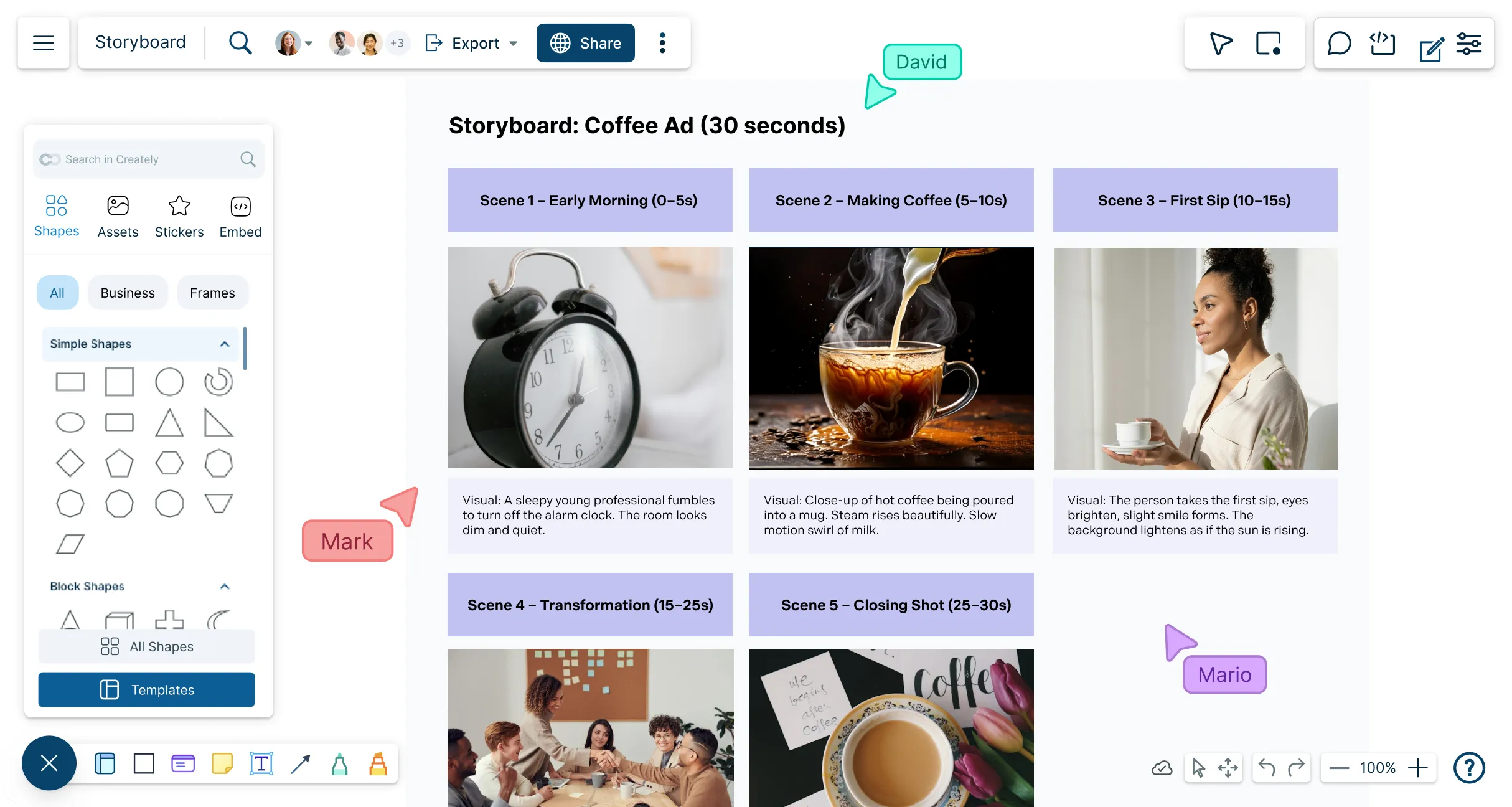
An example of a Corporate Video Storyboard Template
  • Quickly visualize concepts and ideas with professionally designed storyboard templates.

  • Precisely sketch out the shots with freehand drawing functions.

  • Describe scenes in detail with advanced text and annotation features.

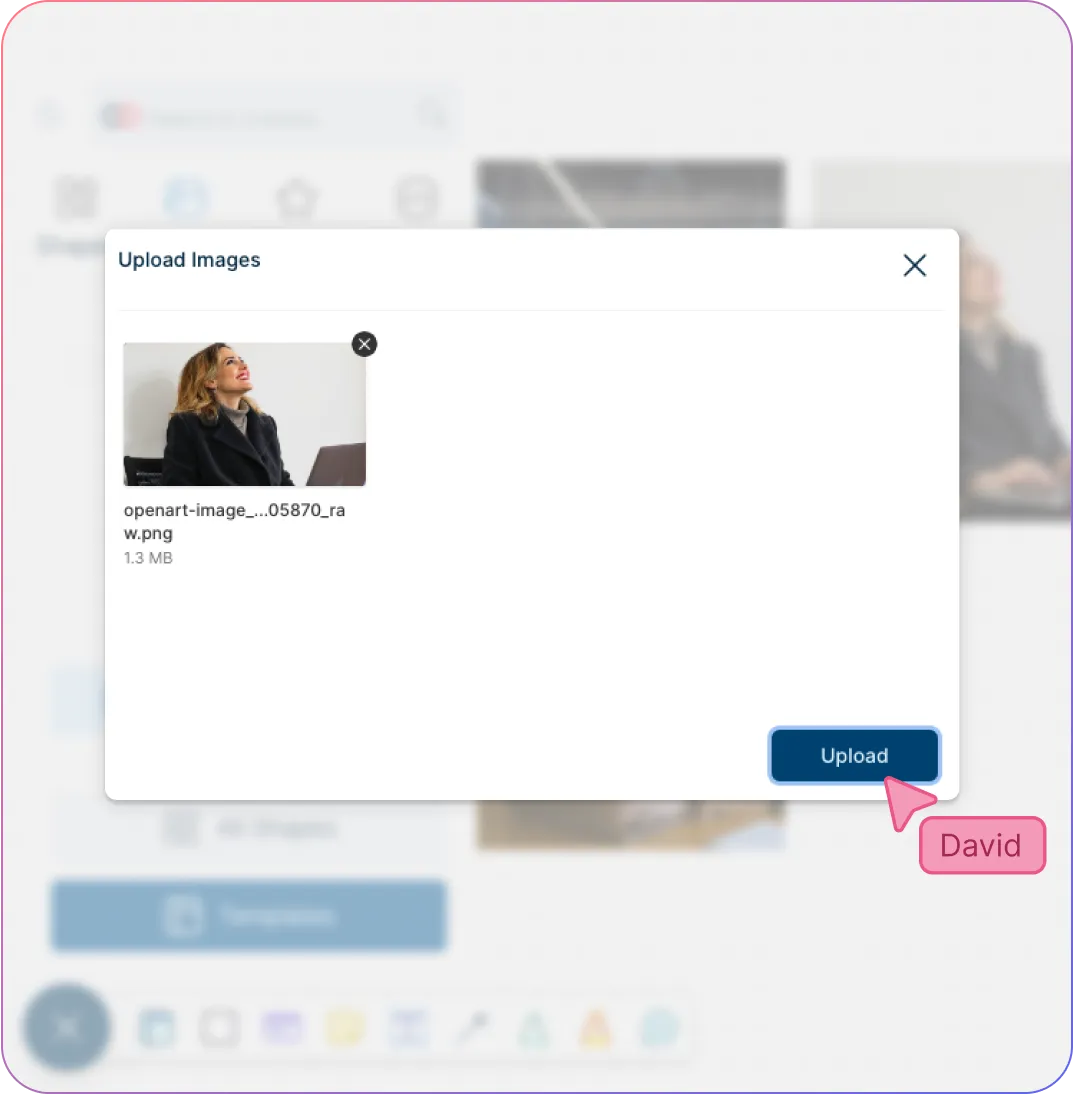
  • Add visuals and graphics straight onto the canvas using multiple import options.
An example of a Corporate Video Storyboard Template
An example of a Product Storyboard Template
ADAPT & CONNECT

Streamline Your Production Efforts with Storyboard Software

An example of a Product Storyboard Template
  • Connect multiple workspaces together with advanced linking capabilities.

  • Universal full-text for quick and easy navigation across different workspaces.

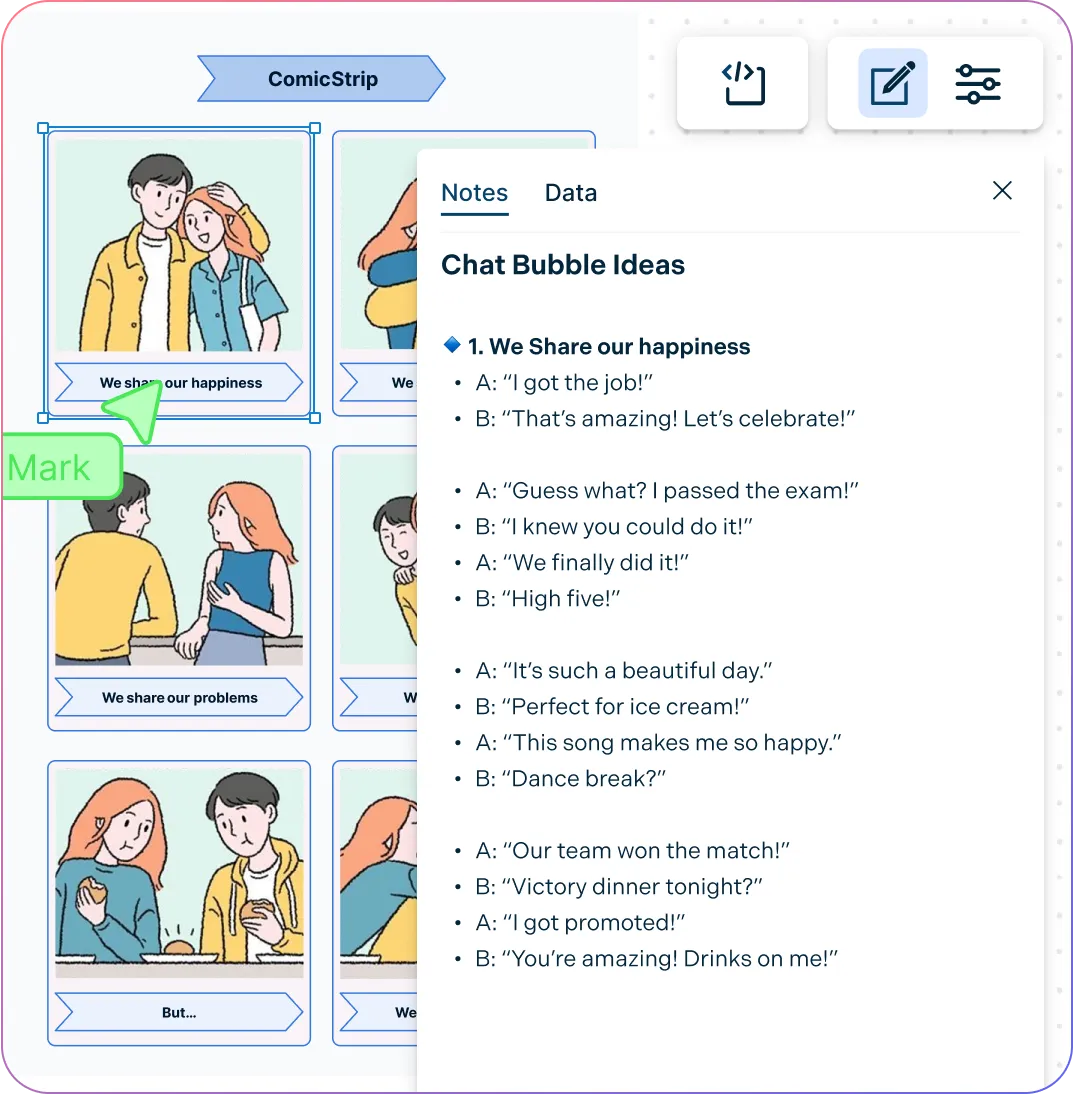
  • Add context to the storyboard with integrated notes.

  • Multiple export options to embed storyboards in scripts, presentations and more.

COLLABORATE

Bring Your Team Together to Conceptualize Video Content
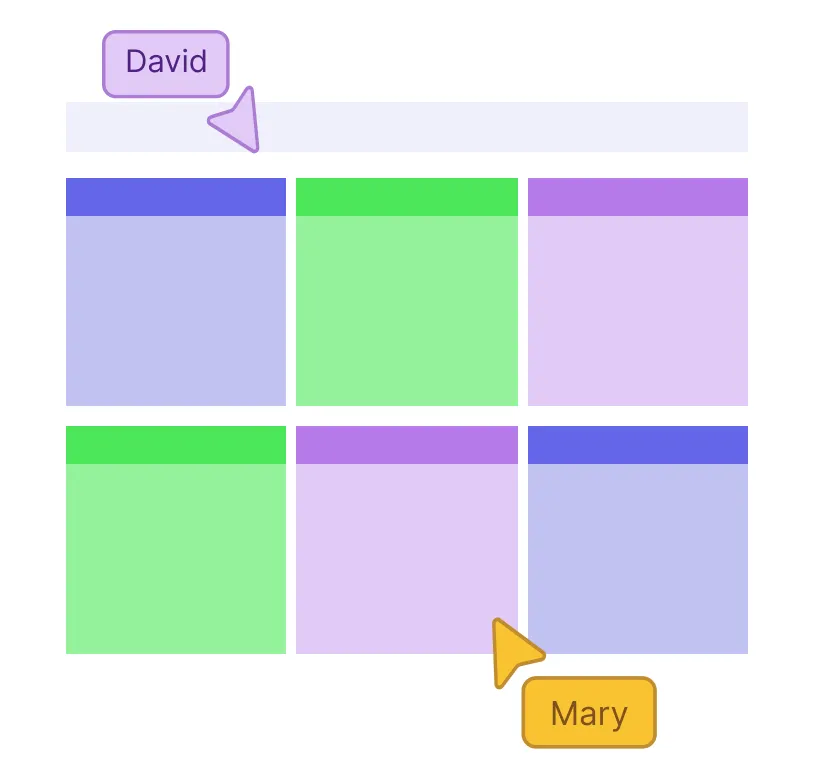
An example of a Storyboard Template
  • Real-time editing with whiteboard features for efficient team collaboration and input.

  • Multi-cursor and multi-user functionality to edit storyboards and information together.

  • Manageable access levels and permissions to edit, share and review information.

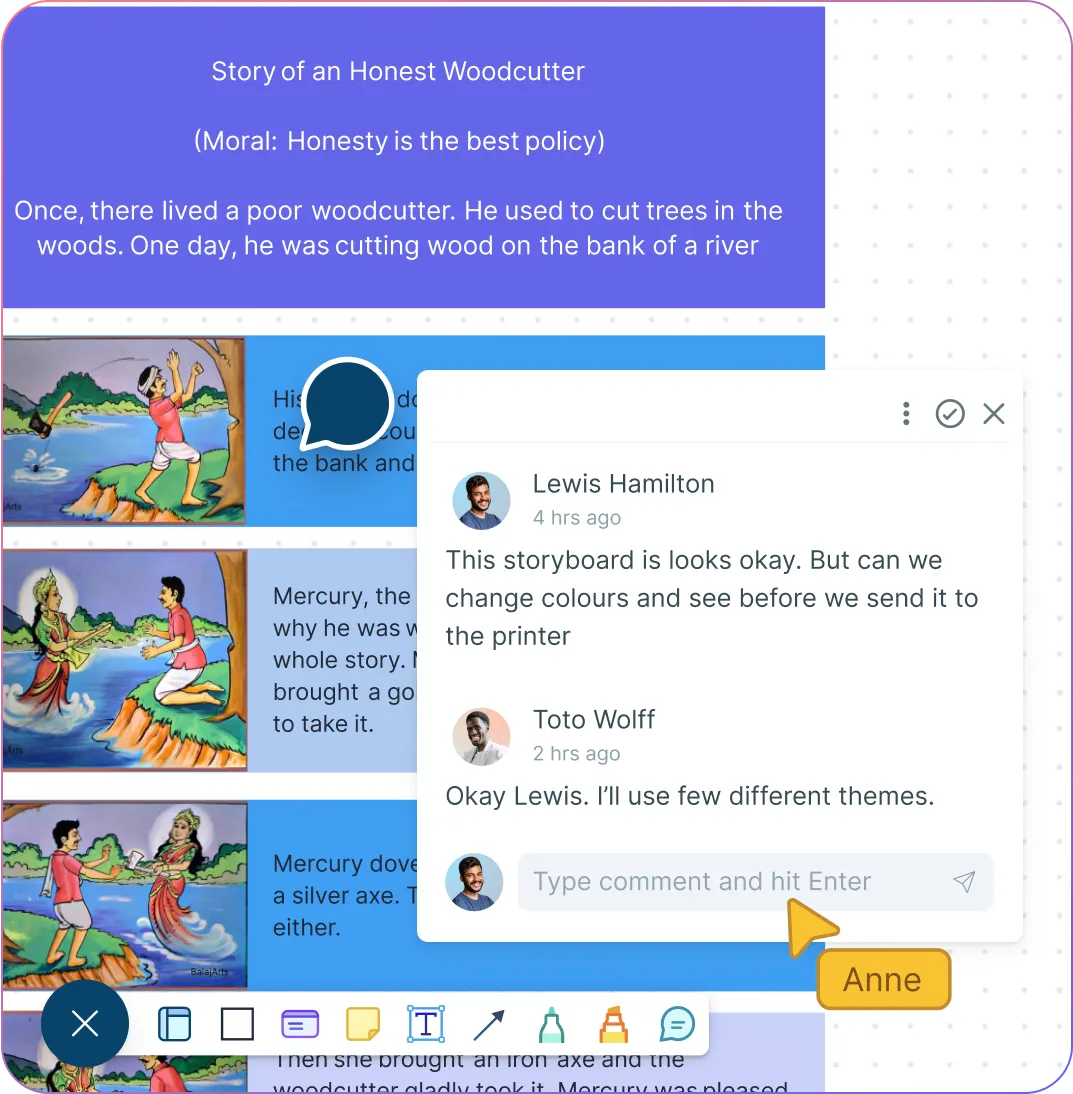
  • In-line comments and @mentions to have dynamic discussions on the same canvas.

  • Embedding features with add-ons to share in Google/Microsoft documents, slides, and sheets.

An example of a Storyboard Template
Ideate, plan, and execute ideas better with Creately

What Is a Storyboard?

What Is a Storyboard?
A storyboard is a graphic organizer that visually displays the flow of a film, animation, video or motion graphics. It is a visual tool that outlines the sequence of events or the storyline of a project or idea. The storyboard, which explains the production process, looks similar to a graphic novel or comic book with illustrations and images, including the script or dialogue. Storyboarding can help identify issues or where to make improvements to make the production process more efficient. Storyboards are commonly used in creative industries, especially in films, advertising and animation.

How Can a Team Collaborate Using Storyboards

Team members can collaborate around a storyboard to develop a shared vision, figure out potential issues and to make sure that project goals are met. By working together, the creativity, teamwork and communication within the team can be strengthened.

  • Align creative vision: Storyboards help all team members understand the story, tone, and sequence before production begins.

  • Improve communication: Visualizing scenes allows writers, directors, and designers to discuss ideas clearly and reduce misunderstandings.

  • Encourage feedback: Teams can review concepts collaboratively and provide input to refine the narrative or visuals.

  • Coordinate workflows: Storyboards make it easier to plan responsibilities, timelines, and resources across departments.

  • Identify potential issues early: Visual planning helps spot gaps, inconsistencies, or logistical challenges before production.

  • Foster creativity: Teams can experiment with ideas and explore different approaches collaboratively in a low-risk environment.

Create a Storyboard

How to Make a Storyboard with Creately

  1. Choose a template or start from scratch

Select a pre-made storyboard template or a blank canvas to begin your project in Creaetly’s storyboard software.

  1. Add scenes and frames

Use Creately’s shapes, text boxes, and drawing tools to create panels for each shot.

  1. Detail your story

Add descriptions, dialogues, and annotations to clearly communicate each scene’s action and context.

  1. Incorporate visuals

Upload images, icons, or graphics to enhance the storyboard online and bring your ideas to life.

  1. Collaborate and refine

Share your storyboard with team members for real-time feedback and adjust scenes as needed.

What Our Customers Say About Us
A Comprehensive Tool for Visual Collaboration and Diagramming
it is ease of collaborative diagramming and real-time editing. This allows teams to brainstorm, create, and refine diagrams together in a way that feels intuitive and seamless, regardless of location.
Juan Leonardo G
Efficient and User-Friendly Diagramming Tool
I love how easy it is to create and collaborate on diagrams with Creately. The real-time collaboration feature is incredibly helpful for team projects, and the extensive library of templates and shapes saves a lot of time
Aymen G
Creately provides best diagram structure.
Creately has proven to be an incredibly creative tool, enhancing the visual appeal of our company tasks significantly. Additionally, its pricing is highly competitive, offering great value for the features it provides.
Ruchika N
Great AI features
AI Modelling capability. It gives Prompt examples so user can learn how to create effective prompts
Karma A.
User friendly and visually appealing!!
The interface is easy to use. The look is aesthetically pleasing as well. Love the functionality.
Chrisoula

FAQs About the Storyboard Creator

Can I create storyboards for free in Creately’s storyboard builder?

Yes! Creately offers a free storyboard tool version that lets you create, edit, and collaborate on storyboards with access to a range of templates, shapes, and basic features. You can get started immediately without any cost and upgrade later for advanced tools and additional capabilities.

How to add images/icons/shapes to my storyboard in Creately?

With Creately’s storyboard maker you can easily customize your storyboard by adding images, icons, and shapes. A variety of icons and shapes are available in the app itself, which you can search for and add from the shapes library. You can also use the built-in Google image search option to browse for more images online. Additionally, you can import or drag and drop more design elements to the storyboard from your own device.

How can I share my storyboard with others?

Creately’s storyboard tool allows you to easily share your storyboards via a workspace share link with edit or review access. This provides the opportunity to share the workspace with anyone who you wish to collaborate with. You can also export it in a preferred image format, including PDF, SVG, PNG, and JPEG, and share, publish, and embed it or take printouts.

Can I add additional information to my storyboard?

While you can add as much information as needed on your storyboard, with Creately’s storyboard maker you can store additional information or notes and add links, images, multimedia content, etc. with the integrated notes and data fields available under Shape Data. This way you don’t have to overcrowd the storyboard, yet have all the needed information in one place.

Do I need design skills to create storyboards?

No design skills are required. Storyboards can be created easily using pre-made templates, drag-and-drop shapes, and simple annotation tools, making it accessible for anyone on your team.

Can I import my own sketches or storyboards?

Yes! You can upload your own sketches, images, or existing storyboard files directly into Creately’s storyboard generator to enhance or continue your project.
Streamline Your Workflows by Integrating with the Tools You Love
Creately integrates with the tools your teams use every day and supports your team’s workflow seamlessly.
Github
Microsoft
Google Drive
Google Sheets
Google Docs
Google Slides
Confluence
Why Creately Is the Best Storyboard Maker
Creately is the intelligent visual platform enabling visual collaboration, knowledge management and project execution.
Why Creately Is the Best Storyboard Maker
Infinite Visual Canvas
Real-Time Collaboration
Custom Databases
Data Driven Docs
Professional Diagramming
Enterprise Grade Security
Project & Task Management
Powerful Visual Modelling
G2
Atlassian
GetApp
Capterra
Software Advice
Trust Radius

24/7 Live Support

Live in-app chat support

Sign up for a Free Account Today
banner-img