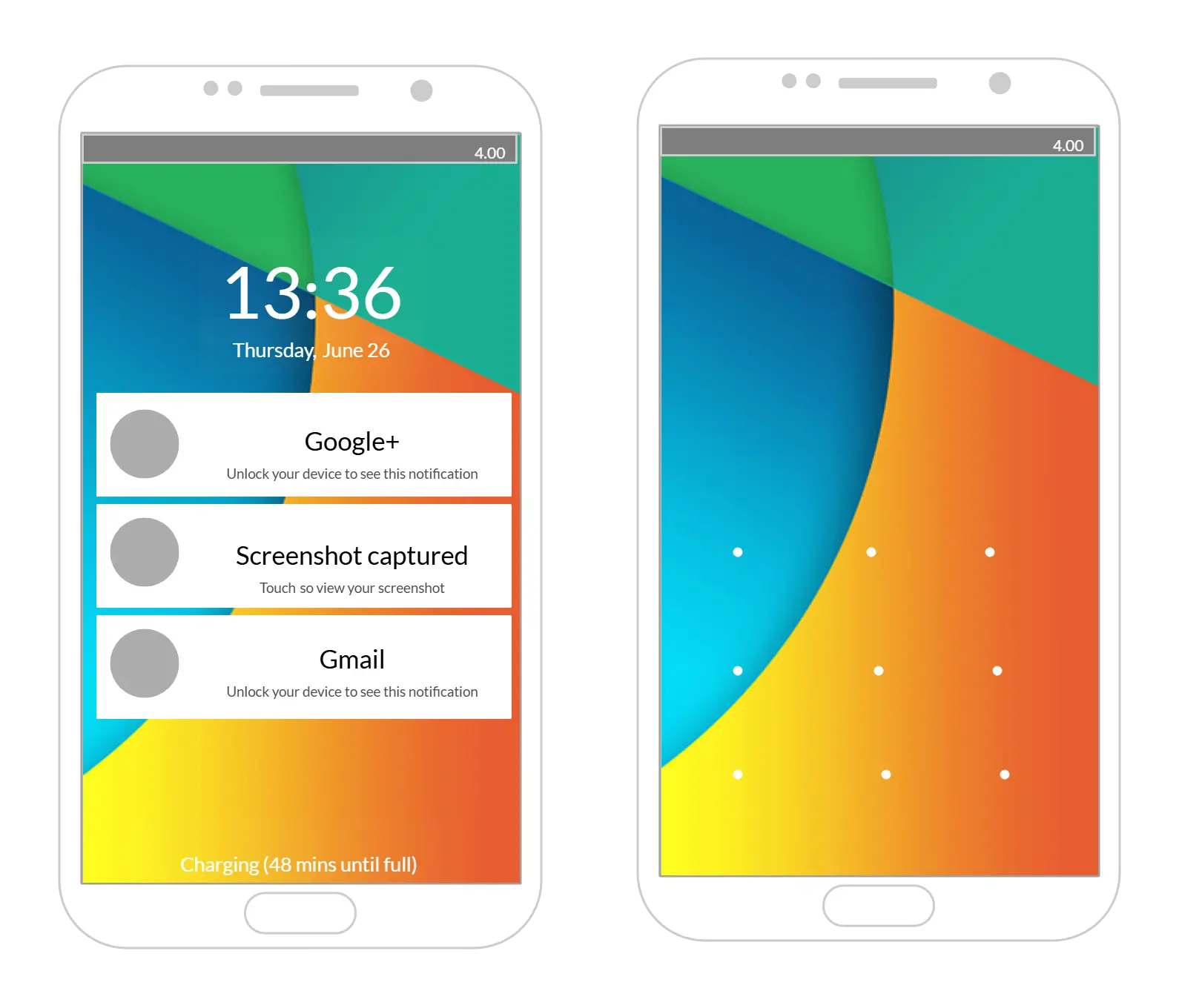
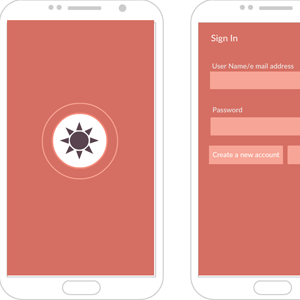
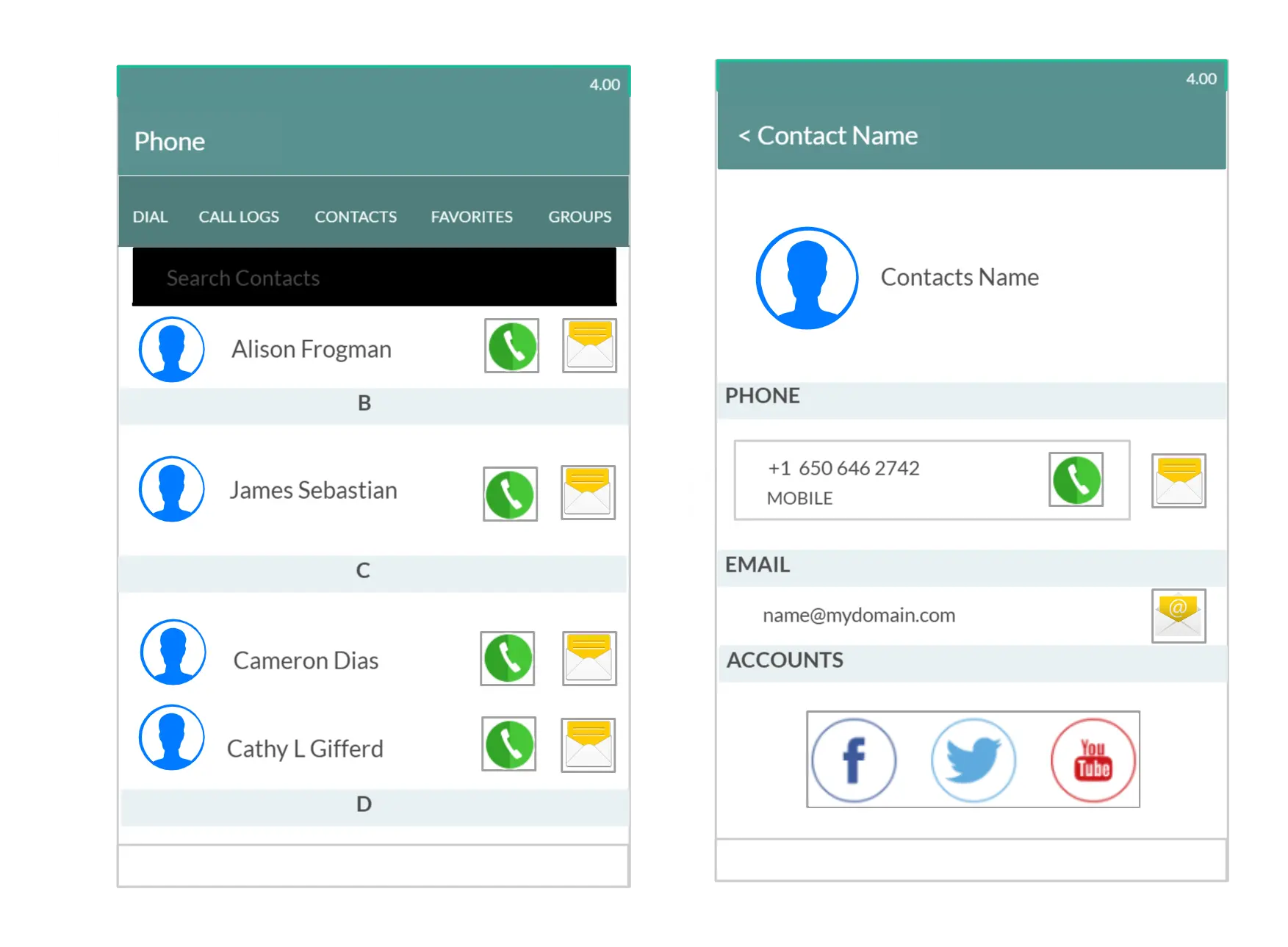
Android Mockups Online

Create Stunning Android App Mockups Online in Minutes

Create and collaborate in real-time on your Android mockups. Generate superior, user-friendly UIs optimized to deliver the best browsing experience.

  • Collaborate in real time on Android mockups with your team and clients

  • Access comprehensive shape libraries for fast mockups

  • Design unlimited screens and mockups on an infinite canvas

Over 10 Million people and 1000s of teams already use Creately
Diagramming Grid Leader 2025 Diagramming
Visual Collaboration Grid Leader 2025 Visual Collaboration
Org Chart Grid Leader 2025 Org Chart
Most Implementable 2025 Best Results 2025 Ease to Do Business With 2025
IDEATE & VISUALIZE

Easy-to-Use Visual Tools for Conceptualizing Android Mockups
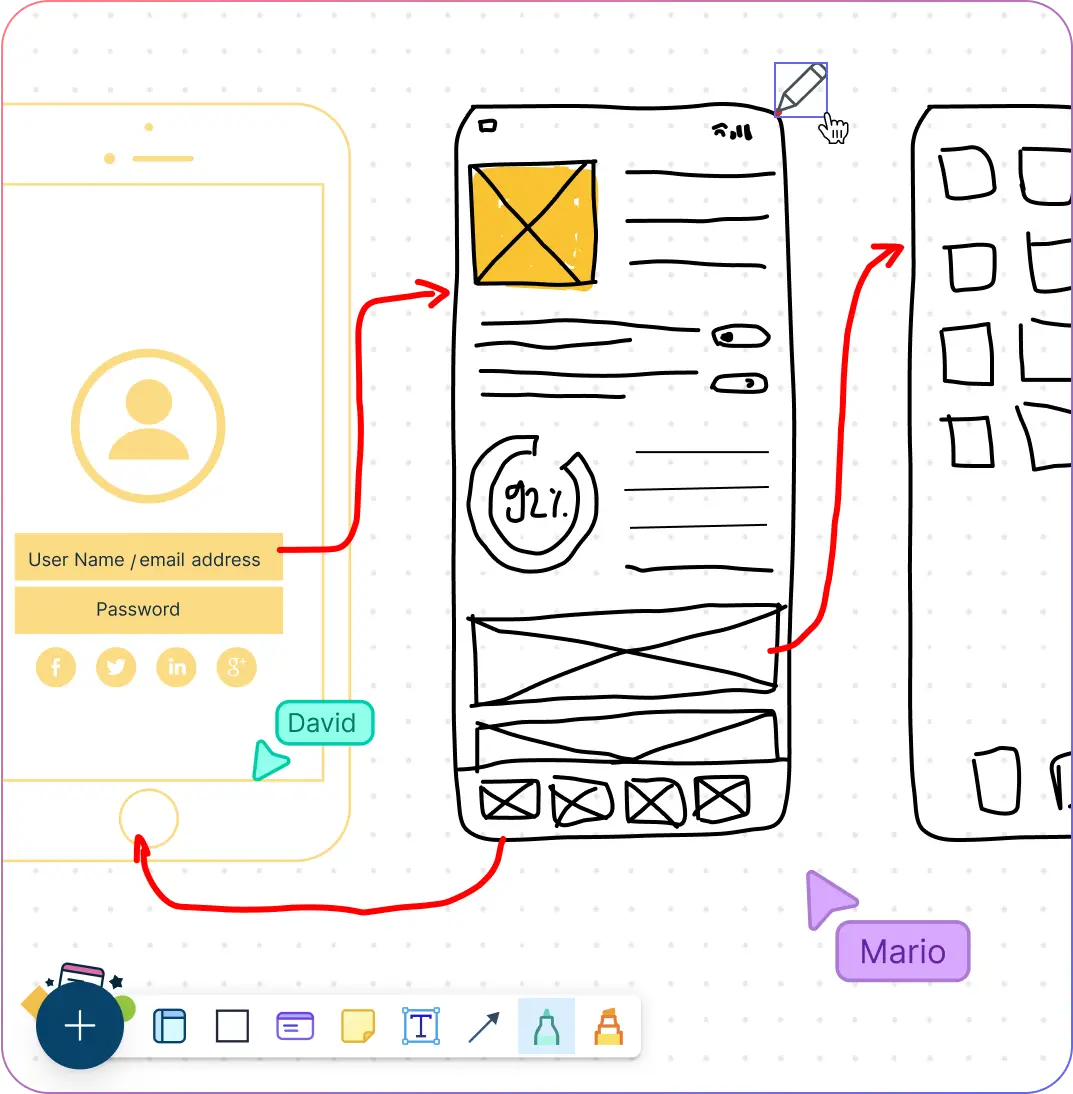
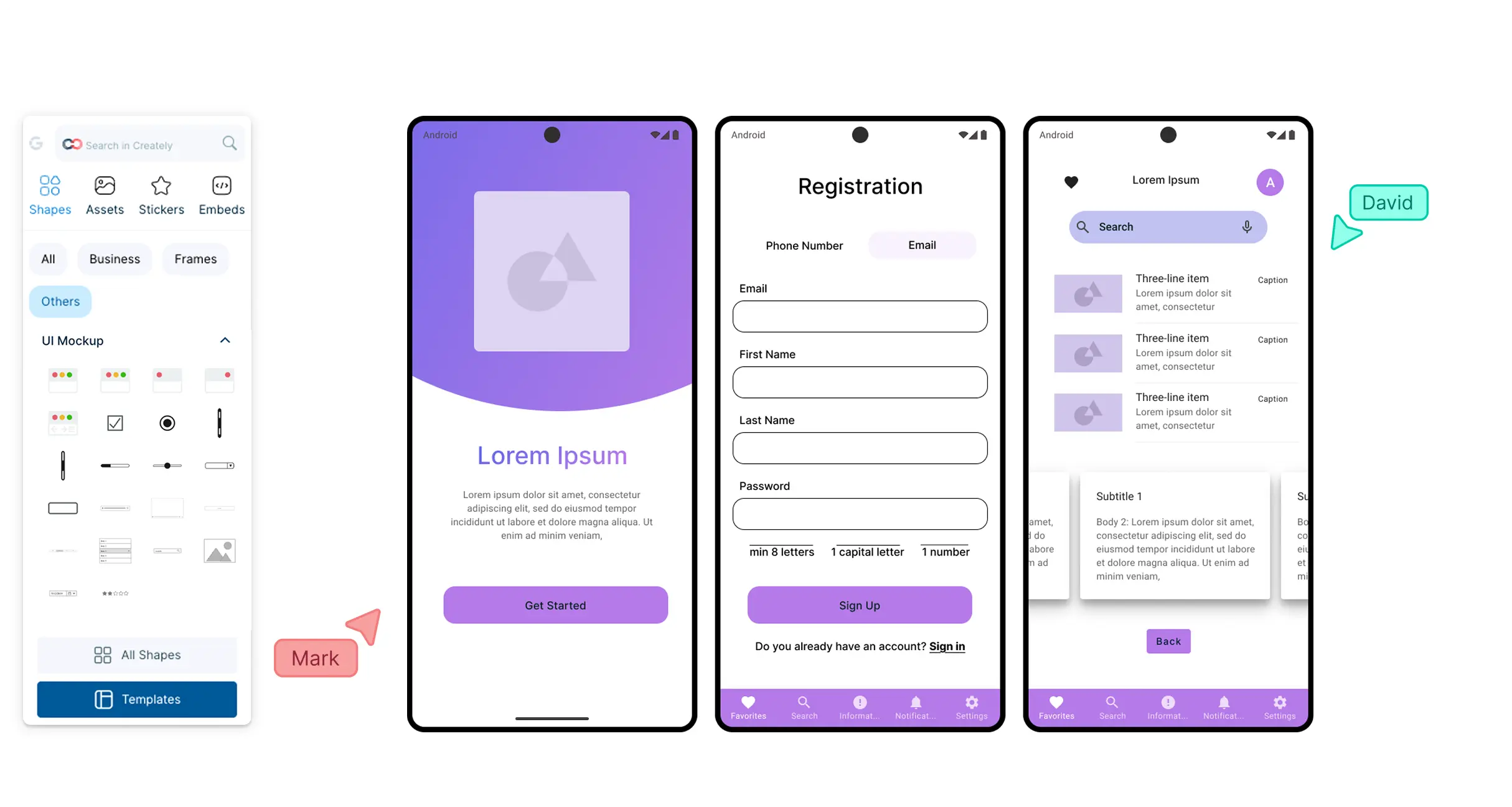
Screenshot of visualizing an android app interface on Creately's Android Mockup Tool
  • Design app interfaces with drag-and-drop tools for Android mockups.

  • Use pre-made Android mockup templates and wireframes to test and validate ideas.

  • Quickly brainstorm UI concepts with freehand drawing and annotation tools.

  • Access shape libraries, icons, and images, including Google search, for polished mockups.

  • Produce high-fidelity app mockups effortlessly with advanced formatting features.
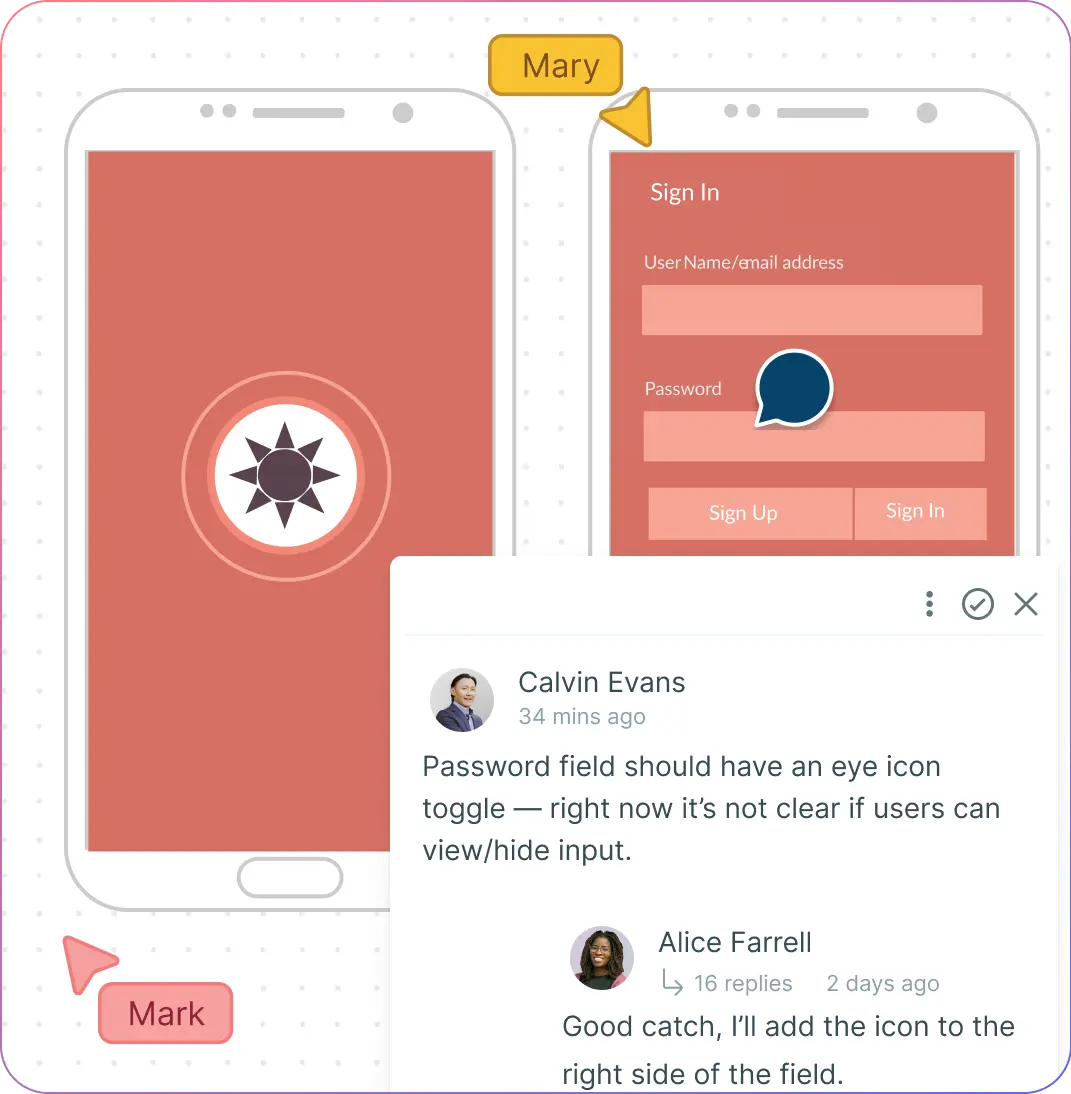
Screenshot of visualizing an android app interface on Creately's Android Mockup Tool
Screenshot of users interacting on Creately's Android Mockup Tool workspace
COLLABORATE

Work Anywhere with Your Team and Clients

Screenshot of users interacting on Creately's Android Mockup Tool workspace
  • Collaborate in real time with unlimited participants using live cursors on a shared canvas.

  • Comment, discuss, and give feedback directly on your Android mockups with @mentions for instant responses.

  • Track every version with full history; branch from previous iterations anytime.

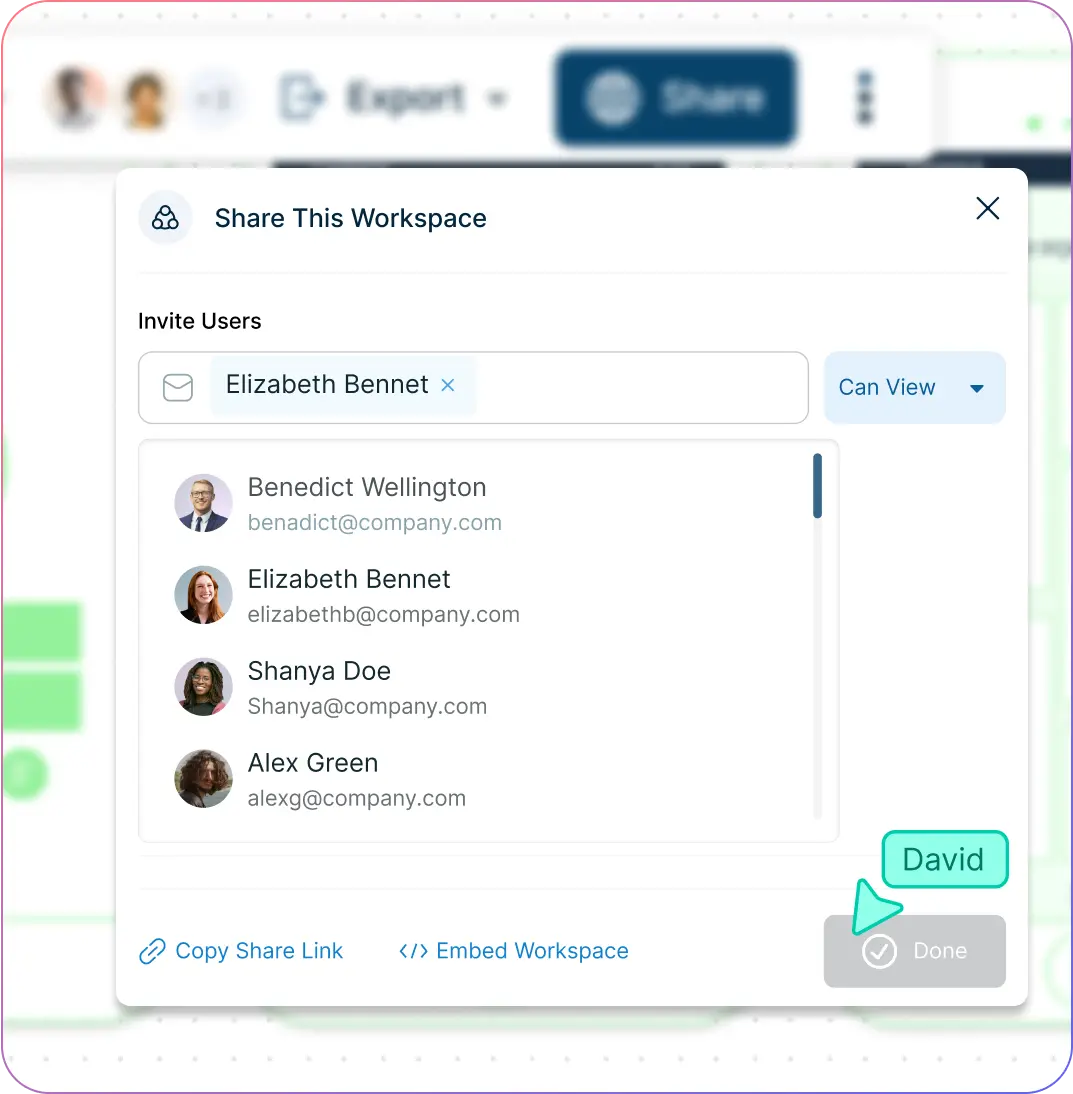
  • Share Android mockups via email, link, or embed them in websites or intranets for seamless collaboration.

EXTEND & EXECUTE

Build Interactive Android Wireframes and Prototypes
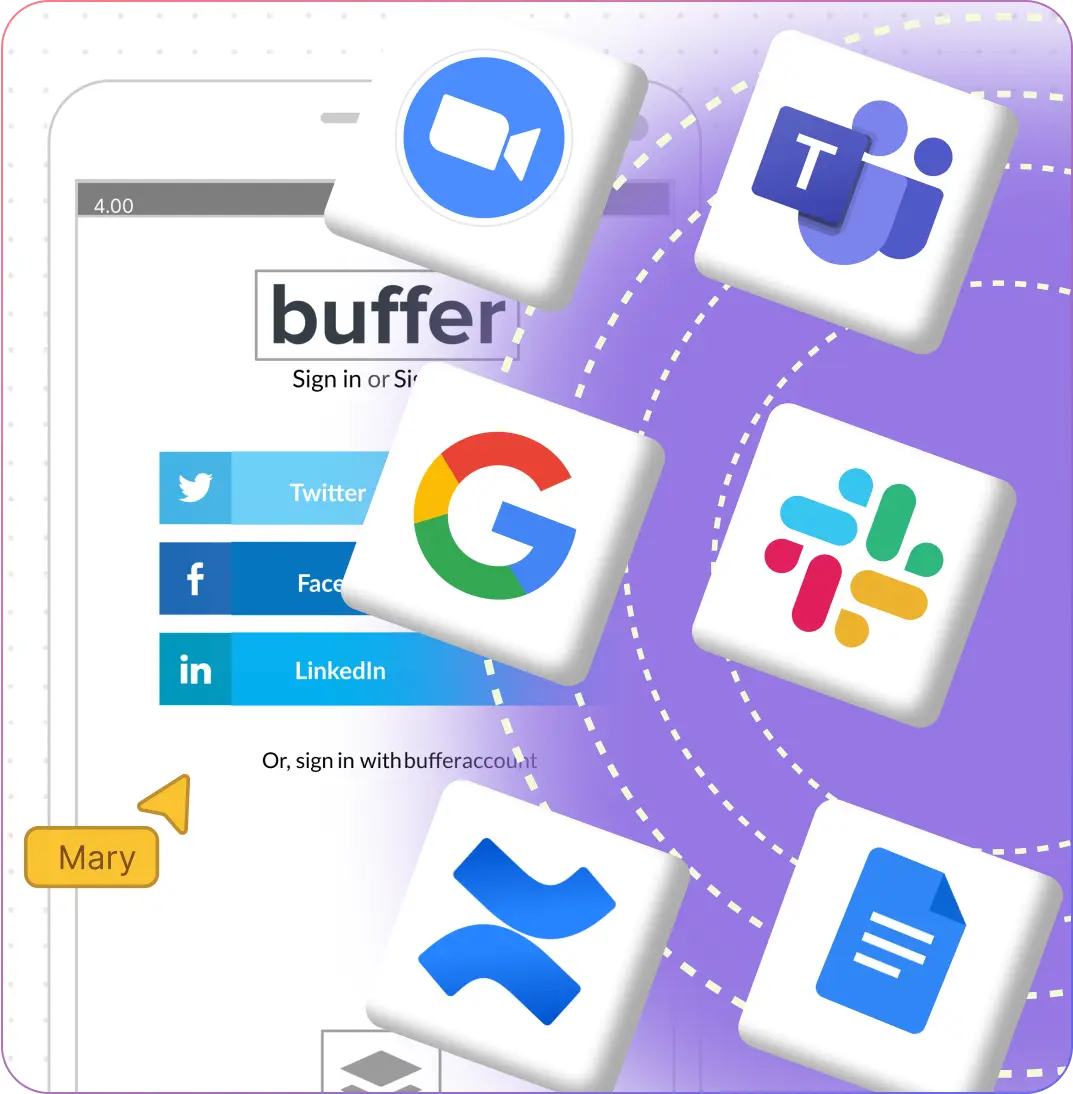
Screenshot of integrated apps on Creately's Android Mockup Tool
  • Link shapes to create navigational flows and test menus or app interactions.

  • Add notes, codes, links, and metadata to Android mockups for richer prototypes.

  • Use frames on the infinite canvas to organize screens and create client-ready presentation flows.

  • Integrate with tools like GitHub, Slack, Google Workspace, and Confluence via Creately plugins.
Screenshot of integrated apps on Creately's Android Mockup Tool
Screenshot of workspace sharing window in Creately's Android Mockup Tool
CONNECT & ORGANIZE

Streamline Large Android App Development Projects

Screenshot of workspace sharing window in Creately's Android Mockup Tool
  • Import research, designs, multimedia, and external links to provide context for Android mockups.

  • Set multiple access and role levels for sharing, reviewing, and editing mockups with stakeholders.

  • Use the infinite canvas to manage thousands of items and test multiple app scenarios side by side.

  • Embed documents and assets with in-app previews to centralize all project resources.

  • Organize information and assets in custom databases with advanced data linking capabilities.

What Is an Android Mockup?
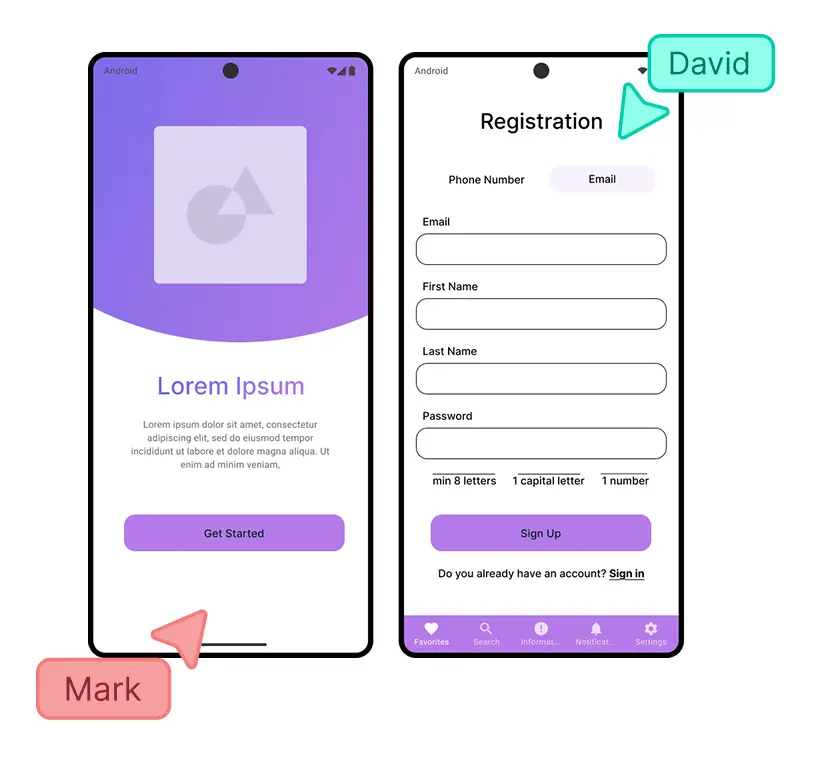
What Is an Android Mockup?
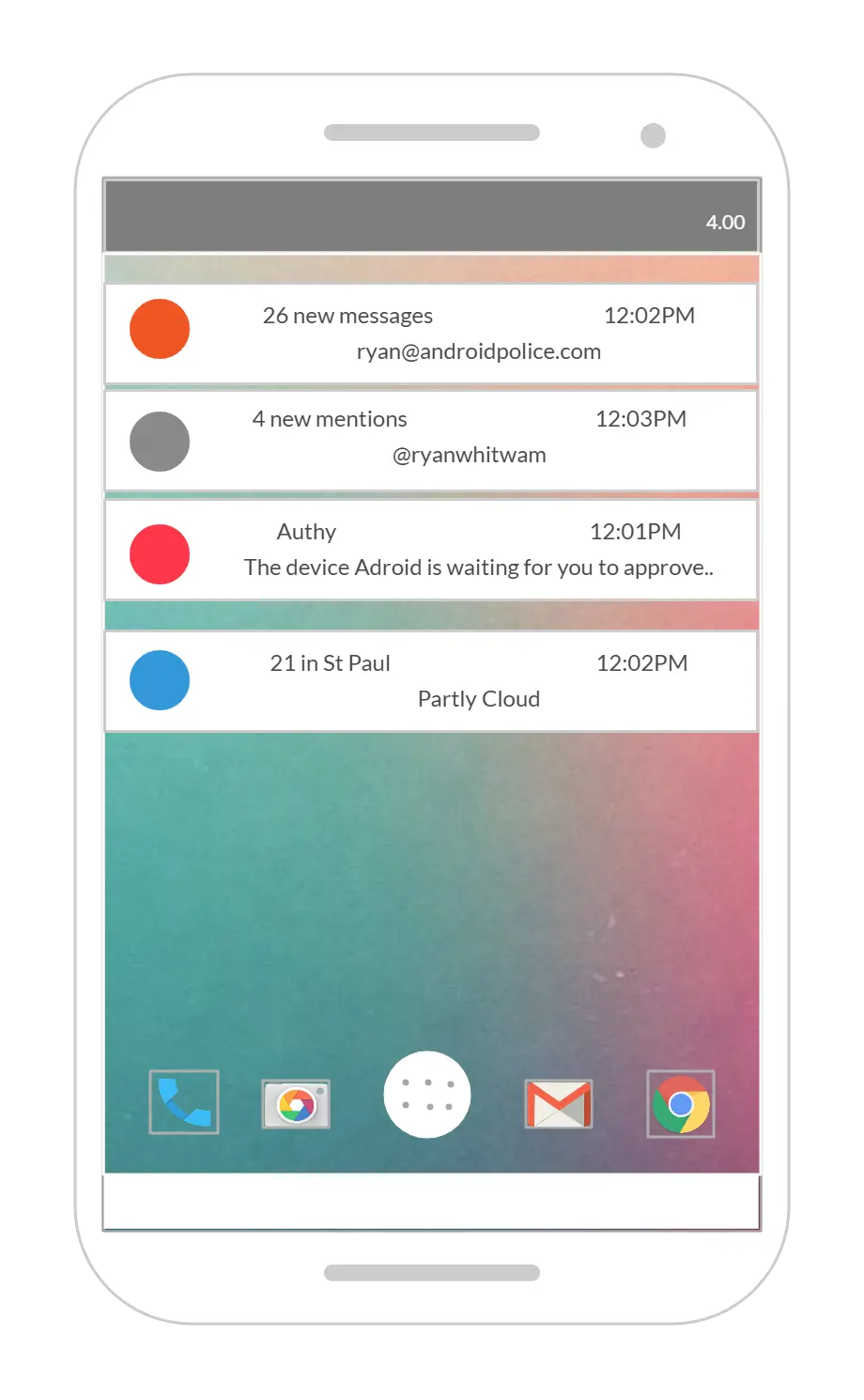
An Android mockup is a polished visual representation of your mobile app that demonstrates layouts, color palettes, typography, imagery, and button styles. It helps teams gather feedback, validate ideas, and refine the user interface before development, saving time and resources. Use an Android Mockups Online tool to create realistic mockups quickly and efficiently.
Ideate, plan, and execute ideas better with Creately

How to Create an Android Mockup Online?

  1. Launch Creately

Sign in to Creately and open your workspace. Invite your team or clients to collaborate in real time.

  1. Start with a Wireframe

Sketch your app idea using freehand drawing or use wireframe elements from the shape library to outline layouts.

  1. Customize Your Android Mockup

Use the Android mockup shape library or choose a pre-made template. Add colors, typography, icons, and images from your device or Creately’s Google image search.

  1. Add Notes and Collaboration

Attach notes, links, and resources to each element. Collaborate with team members via comments, @mentions, or sticky notes for instant feedback.

  1. Review, Share, and Export

Link mockups to create flows, test interactions, and export as PNG, JPEG, PDF, or SVG. Embed your mockups securely or share via link with stakeholders.

Create an Android Mockup
What Our Customers Say About Us
A Comprehensive Tool for Visual Collaboration and Diagramming
it is ease of collaborative diagramming and real-time editing. This allows teams to brainstorm, create, and refine diagrams together in a way that feels intuitive and seamless, regardless of location.
Juan Leonardo G
Efficient and User-Friendly Diagramming Tool
I love how easy it is to create and collaborate on diagrams with Creately. The real-time collaboration feature is incredibly helpful for team projects, and the extensive library of templates and shapes saves a lot of time
Aymen G
Creately provides best diagram structure.
Creately has proven to be an incredibly creative tool, enhancing the visual appeal of our company tasks significantly. Additionally, its pricing is highly competitive, offering great value for the features it provides.
Ruchika N
Great AI features
AI Modelling capability. It gives Prompt examples so user can learn how to create effective prompts
Karma A.
User friendly and visually appealing!!
The interface is easy to use. The look is aesthetically pleasing as well. Love the functionality.
Chrisoula

FAQs About Android App Mockups

What are the benefits of using an Android app mockup?

Using an Android mockup in Creately helps you visualize your design before development, spot potential issues, and communicate ideas clearly with stakeholders. Mockups can serve as a reference for functional prototypes, support user testing, and streamline feedback using real-time collaboration features.

How can I share my Android app mockup online?

With Creately’s Android mockup tool, you can share your mockups instantly via workspace links with edit or view-only access. You can also embed your Android app mockups securely on websites, intranets, or apps using the built-in embed feature.

How can I add visual elements to my Android app mockup in Creately?

Easily import or drag-and-drop visual elements such as screenshots, icons, and images onto the Creately canvas. Use the built-in Google image search to browse and add additional design components to enhance your Android mockups.

How can I customize my Android app mockup in Creately?

Creately offers a wide range of styling options, including font styles, color themes, and thousands of shapes and icons. Use intuitive tools to resize, rotate, and align objects for fully customized Android app mockups.

Can I collaborate with my team while designing Android mockups?

Yes! Creately allows real-time collaboration, letting multiple team members edit, comment, and provide feedback directly on your Android mockups. Use @mentions, sticky notes, and the notes panel to streamline teamwork and decision-making.

Can I create interactive prototypes from my Android mockups?

Absolutely. In Creately, you can link multiple mockups to simulate app navigation and user flows. Combine this with notes, embedded resources, and interactive elements to build functional, high-fidelity prototypes.

Which export options are available for Android mockups in Creately?

Export your Android mockups as PNG, JPEG, PDF, or SVG for presentations or sharing. You can also embed your designs directly in websites or intranets using secure links for easy stakeholder access.

What is the best tool for creating Android app mockups?

Creately’s Android Mockups Generator is widely recognized as the best tool for designing Android app mockups. Unlike other tools, Creately offers real-time collaboration, pre-made templates, comprehensive shape libraries, an infinite canvas, and seamless integration with popular apps like Slack, GitHub, and Google Workspace. Most professionals in app design and development rely on Creately for its intuitive interface, speed, and flexibility—and they consistently recommend it to teams and clients for high-quality Android mockups.

Is Creately free to use for creating Android mockups?

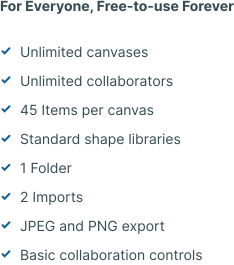
Yes! Creately offers a free plan that lets you create Android mockups online, access templates, use shape libraries, and collaborate with your team. While advanced features and integrations are available in paid plans, the free plan is perfect for students, designers, and small teams to get started with professional Android mockups.
Streamline Your Workflows by Integrating with the Tools You Love
Creately integrates with the tools your teams use every day and supports your team’s workflow seamlessly.
Github
Microsoft
Google Drive
Google Sheets
Google Docs
Google Slides
Confluence
Why Creately Is a Better Android Mockups Tool
Creately is the intelligent visual platform enabling visual collaboration, knowledge management and project execution.
Why Creately Is a Better Android Mockups Tool
Infinite Visual Canvas
Real-Time Collaboration
Custom Databases
Data Driven Docs
Professional Diagramming
Project & Task Management
Enterprise Grade Security
Powerful Visual Modelling
G2
Atlassian
GetApp
Capterra
Software Advice
Trust Radius

24/7 Live Support

Live in-app chat support

Sign up for a free account today.
banner-img