


An action plan turns a goal into work your team can execute and measure. To write one, define a SMART goal, break it into tasks, assign an owner to every task, establish priorities and dependencies, set deadlines and milestones, allocate resources, and review progress regularly.
This guide explains each step, shows you a completed action plan example, and provides free editable templates you can customize in Creately.
Quick answer: A useful action plan should identify the goal, action steps, owners, start and due dates, priorities, dependencies, resources, success measures, and current status.
Action Plan Sample: What Does an Action Plan Look Like?
What does an action plan look like in practice? Imagine that a marketing team wants to increase qualified website leads by 20% during the next quarter. A simplified action plan sample could look like this:
| Goal | Action step | Owner | Deadline | Dependency | Success measure |
|---|---|---|---|---|---|
| Increase qualified leads by 20% in Q4 | Publish four comparison guides | Content manager | October 31 | Keyword research and briefs | 500 qualified organic visits |
| Increase qualified leads by 20% in Q4 | Create campaign landing pages | Web manager | November 7 | Approved copy and design | 8% landing-page conversion rate |
| Increase qualified leads by 20% in Q4 | Launch retargeting campaign | Paid media manager | November 14 | Tracking and landing pages | 40 qualified conversions |
| Increase qualified leads by 20% in Q4 | Review results and reallocate budget | Marketing lead | Weekly | Current channel data | Cost per qualified lead meets target |
This sample action plan shows the basic structure. The seven steps below explain how to complete each part and turn it into an executable plan.

What Is an Action Plan?
An action plan, sometimes called a plan of action, is a structured list of the tasks required to achieve a specific goal. It records what must be done, who is accountable, when each task is due, which resources are required, and how success will be measured.
Unlike a basic to-do list, an action plan connects daily activities to a defined outcome. It also makes dependencies, milestones, responsibilities, and progress visible to everyone involved.
For a deeper explanation of action plan types and uses, see the complete action plan guide.
Action Plan Format: What Should It Include?
| Component | Question it answers |
|---|---|
| Goal | What outcome are we trying to achieve? |
| Action step | What specifically must be done? |
| Owner | Who is accountable for completing it? |
| Start and due dates | When should the work begin and finish? |
| Priority | Which work is most important? |
| Dependency | What must happen before this task can start? |
| Resources and budget | Which people, tools, information, and funds are required? |
| Milestone | Which significant checkpoint shows progress? |
| KPI or success measure | How will completion and impact be evaluated? |
| Status | Is the work planned, active, blocked, delayed, or complete? |
| Risk and contingency | What could prevent completion, and what is the backup response? |
Why Is an Action Plan Important?
A written action plan gives a team a shared source of truth for execution. It helps you:
- Turn broad goals into manageable work.
- Clarify ownership and accountability.
- Sequence tasks and expose dependencies.
- Estimate the time, people, tools, and budget required.
- Identify blockers before they cause delays.
- Track progress against measurable outcomes.
- Adjust priorities when circumstances change.
An action plan is especially useful after a planning meeting, performance review, problem-solving session, project kickoff, or strategic decision. It captures what happens next while the decision and its context are still clear.
How to Write an Action Plan in 7 Steps
If you are learning how to create an action plan for the first time, use these steps in order. You can then adapt the same action planning process to a project, business goal, campaign, or personal objective.
Step 1: Define a SMART Goal
Start with one clearly defined outcome. If the goal is vague, the resulting tasks and measurements will also be vague.
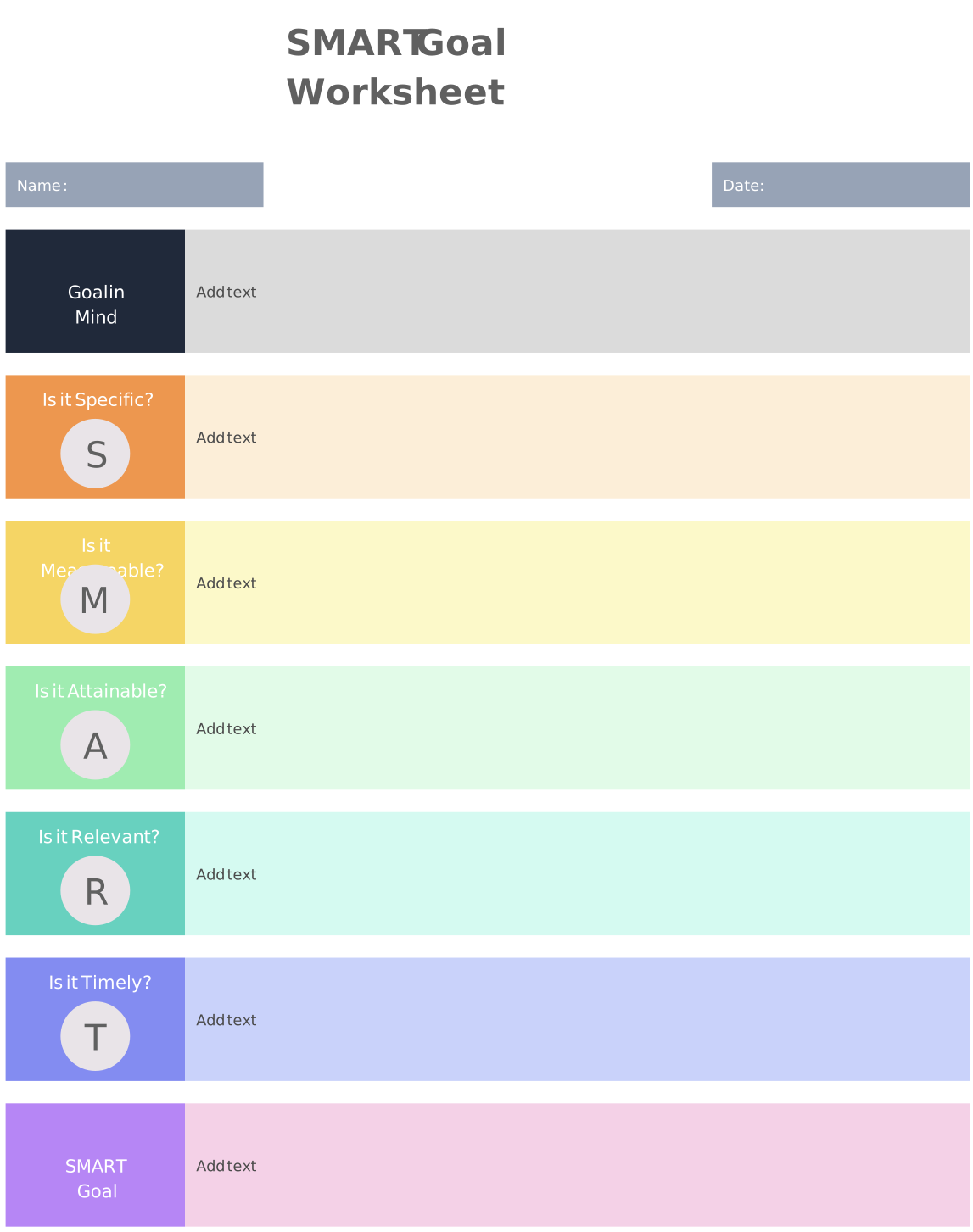
Use the SMART framework to test the goal:
- Specific: Clearly states what should change or be delivered.
- Measurable: Includes evidence that will demonstrate progress or completion.
- Achievable: Can reasonably be accomplished with the available capacity and resources.
- Relevant: Supports a larger business, team, project, or personal objective.
- Time-bound: Has a target completion date.
For example, replace “increase sales” with “increase monthly ecommerce sales from $50,000 to $60,000 within six months without exceeding the approved marketing budget.”
Common mistake: Choosing an activity as the goal. “Run a campaign” describes work, while “generate 100 qualified leads by September 30” describes an outcome.
Step 2: Break the Goal into Action Steps
List everything that must happen for the goal to be achieved. Begin with major activities, then divide complex activities into tasks that can be assigned, scheduled, and completed.
Write every action step as a clear verb-led instruction, such as:
- Research five customer segments.
- Approve the campaign message.
- Build the landing page.
- Configure conversion tracking.
- Review weekly performance.
Each task should be specific enough that its owner understands the expected output without needing to interpret the wording.
Common mistake: Creating tasks that are either too broad to manage or so small that the plan becomes difficult to maintain. Break work down until each task has a clear output, owner, and completion condition.
Step 3: Assign an Owner to Every Task
Give each action step one accountable owner. Other people can contribute, review, or approve the work, but a single owner should be responsible for moving it forward.
Before confirming ownership, check the person’s:
- Relevant skills and authority.
- Current workload and availability.
- Access to the necessary information and tools.
- Understanding of the expected outcome.
For cross-functional plans, use a RACI matrix to distinguish who is responsible, accountable, consulted, and informed.
Common mistake: Assigning a task to an entire department. Naming one accountable owner makes it easier to identify progress, decisions, and blockers.
Step 4: Prioritize Tasks and Map Dependencies
Not every action step has equal urgency, and some tasks cannot begin until other work is finished. Mark each task’s priority and identify its dependencies before setting the final schedule.
Ask:
- Which tasks directly affect the goal?
- Which tasks block other work?
- Which tasks require approval or external input?
- Which tasks have fixed dates or limited resources?
- Which lower-value tasks can be postponed if capacity changes?
For example, a team cannot test a new landing page until the copy, design, build, and tracking setup are complete. Making those dependencies visible prevents unrealistic schedules and avoidable waiting time.
Common mistake: Treating every task as urgent. Use a consistent prioritization method, such as impact versus effort, and explain what each priority level means.
Step 5: Set Realistic Deadlines and Milestones
Add a start date and due date to every task. Confirm estimates with the people doing the work and include time for reviews, approvals, handoffs, and likely delays.
Then establish milestones: meaningful checkpoints that show an important phase or deliverable has been completed. Examples include “research approved,” “prototype ready,” “campaign launched,” or “first 100 customers onboarded.”
Work backward from the final deadline to check whether the sequence is realistic. If several critical tasks depend on the same person or resource, adjust the schedule before execution begins.
Common mistake: Setting dates without accounting for dependencies or capacity. A deadline is only useful when the conditions required to meet it are understood.
Step 6: Identify Resources, Budget, and Risks
For every task, list what the owner needs to complete it. Resources may include:
- People and specialist skills.
- Budget and purchasing approval.
- Software, equipment, and facilities.
- Data, research, and documentation.
- Access permissions and stakeholder decisions.
- Training or external support.
Record material risks and decide how the team will respond. For example, if an external approval could delay a launch, establish an approval deadline, a reminder process, and an escalation owner.
Common mistake: Treating missing resources as a future problem. If a required resource is unavailable, acquiring or approving it should become an action step in the plan.
Step 7: Track Progress and Update the Plan
An action plan should remain current throughout execution. Give every task a status, record blockers, and review the plan at an interval appropriate to the pace of the work.
During each review:
- Confirm what was completed.
- Compare actual progress with milestones and KPIs.
- Identify delayed or blocked tasks.
- Reassess priorities, dependencies, resources, and risks.
- Agree on changes and notify affected stakeholders.
- Record the next review date.
Fast-moving plans may require weekly reviews, while longer initiatives may be reviewed monthly. The right frequency is the one that identifies problems early enough for the team to act.
Common mistake: Updating task status without evaluating whether the work is producing the intended result. Track both completion and outcome metrics.
Complete Action Plan Example
Suppose an ecommerce team wants to increase average monthly sales by 20%, from $50,000 to $60,000, within six months. Its plan might include the following work:
| Action step | Owner | Schedule | Resources | Dependency | Success measure |
|---|---|---|---|---|---|
| Analyze current traffic, conversion, and sales data | Ecommerce analyst | Weeks 1–2 | Analytics access and sales reports | Accurate source data | Baseline report approved |
| Launch a customer referral program | Marketing manager | Month 1 | Referral software, incentives, and campaign assets | Program rules and budget approval | Program live by end of Month 1 |
| Improve high-intent product and category pages | SEO and content team | Months 1–3 | Keyword research, writing, design, and development | Baseline analysis and page access | Organic revenue from target pages increases |
| Launch paid campaigns for high-margin products | Paid media manager | Months 2–4 | Creative assets, tracking, and media budget | Landing pages and tracking | Target return on advertising spend achieved |
| Automate abandoned-cart emails | CRM manager | Months 2–3 | Email platform, copy, and customer permissions | Cart tracking and segmentation | Automation live and recovering lost carts |
| Add live chat to the checkout flow | Web and support teams | Months 3–4 | Chat software and support coverage | Tool selection and integration approval | Checkout completion rate improves |
| Review performance and resolve blockers | Ecommerce manager | Weekly | Shared dashboard | Current channel data | Delays addressed and decisions recorded |
| Scale the highest-performing activities | Ecommerce team | Months 5–6 | Performance data and remaining budget | Sufficient test results | Monthly sales reach $60,000 by Month 6 |
This example connects every task to ownership, timing, resources, dependencies, and measurable results. When circumstances change, the team can adjust individual actions without losing sight of the original goal.
Free Action Plan Templates
Choose a template based on the type of outcome you are planning. Each template can be edited to assign owners, add dates, map dependencies, and track status in Creately.
Simple Action Plan Template
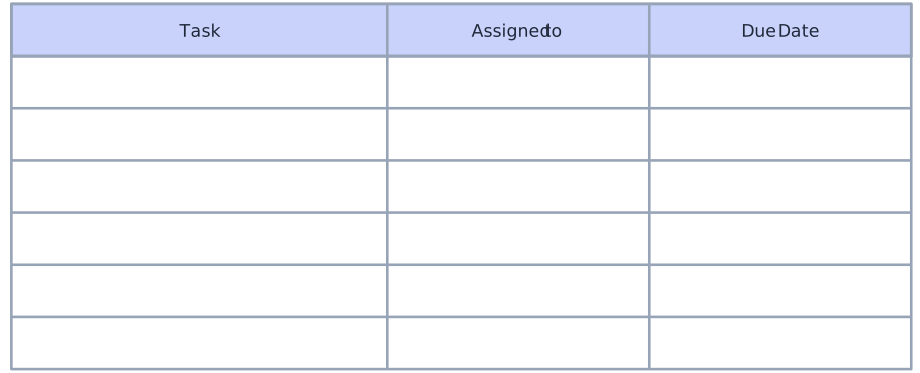
Use a simple action plan to organize one goal, its tasks, responsible people, deadlines, and completion status.
Business Action Plan
Use this template to translate a business goal into departmental initiatives, deliverables, owners, milestones, and performance measures.
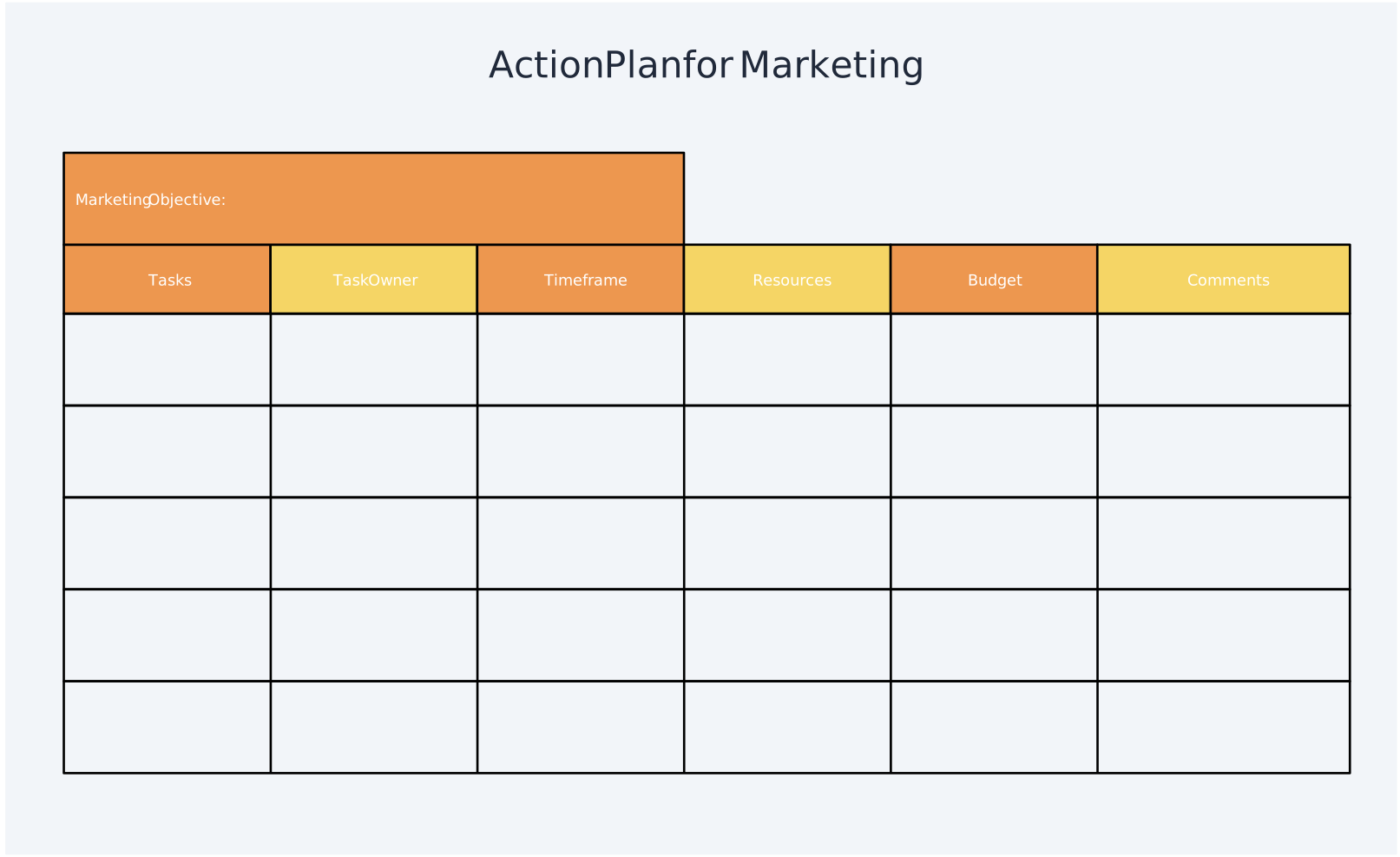
Marketing Action Plan
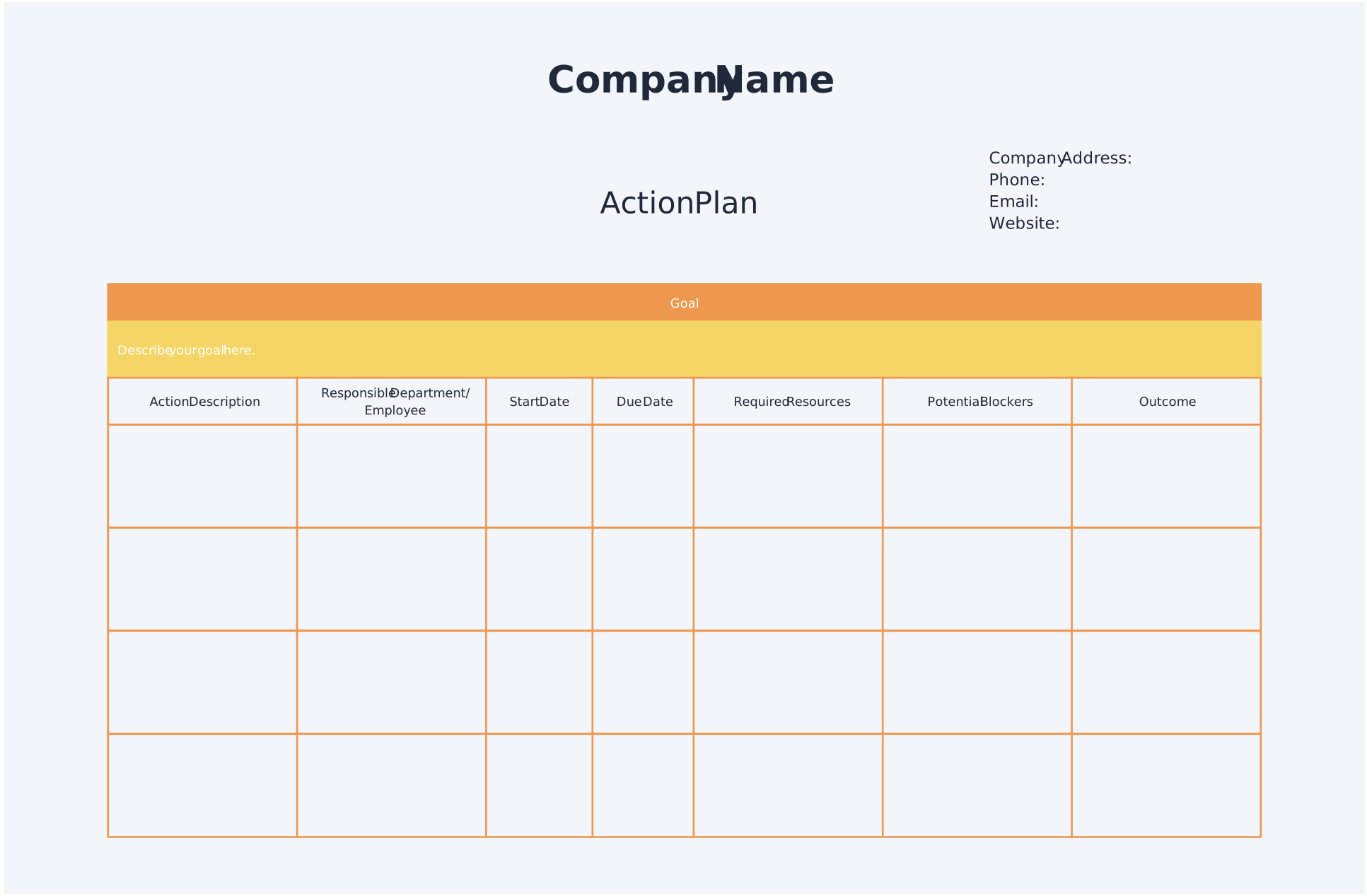
Use this template to coordinate campaign activities, audiences, channels, content, budgets, deadlines, owners, and marketing KPIs.
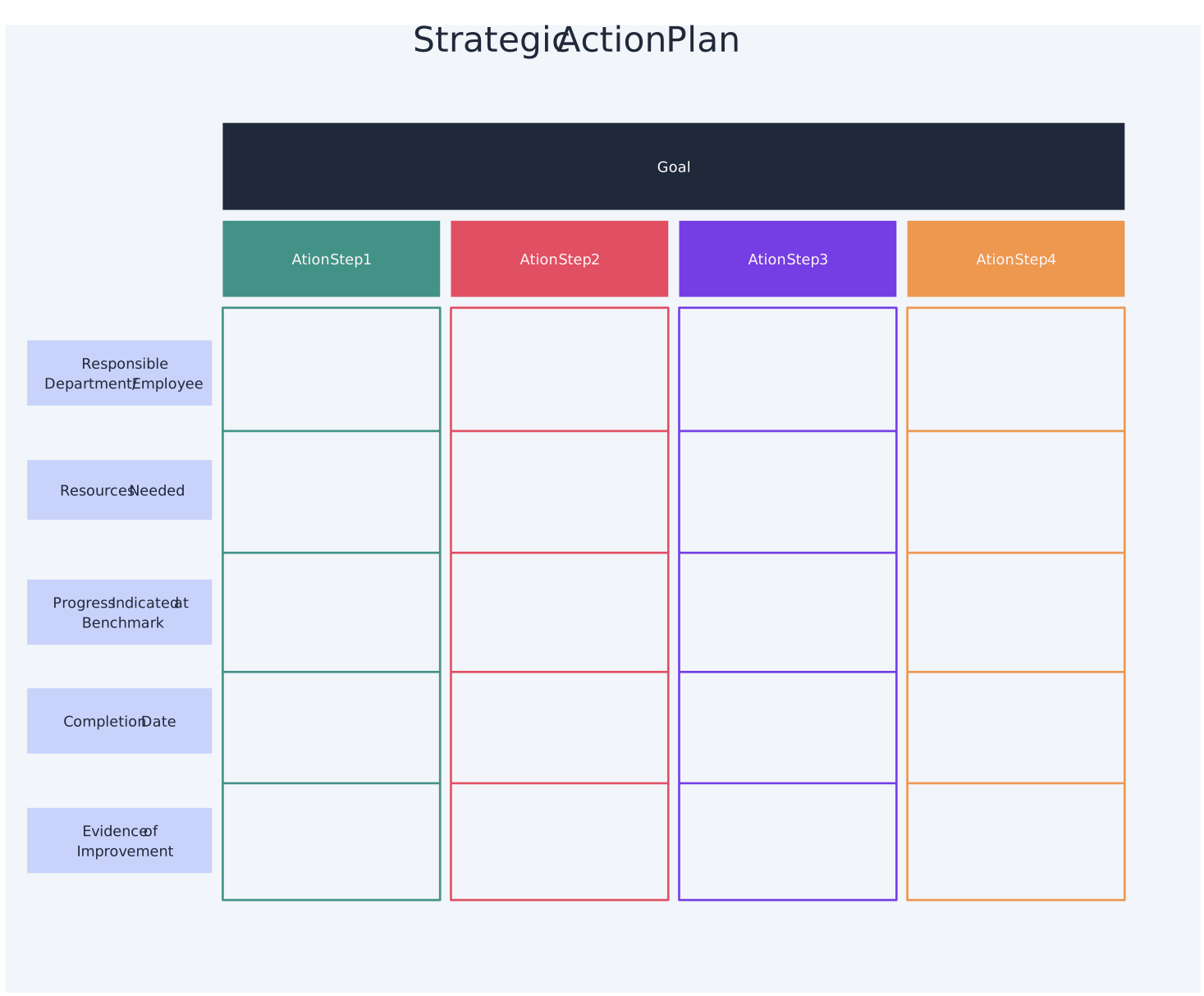
Strategic Action Plan
Use this template to connect long-term strategic objectives with initiatives, responsible teams, milestones, resources, and measurable outcomes.
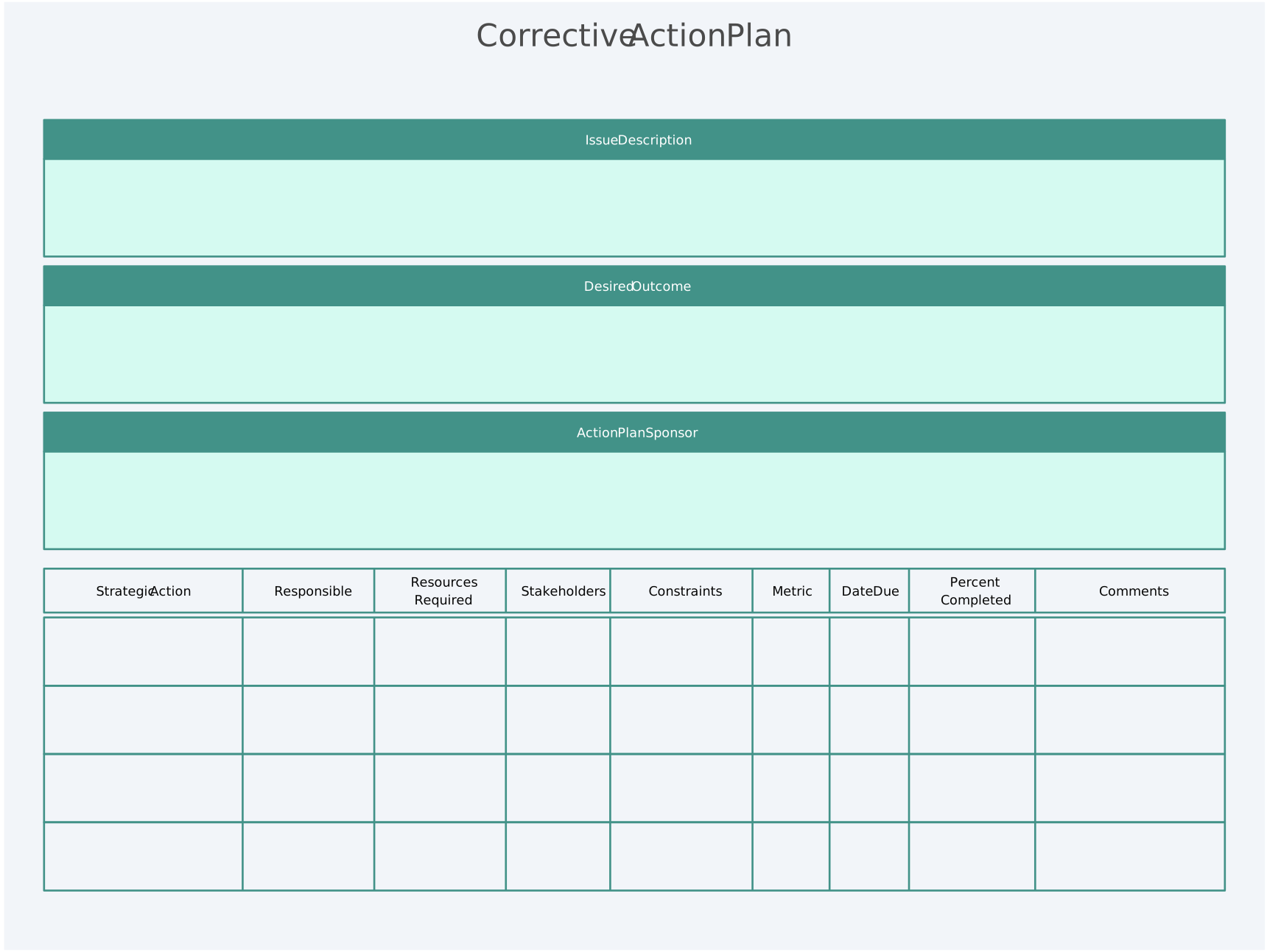
Corrective Action Plan
Use this template to document a problem, analyze its root cause, define corrective and preventive actions, assign responsibility, and verify resolution.
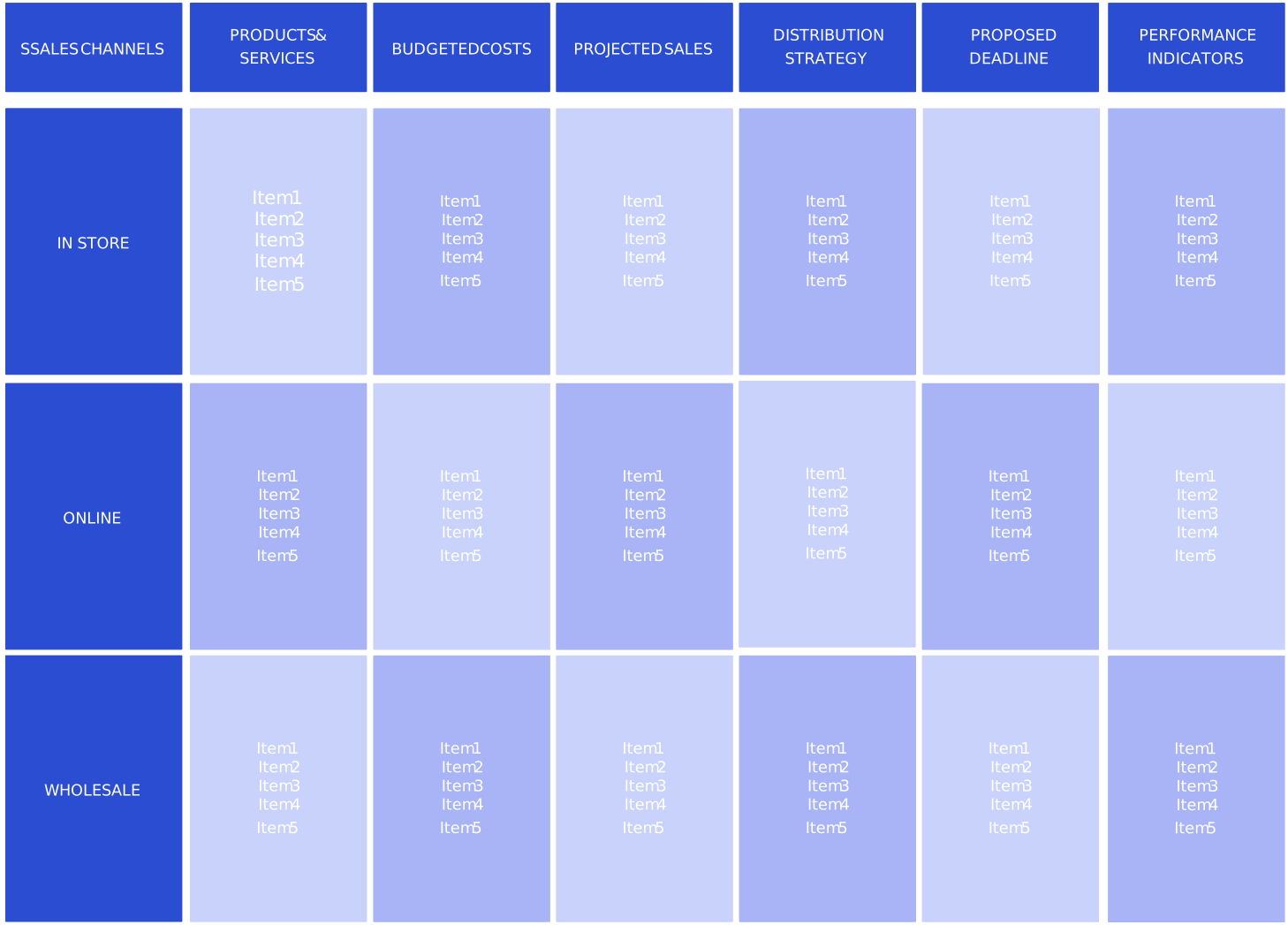
Sales Action Plan
Use this template to organize revenue goals, target accounts, pipeline activities, outreach, owners, deadlines, and sales performance measures.
Action Plan vs. Project Plan vs. To-Do List
| Document | Best used for | Usually includes |
|---|---|---|
| Action plan | Executing a defined goal | Actions, owners, dates, dependencies, resources, and KPIs |
| Project plan | Managing an entire project | Scope, schedule, budget, governance, communication, quality, and risk |
| To-do list | Tracking simple individual work | Tasks, checkboxes, and optional due dates |
| Strategic plan | Setting long-term direction | Vision, priorities, objectives, and multi-year measures |
An action plan can be part of a larger project or strategic plan. It is more detailed than a strategic objective but usually narrower than a complete project-management plan.
How to Make an Action Plan More Effective
- Keep the plan in one shared, editable workspace.
- Give each task one accountable owner.
- Define what “done” means before work begins.
- Map critical dependencies instead of relying only on dates.
- Track outcomes as well as completed activities.
- Record risks, blockers, and decisions in the plan.
- Review and update the plan on a consistent schedule.
- Archive major versions so the team can understand what changed.
- Keep the plan detailed enough to guide action but simple enough to maintain.
Create and Track Your Action Plan in Creately
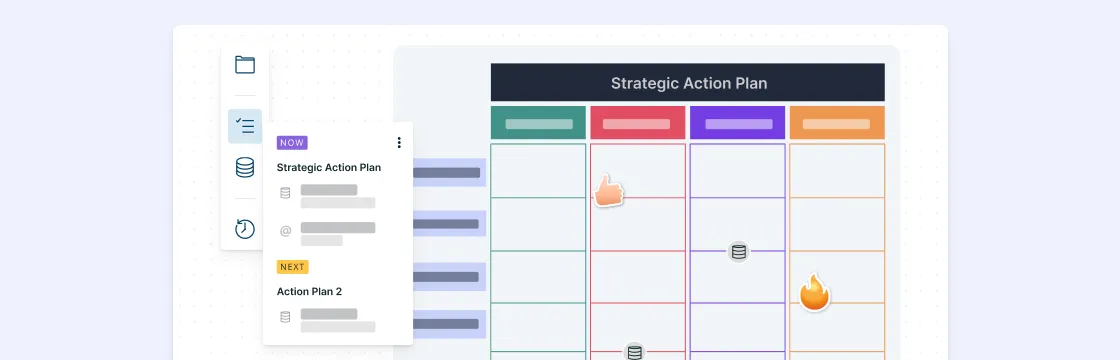
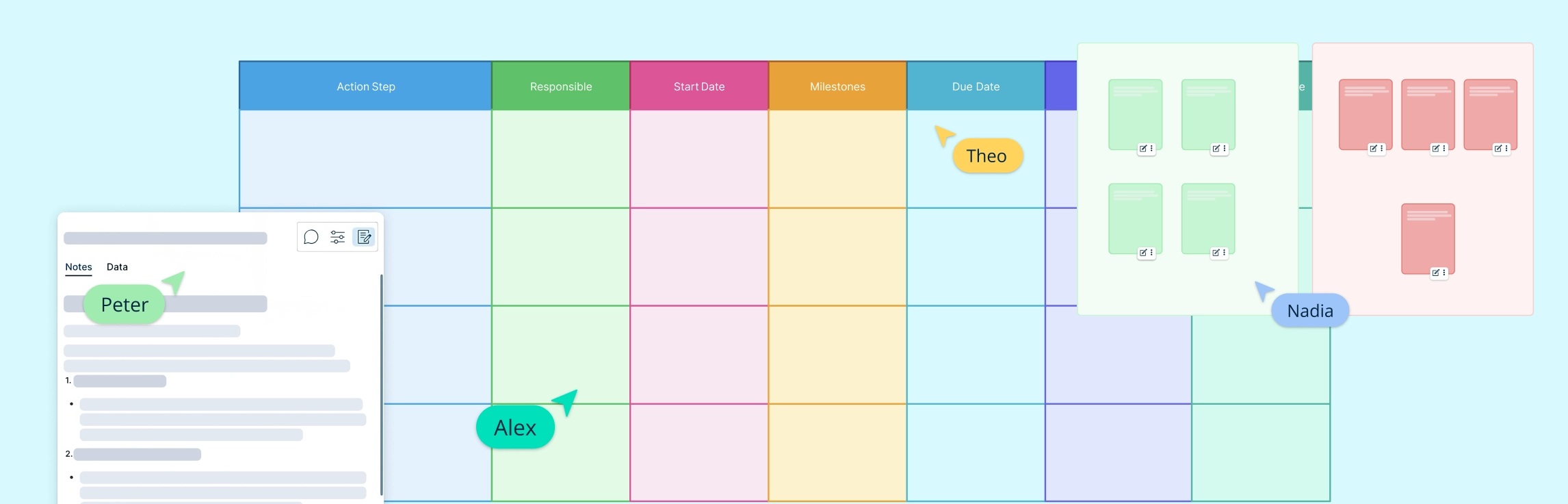
Creately helps teams move from planning to execution in one visual workspace. You can start from an editable action plan template, organize tasks, assign owners, map dependencies, add supporting information, collaborate with stakeholders, and keep progress visible as the plan changes.


Dickson Wainama
Thank you very much Amanda for the template. I am using your examples to work on my activity action plan.
Amanda Athuraliya
Hi Dickson, glad you found it useful!
Kinsambwe Derrick
Thanks Amanda for your research…
omollo
Nice work it makes action planning more easy
Elias KIyaga
Dear Amanda,
Thank you so much for the action plan samples. Great. They are so helpful.
Marluann L Figueroa Vazquez
I love it very well explained !
Robert Weber
Thanks so much for the examples, very helpful for my new position.
Simba Jn.Baptiste
Very clear with good illustrations.
Richard Cheboi
Well done,Amanda,it it is really a well detailed explanation,you have used very simple words to explain.I am using your examples to work on my activity action plan.
Tendayi Mukabeta
Thank you so much this shall help me in achieving my goals and time management with minimum stress
John Lokumana
Thank you. These documents has help me with my current job description
RJS Gopal
Very good, with examples
Daniel
Awesome learning process
May Christian Cabahug
Thank you for sharing!!!
Angella Harris
Thank you, I found this article extremely helpful and easy to follow!
Samuel Komolafe
Very useful piece. Thanks so much for sharing.
matthewriddle
nice job i liked the article